
Track every ride.
Cars. Bikes. Scooters. Whatever moves you.
You move around. Sometimes you wonder "how far did I go?" and "was that really 120 km/h or is my speedo lying?" RideLog answers these profound questions.
Get it on Google Play
Cars. Bikes. Scooters. Whatever moves you.
You move around. Sometimes you wonder "how far did I go?" and "was that really 120 km/h or is my speedo lying?" RideLog answers these profound questions.
Get it on Google PlayEverything you need. Nothing you don't.
Big, readable speedometer (analog or digital), real-time stats. Mount your phone and enjoy a dashboard that doesn't look like it was designed in 1997.
Start moving, it starts tracking. Stop for coffee, it figures that out too. Like magic, except it's just GPS and some reasonably competent code.
See exactly where you went. Every turn, every detour, every "shortcut" that wasn't. Export to GPX for the three people who do that.
Speed (current, max, average), distance, duration, elevation gain. All the numbers you'll quote to impress people who didn't ask.
Start rides, check stats, all without opening the app. We know you're lazy. We respect that.
No account. No cloud sync. No "please rate us" popups. Your rides stay on your device until you decide otherwise.
Scroll through the app. It's prettier than most ride trackers, which isn't saying much.
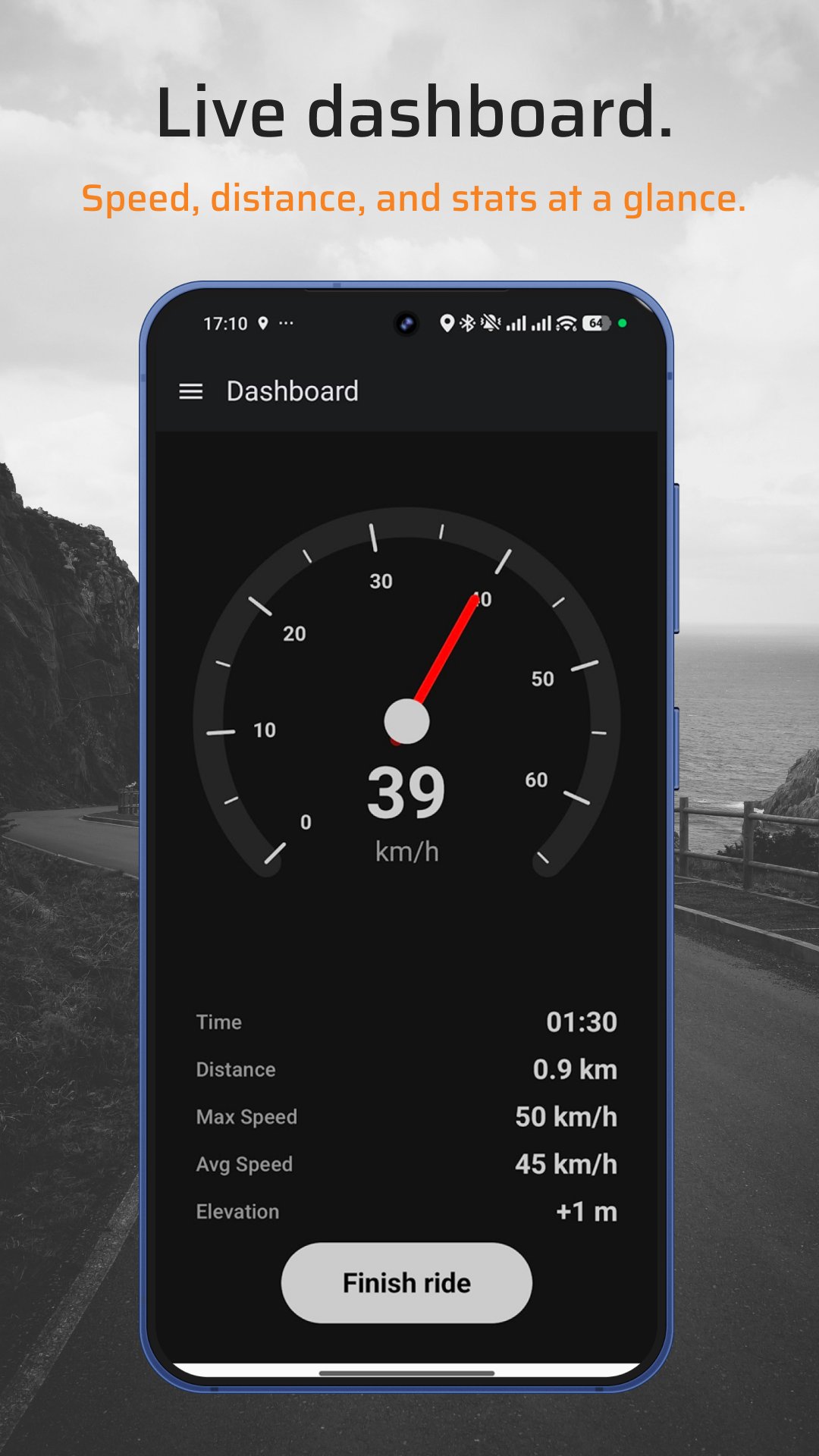
Live dashboard
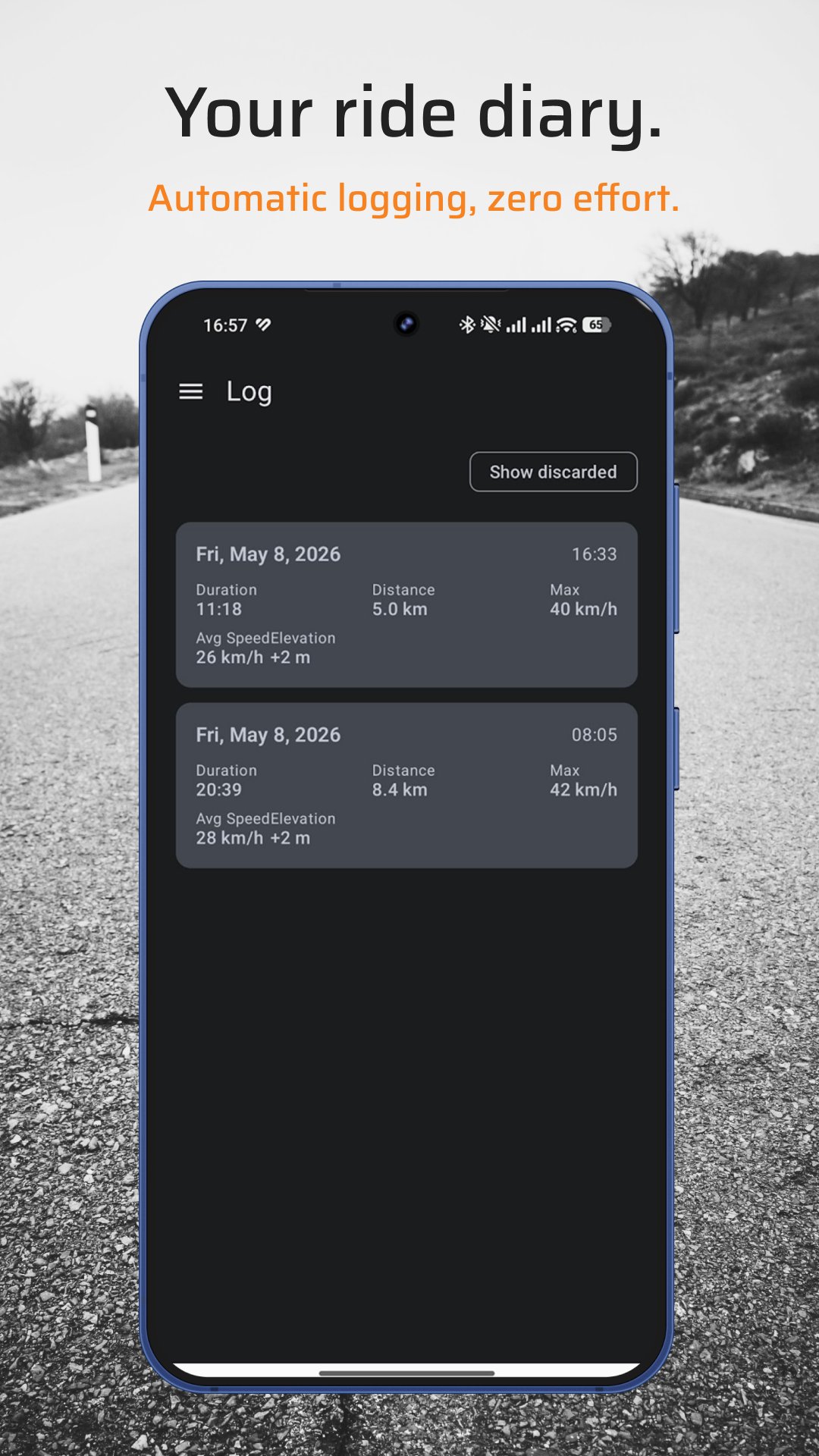
Ride history
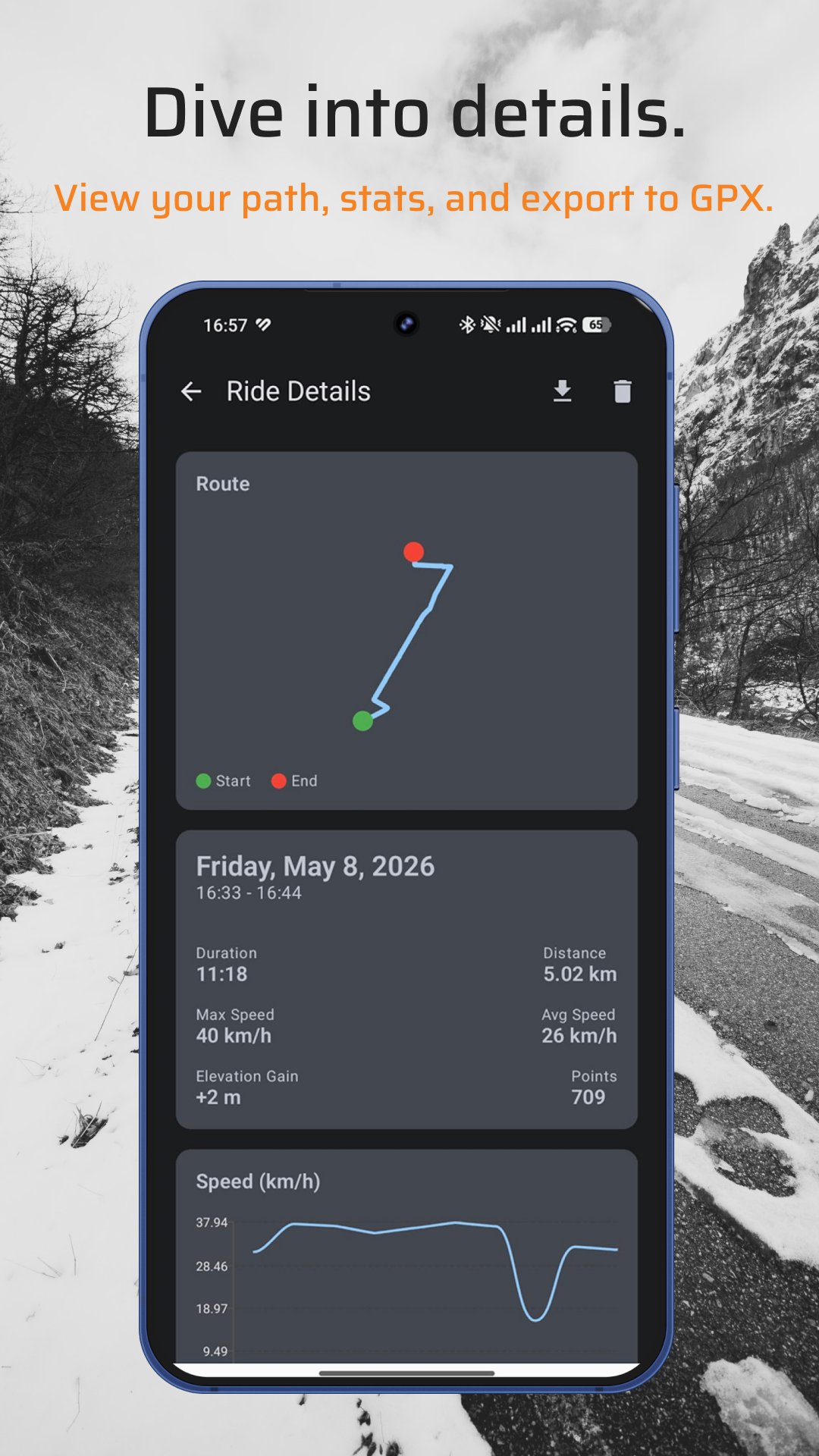
Route & stats
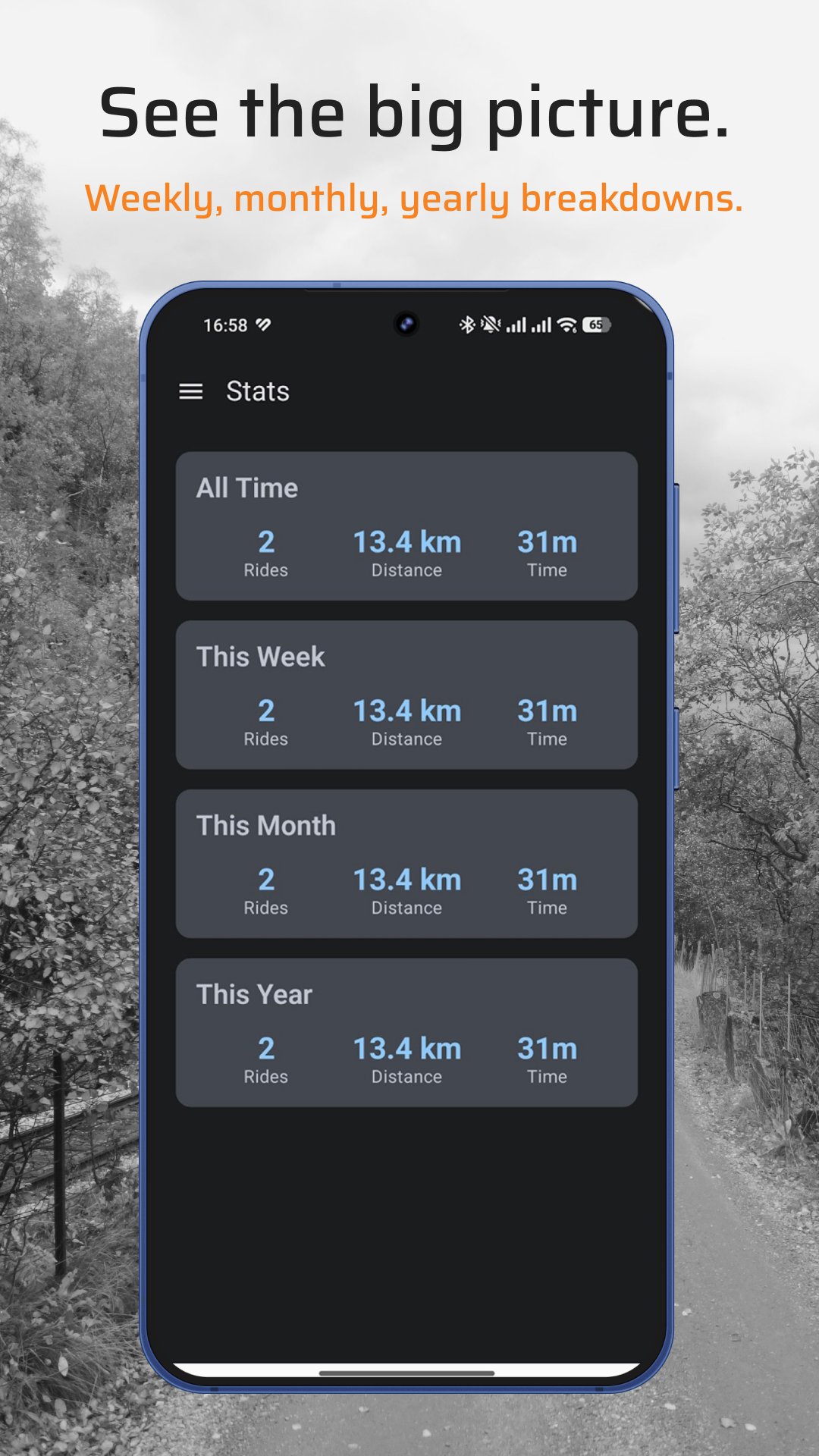
Big picture stats
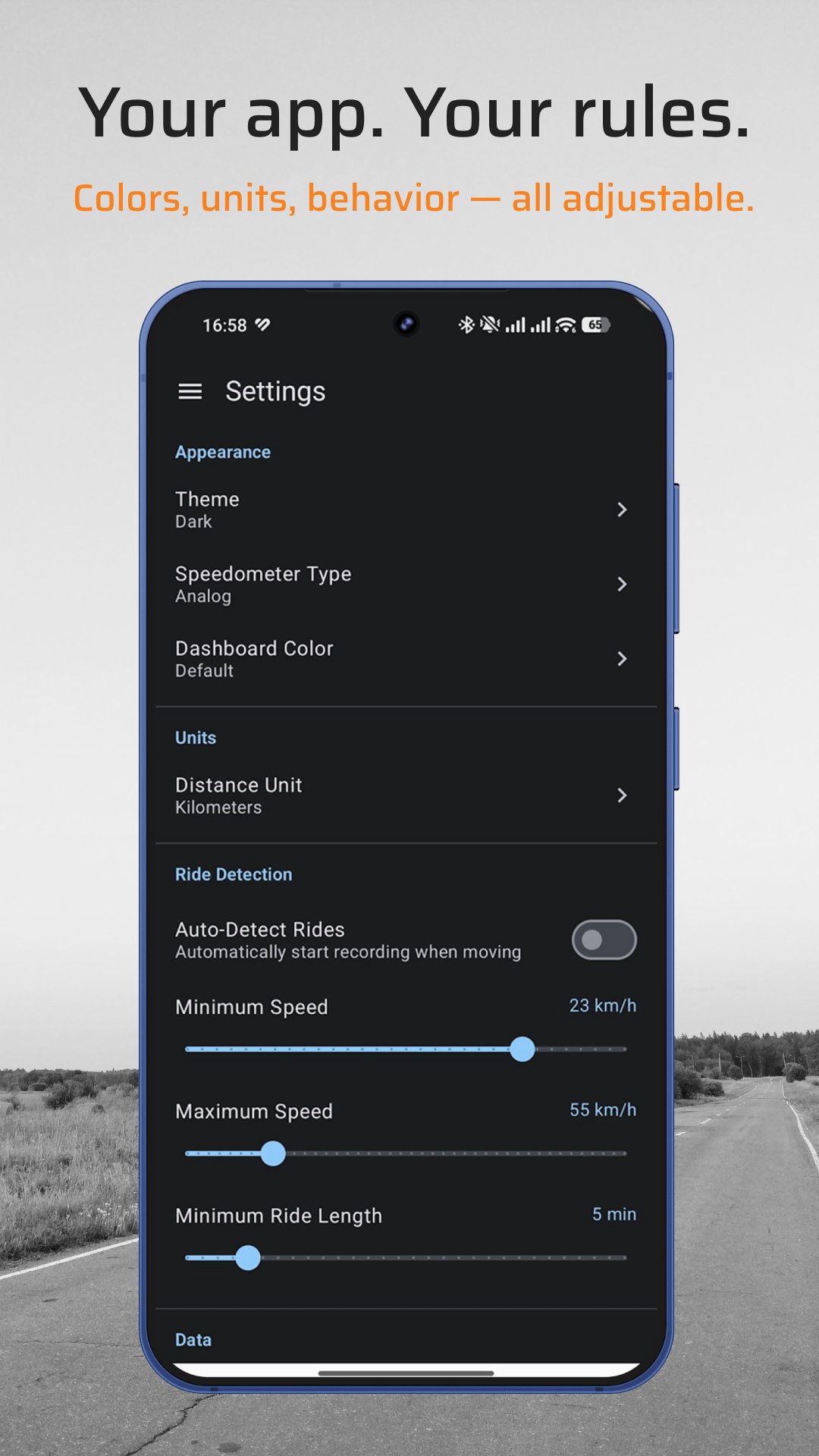
Your rules
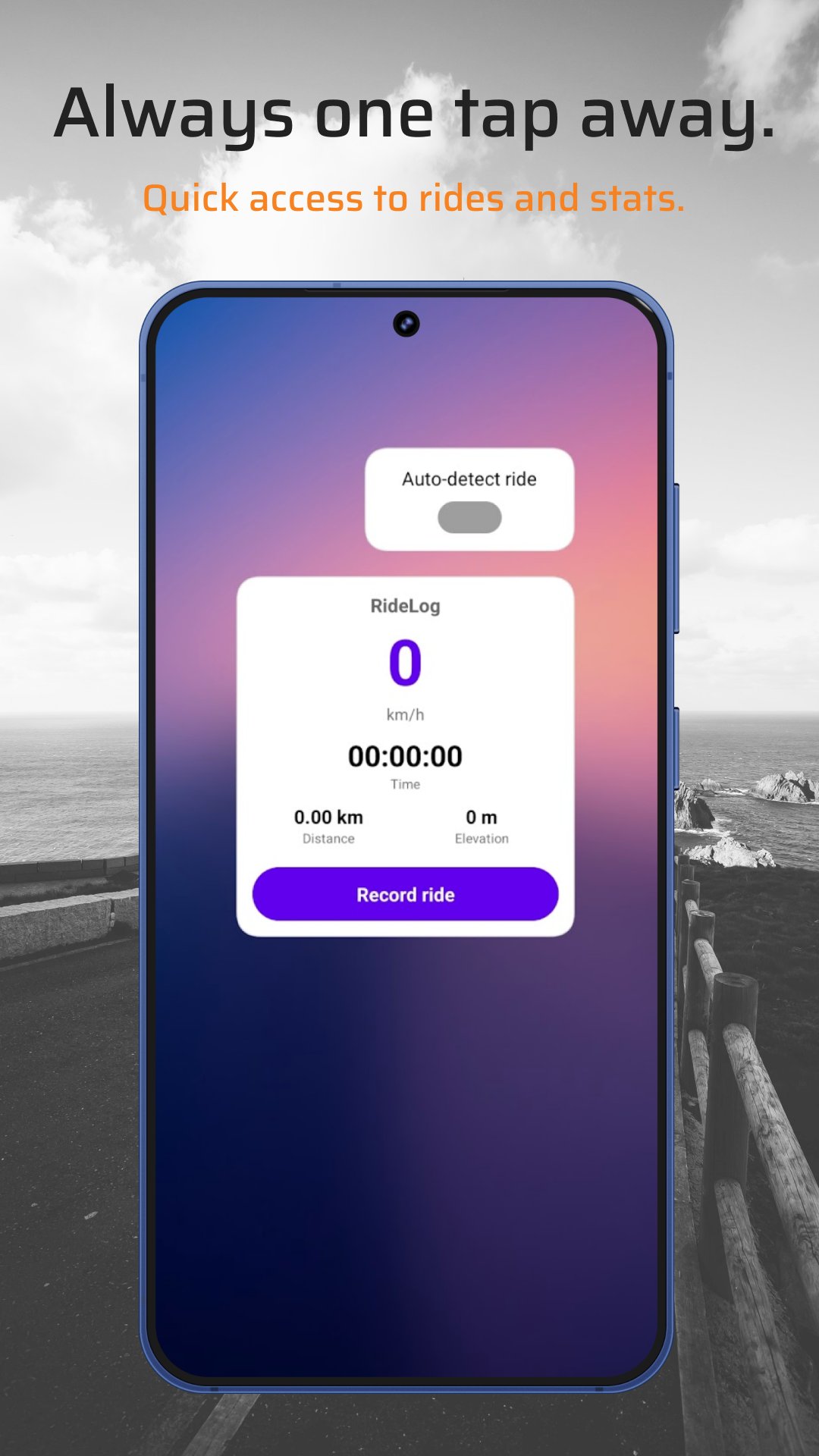
Home screen widgets
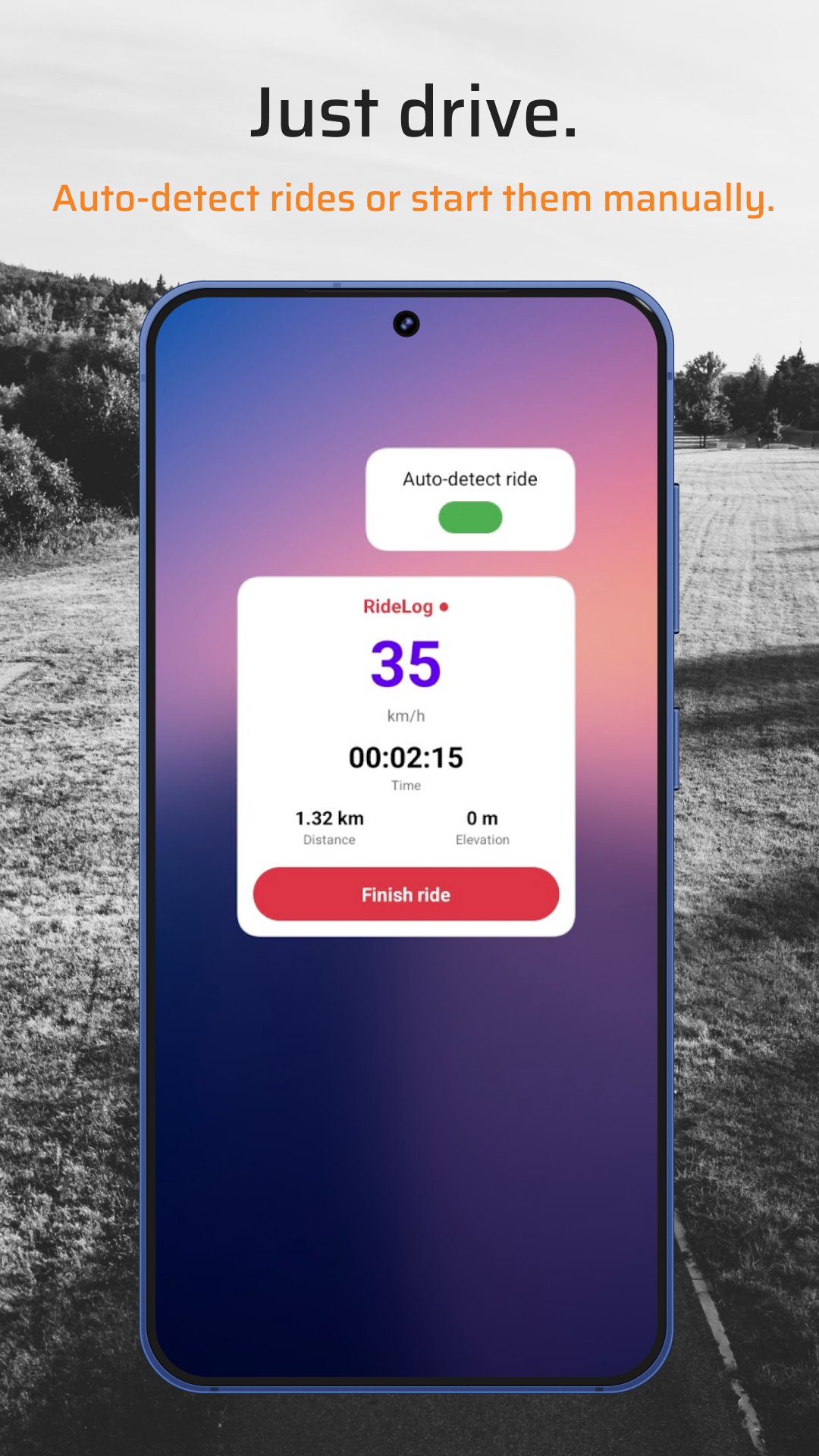
Auto-detect
Equally important, honestly.
A word about GPS The speedometer uses GPS, not your car's computer. It will lag slightly and is only as accurate as your phone's GPS chip. Don't use it to argue speeding tickets.
Auto-detection is great when it works. Here's how to make it work.
Not just "While using" — the app needs background access to detect when you start moving.
Go to Settings → Apps → RideLog → Battery → Unrestricted. Otherwise Android kills it.
Min speed should be below your slowest cruising speed. Max should be above your fastest. Defaults work for e-bikes, not highways.
Download RideLog. Know your speed. Prove your speedometer wrong. We support all life choices.
Get it on Google Play