What it actually does
It is a notebook. It is very good at being a notebook.
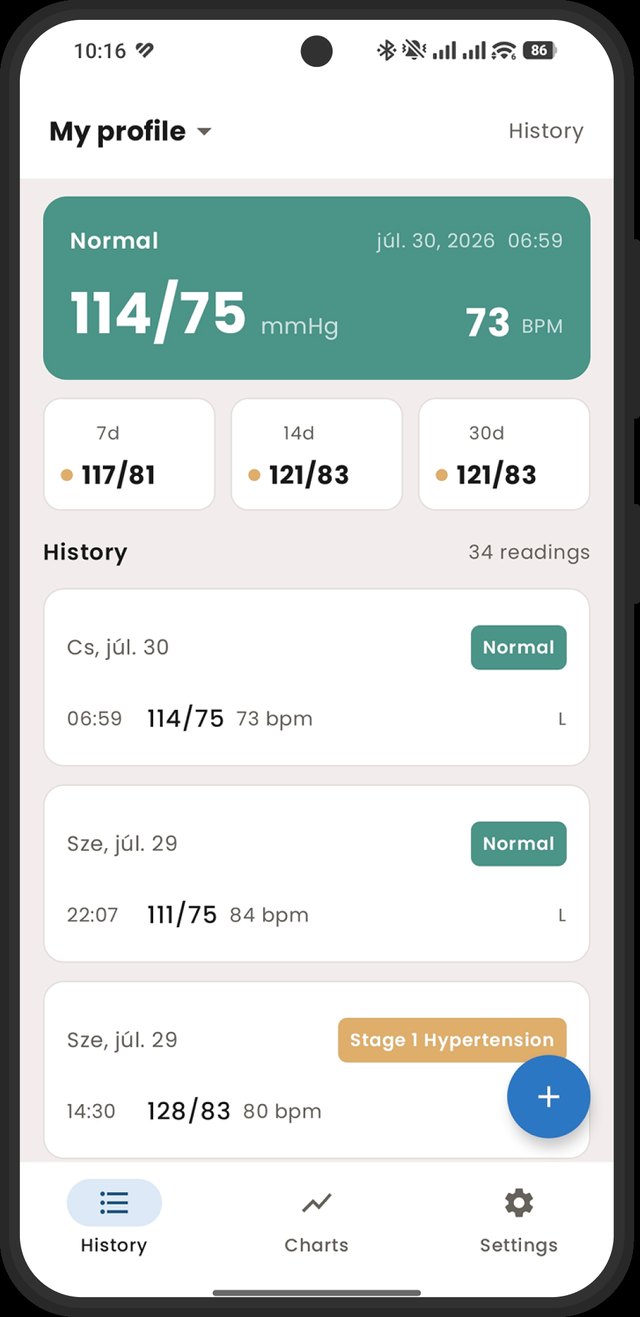
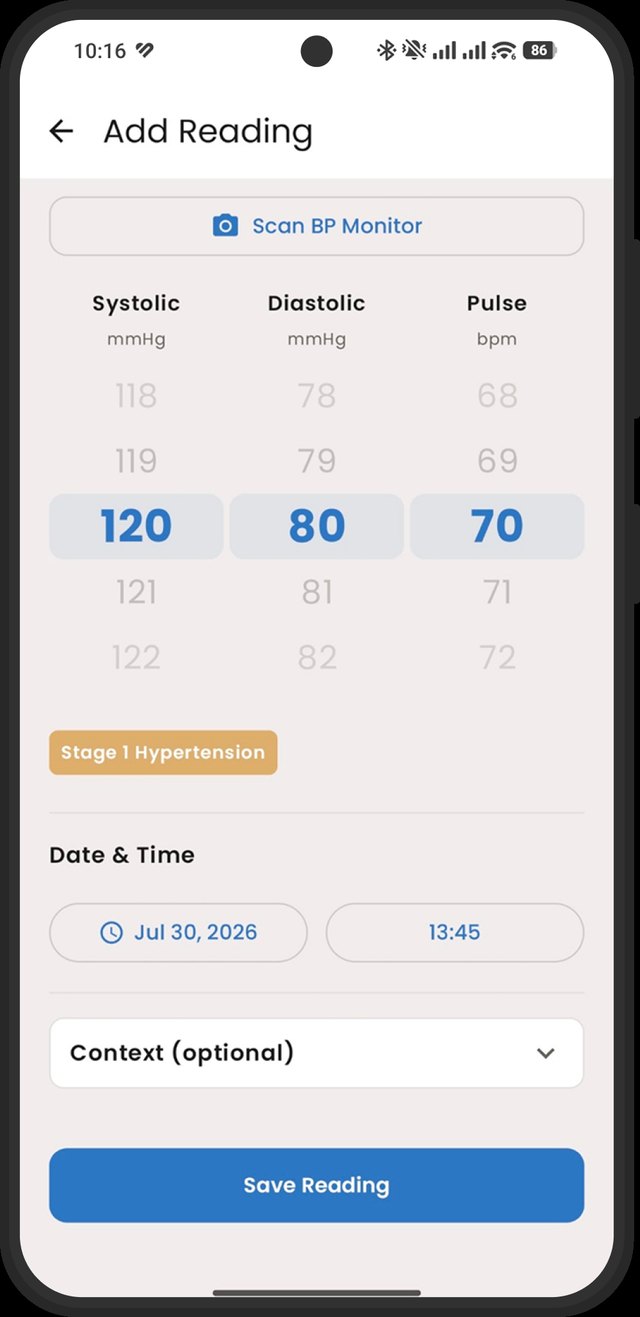
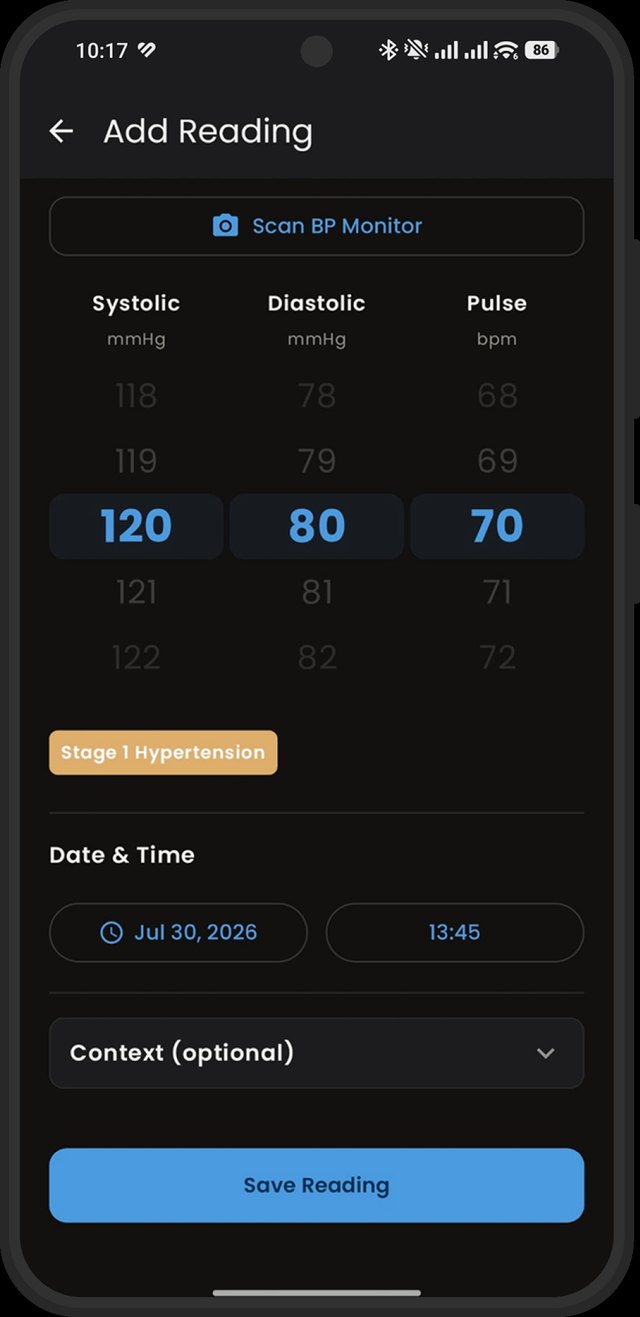
Enter systolic, diastolic and pulse. Add which arm, whether you were sitting or standing, whether you'd just come up the stairs or had a coffee — the things that explain why this morning looks worse than yesterday.
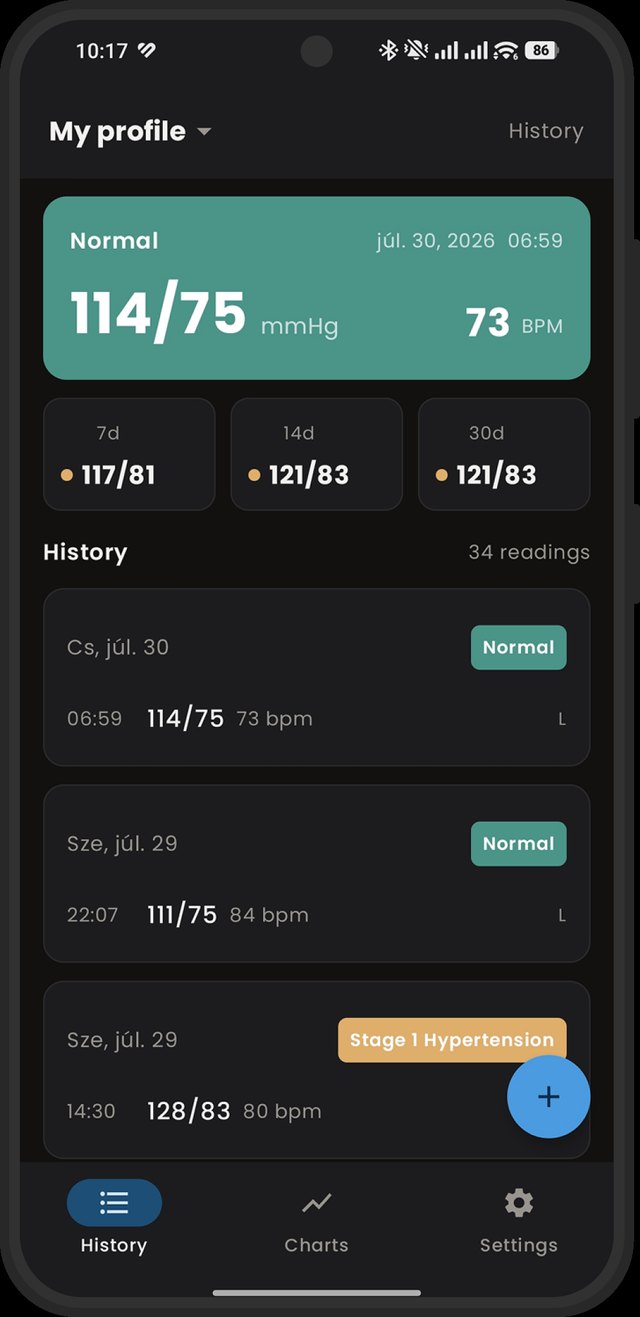
Readings taken a couple of minutes apart get averaged into one session, because that is how the guidelines say to read them and taking three and picking your favourite is not a method.
Classified, not diagnosed
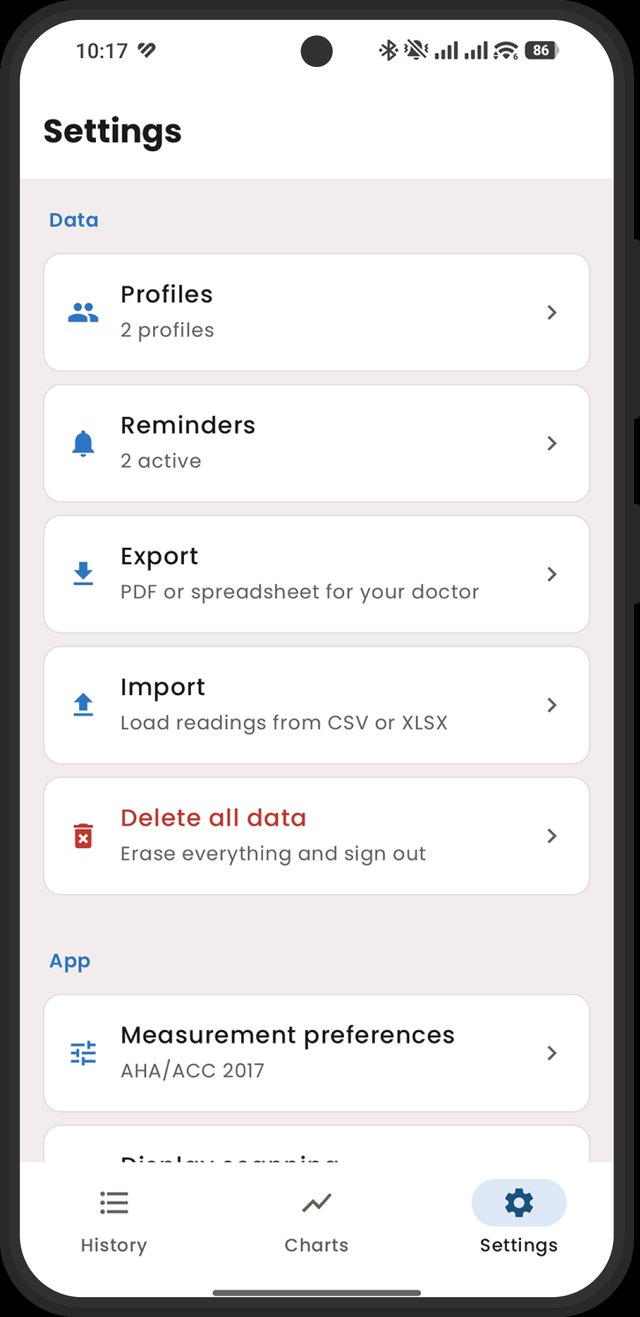
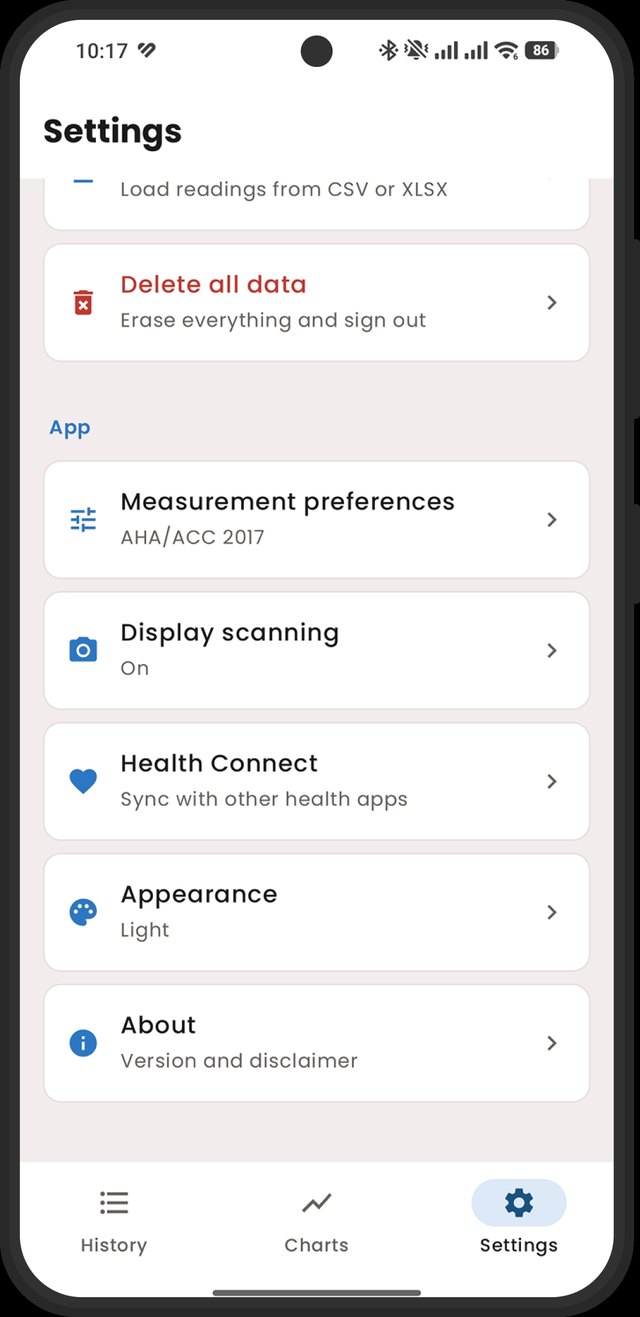
AHA/ACC 2017 or ESC 2024, whichever your doctor uses. Reference information, shown so you can see where a reading falls. Nothing more.
Charts that mean something
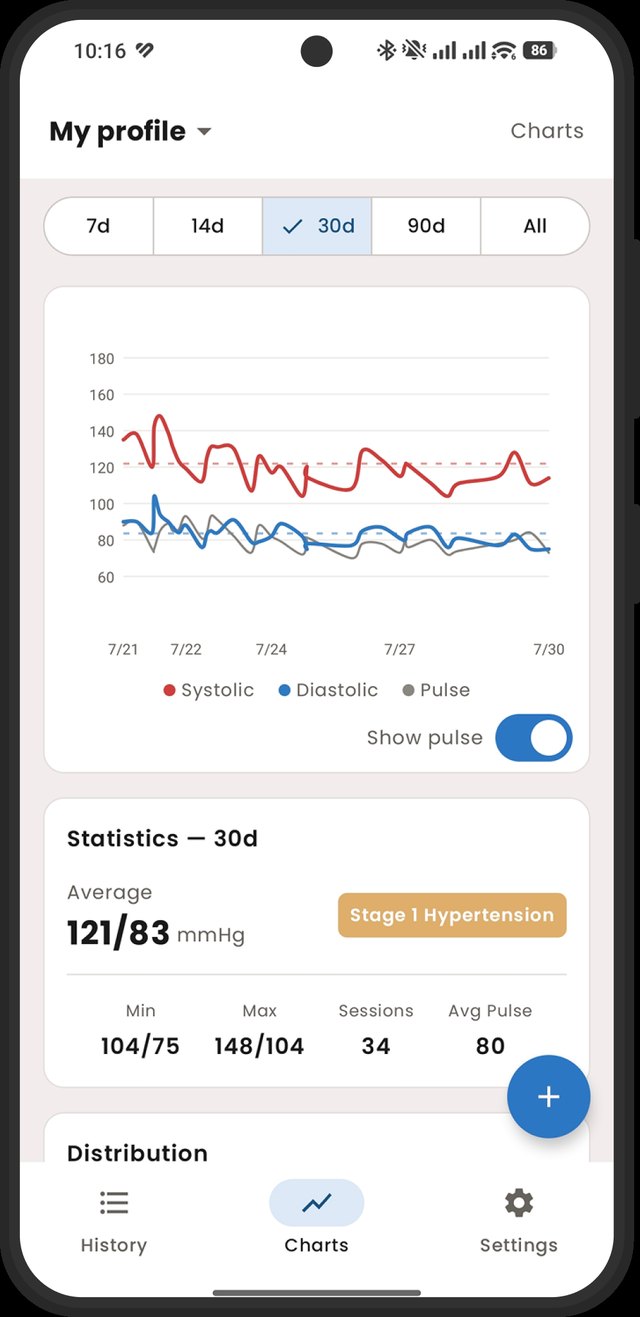
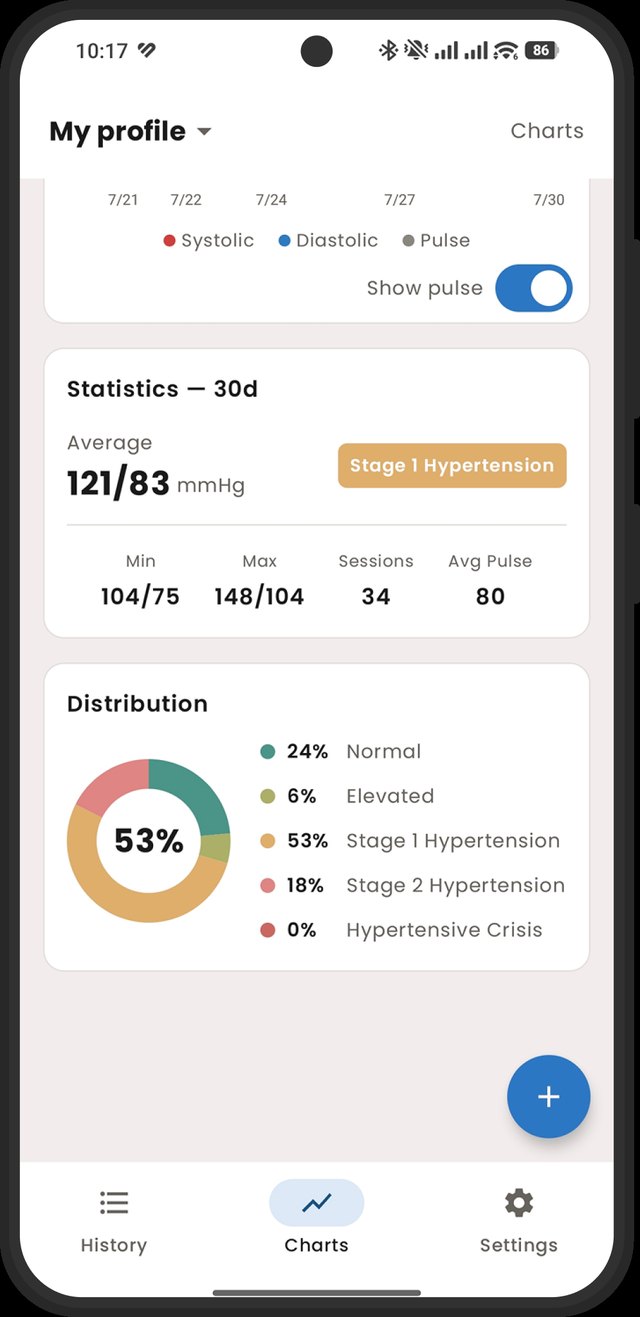
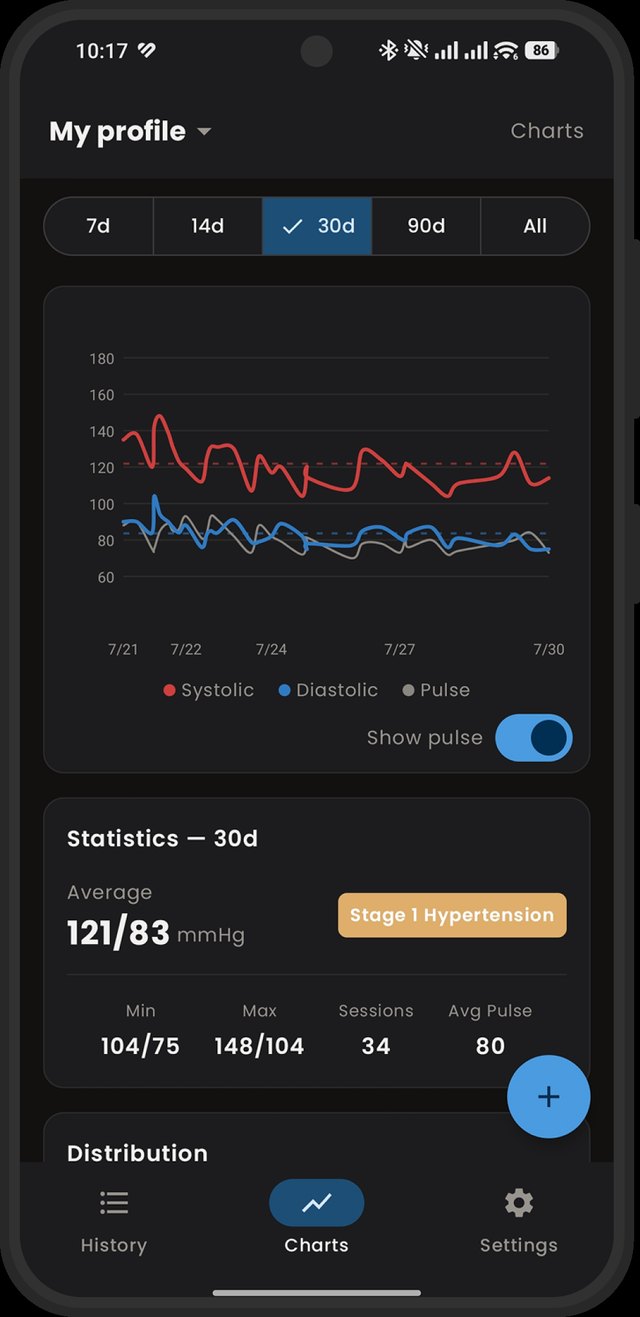
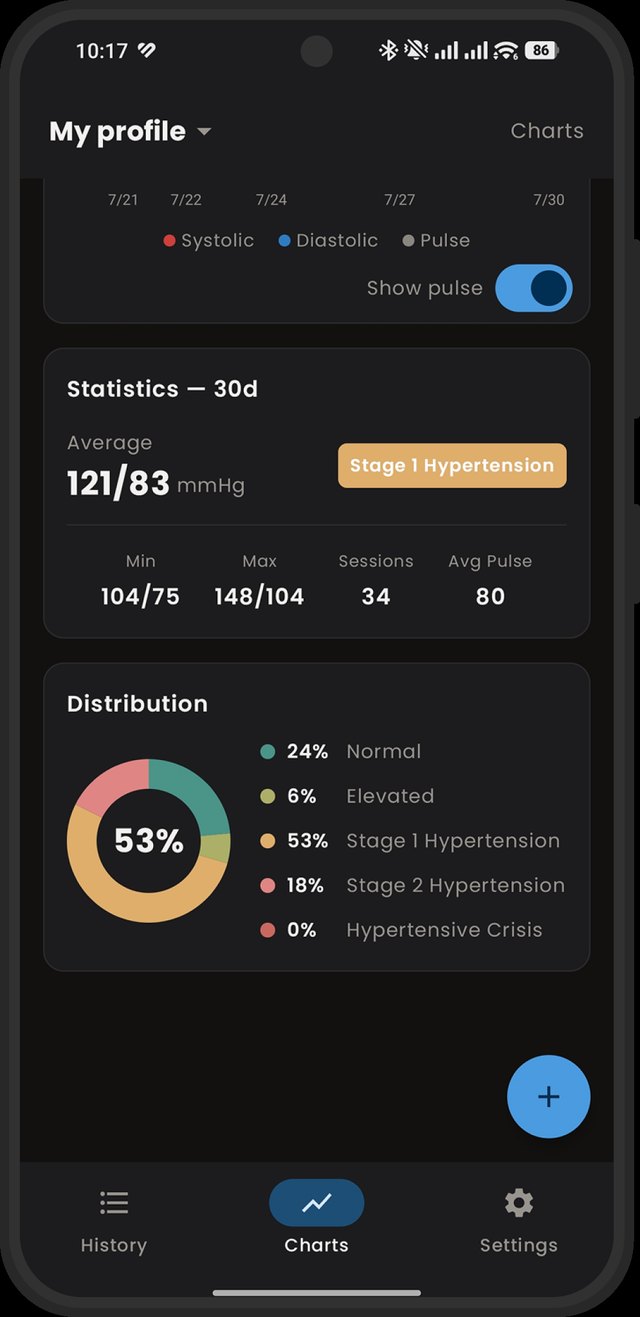
Systolic, diastolic and pulse over 7, 14, 30 or 90 days — or all of it — plus how your readings are distributed across the categories.
Something to hand over
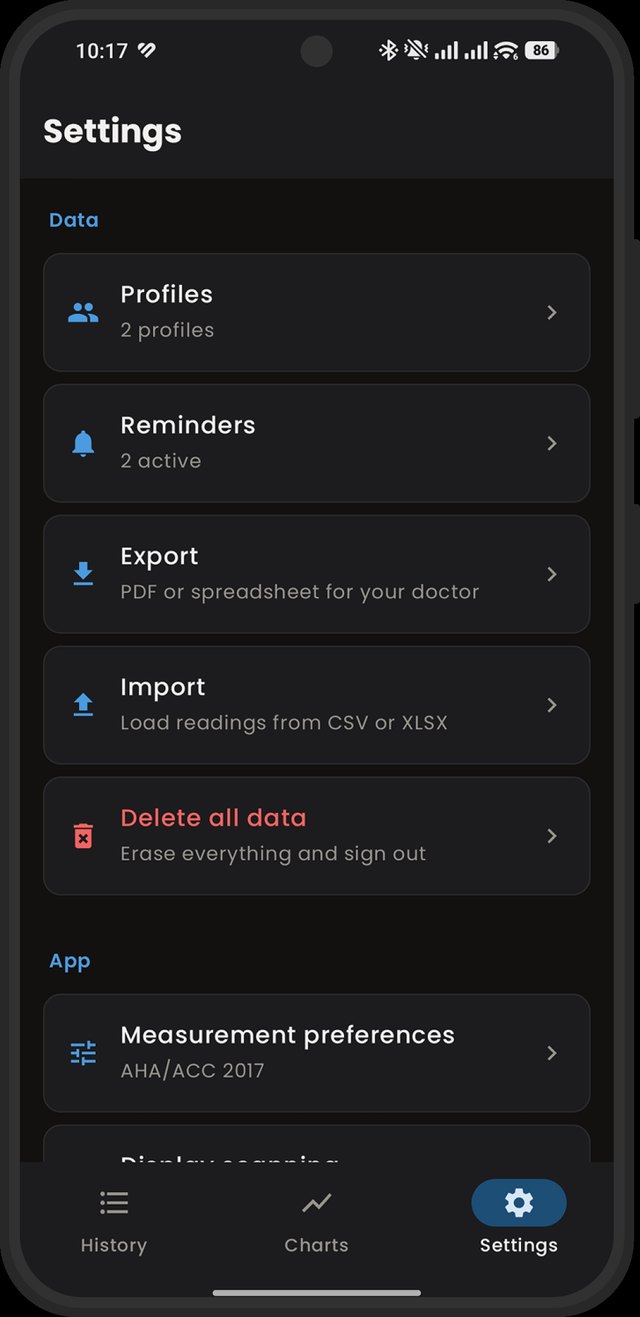
A clean PDF report, or a spreadsheet you can edit and import back. Choose the profile and the period; nobody needs four years of it.
Point the camera at it
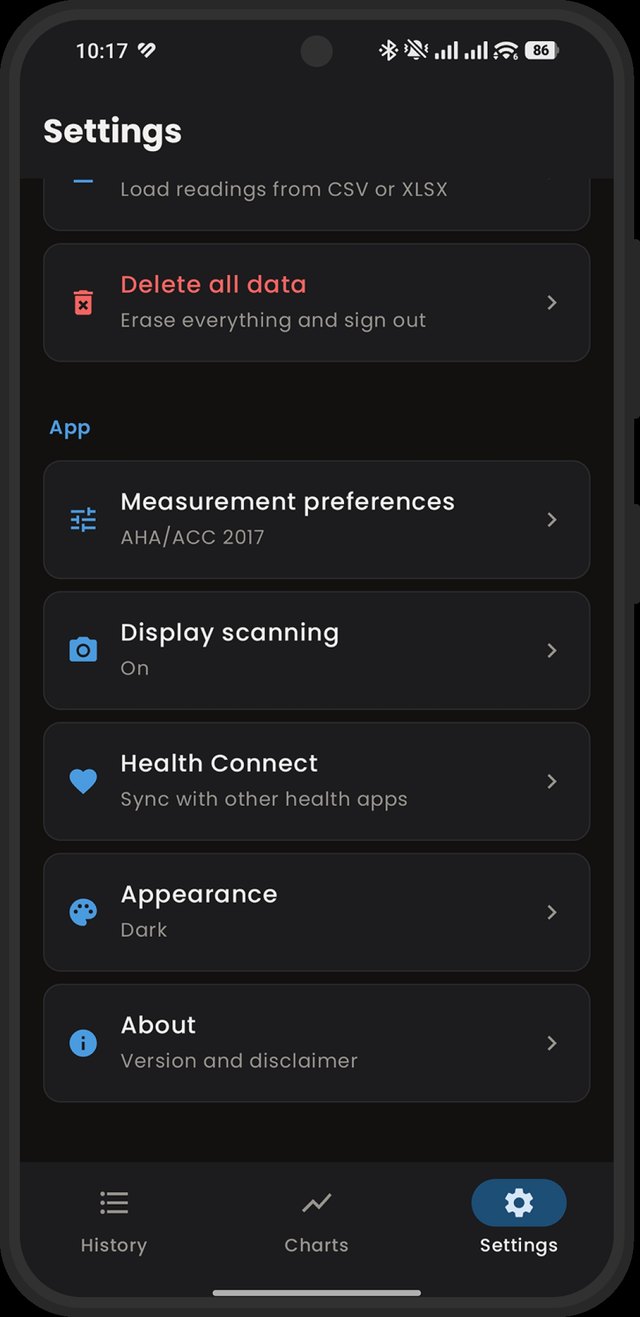
Photograph the monitor's display and the numbers get read for you. Optional, off by default, Android only, and it needs your own Gemini API key (a paid one in the EU, Switzerland and the UK).
Reminders that arrive
At the time you picked, not whenever the system feels like waking up. Android only — a browser cannot promise that and we will not pretend.
More than one person
Separate profiles for a partner or a parent, kept apart in history, charts and exports. Nobody's numbers get mixed with anybody else's.
The colours are the WHO's, not ours. We are not going to invent a nicer shade for a number that is not nice.
Have a look
Six screens, twice over.
Because dark mode should be
actually dark.
Not one theme with the brightness turned down at bedtime. Both are drawn properly, and it follows your device unless you tell it otherwise.
Two versions, one history
Enter it on the phone.
Look at it on a real screen.
The Android app and the web app read and write the same file in your own Google Drive. Type a reading standing in the kitchen with the cuff still on your arm; it is there in your browser when you sit down.
The full thing
- Everything below, plus:
- Reminders at the times you set
- Reading the monitor's display from a photo
- Health Connect, both directions
The one that runs anywhere
- Entry, history, charts, statistics
- Import, export, printable report
- Works offline; installs like an app on Android and desktop
- Runs in Safari on an iPhone, which is more than we can say for the other one
Where your readings live
In your Google Drive.
Which is to say: not here.
Health data is the most valuable thing you own and everybody wants a copy. We went to some trouble to make sure we cannot have one.
Your readings go into a hidden folder in your own Google Drive that only this app can open. It is not visible in the normal Drive interface, the app cannot see any other file you own, and there is no copy of it on anything of ours.
That is also why it syncs between your devices for free, survives a new phone, and does not need you to invent yet another password.
One honest footnote: the web version uses a small sign-in service we run, so your browser can stay signed in to Google. It handles the sign-in and nothing else — your readings never pass through it. The privacy policy spells out exactly how, because "trust us" is not a privacy policy.
Right then
Start writing them down.
Free on the web if you want to see what it is like. Pay once on Android if you want the reminders and the camera. Either way, nobody is going to email you about a summer sale.