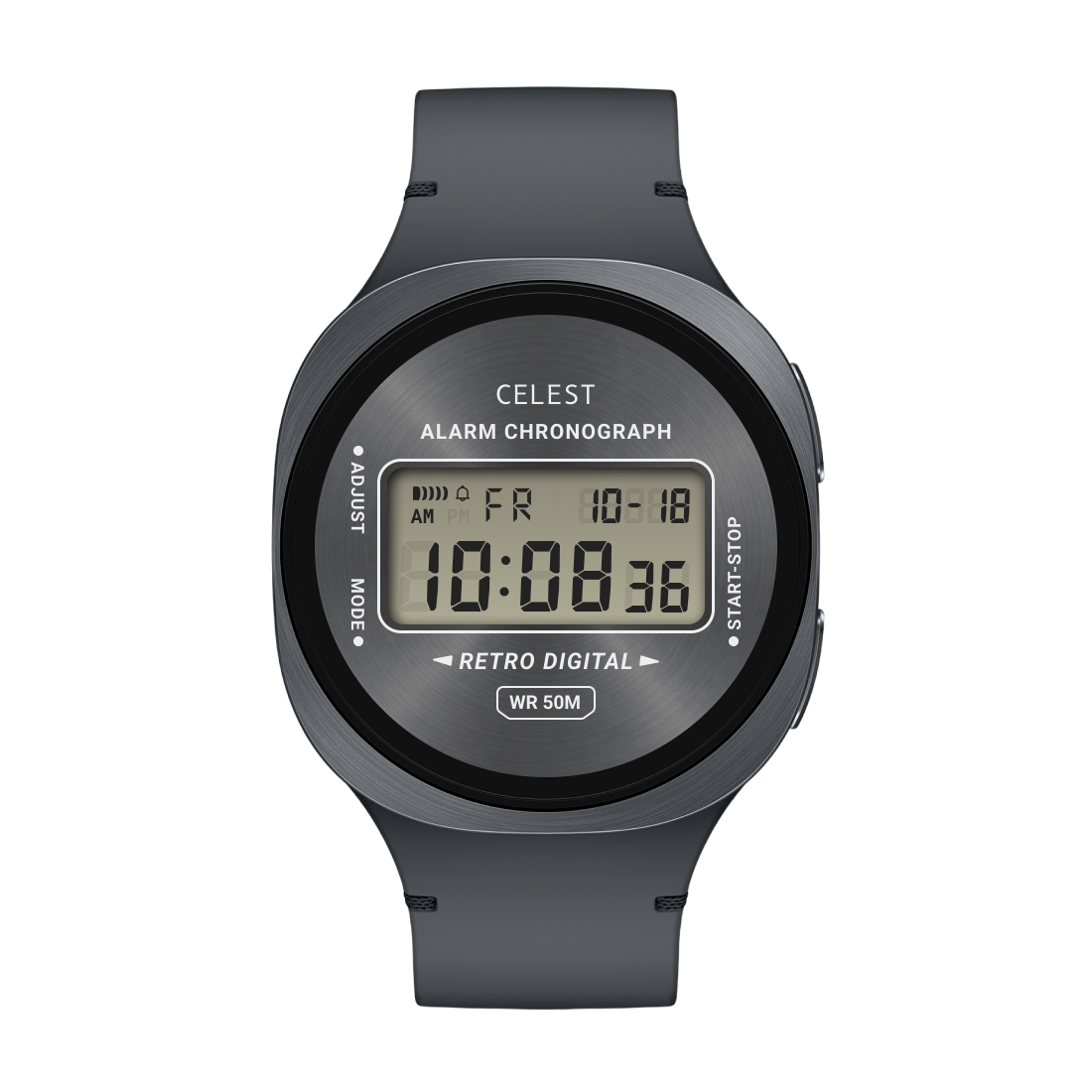
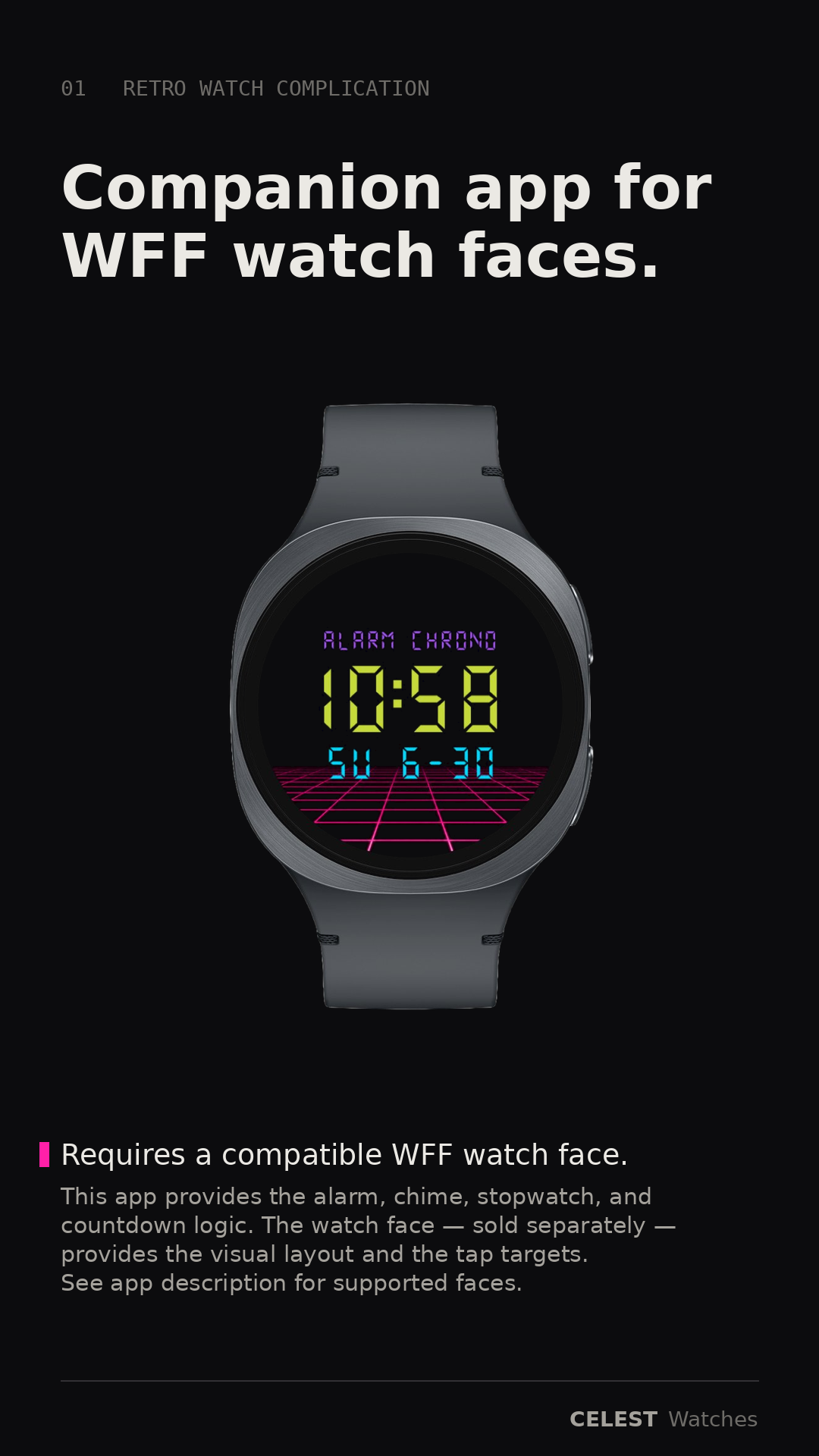
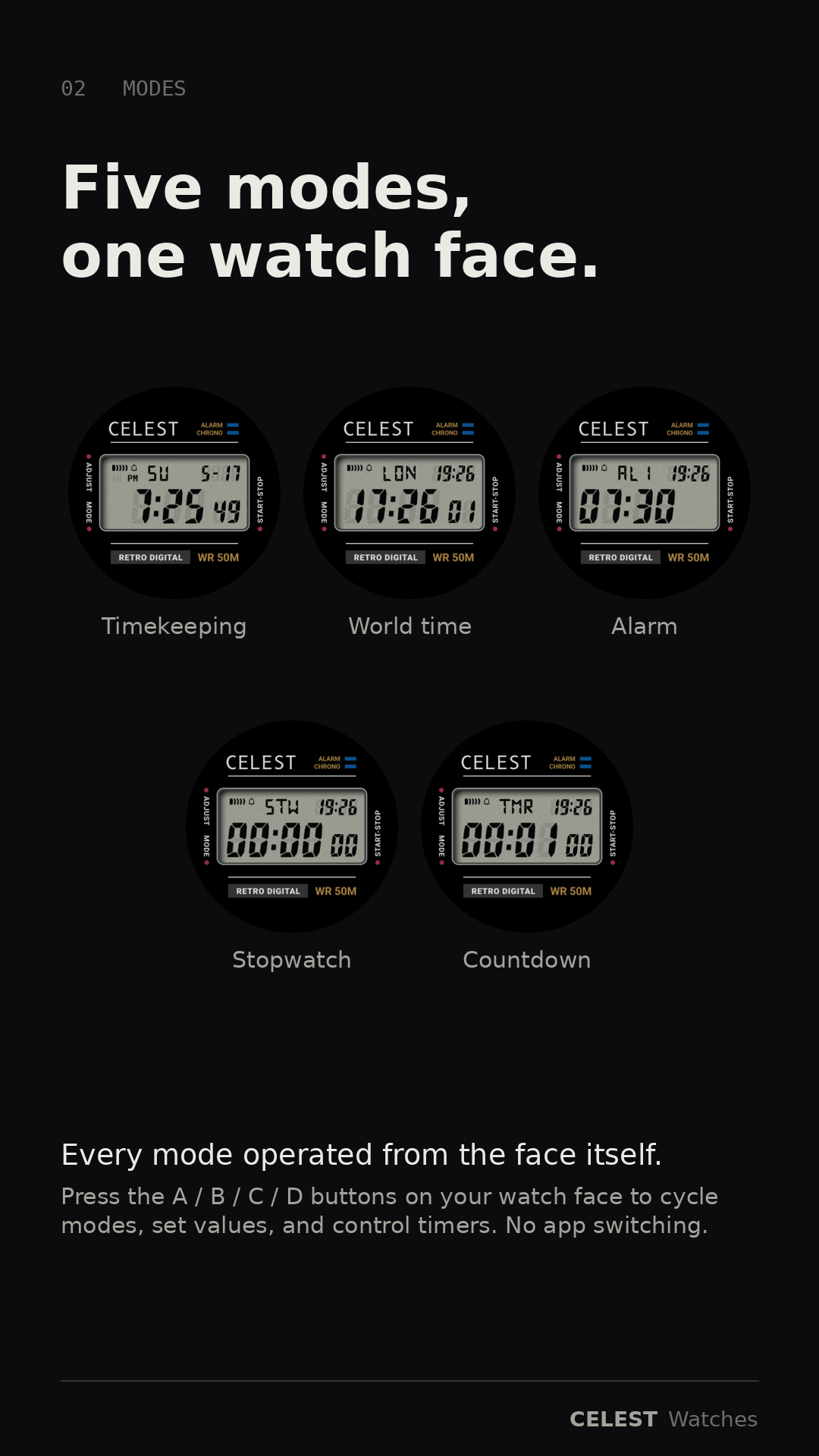
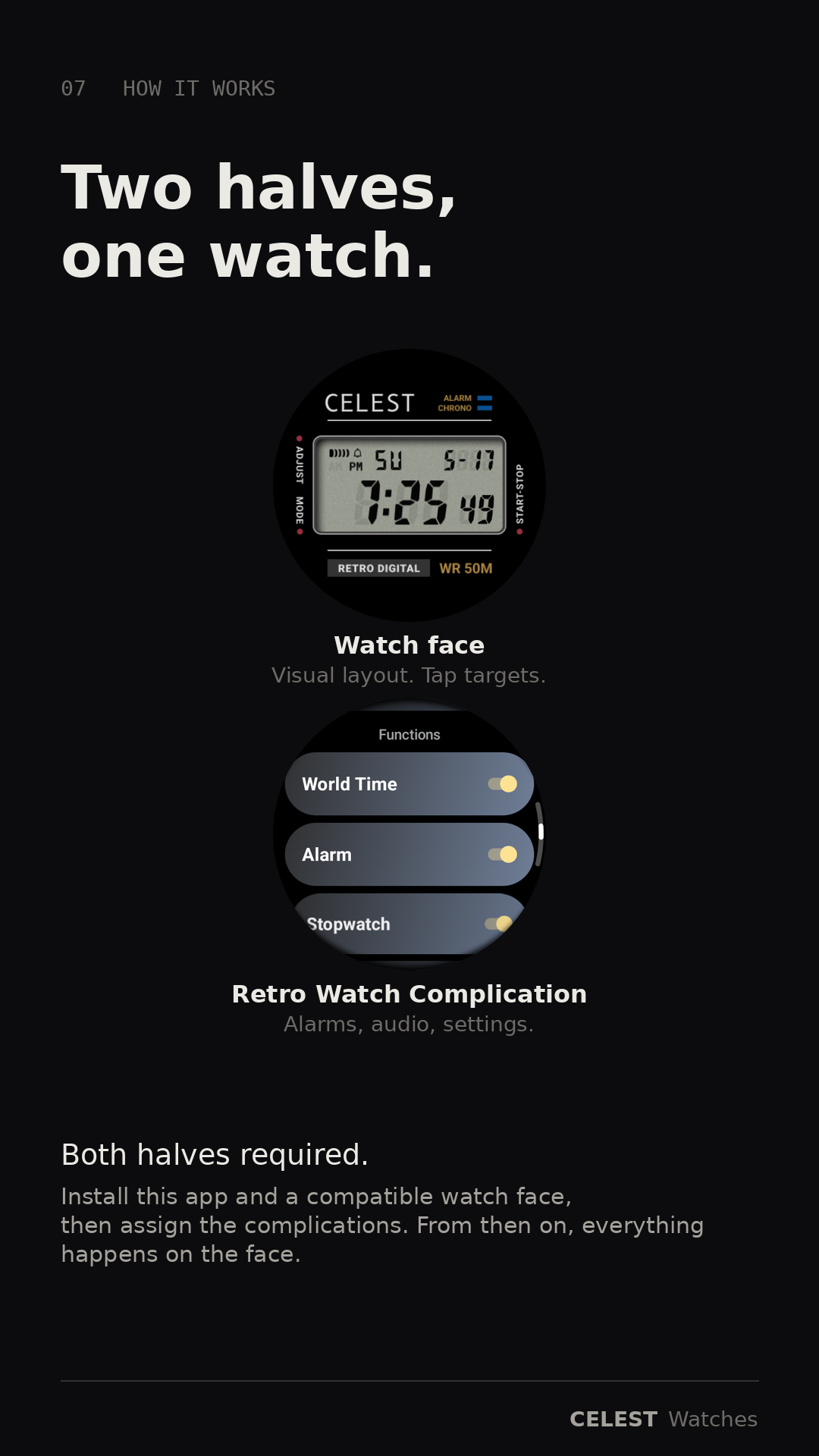
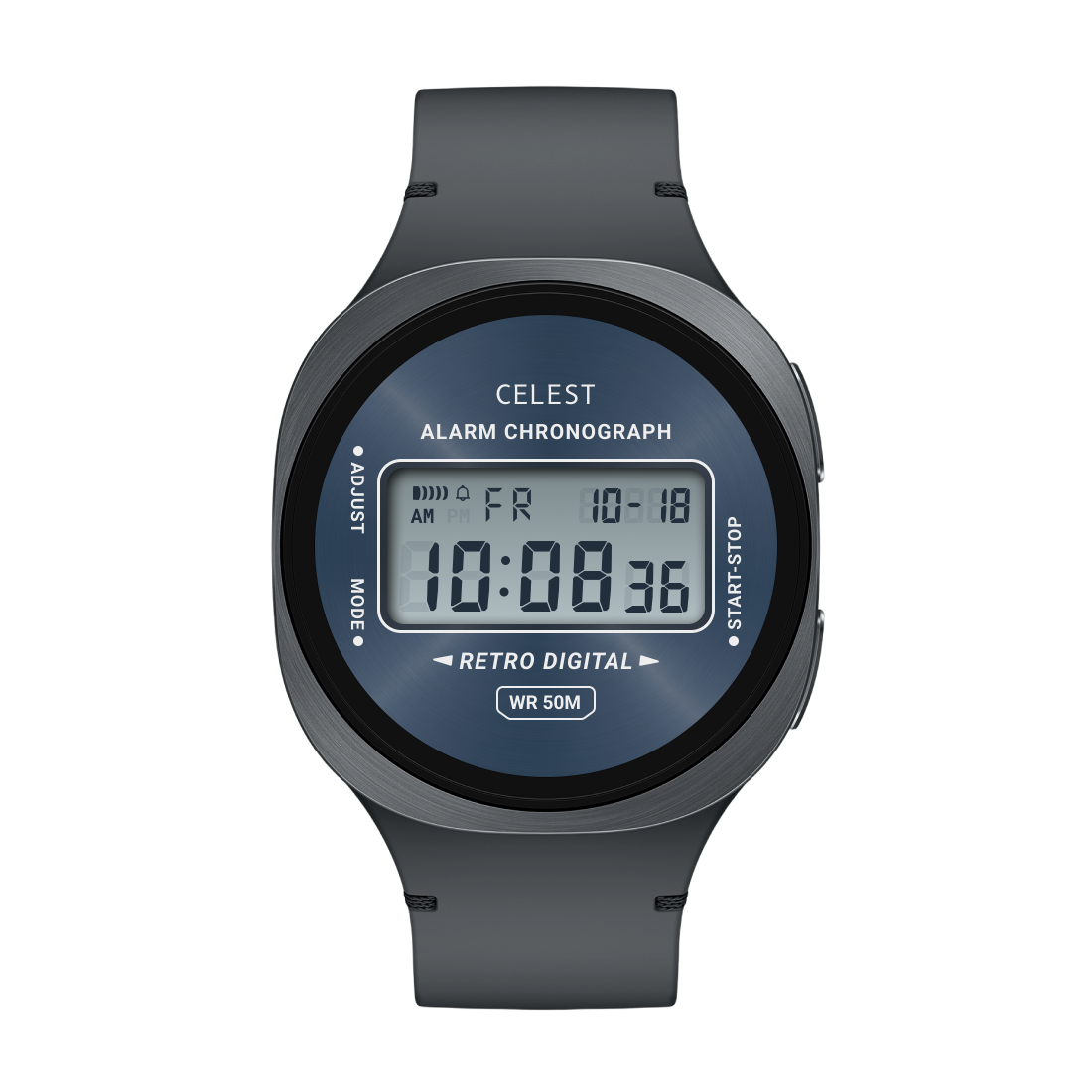
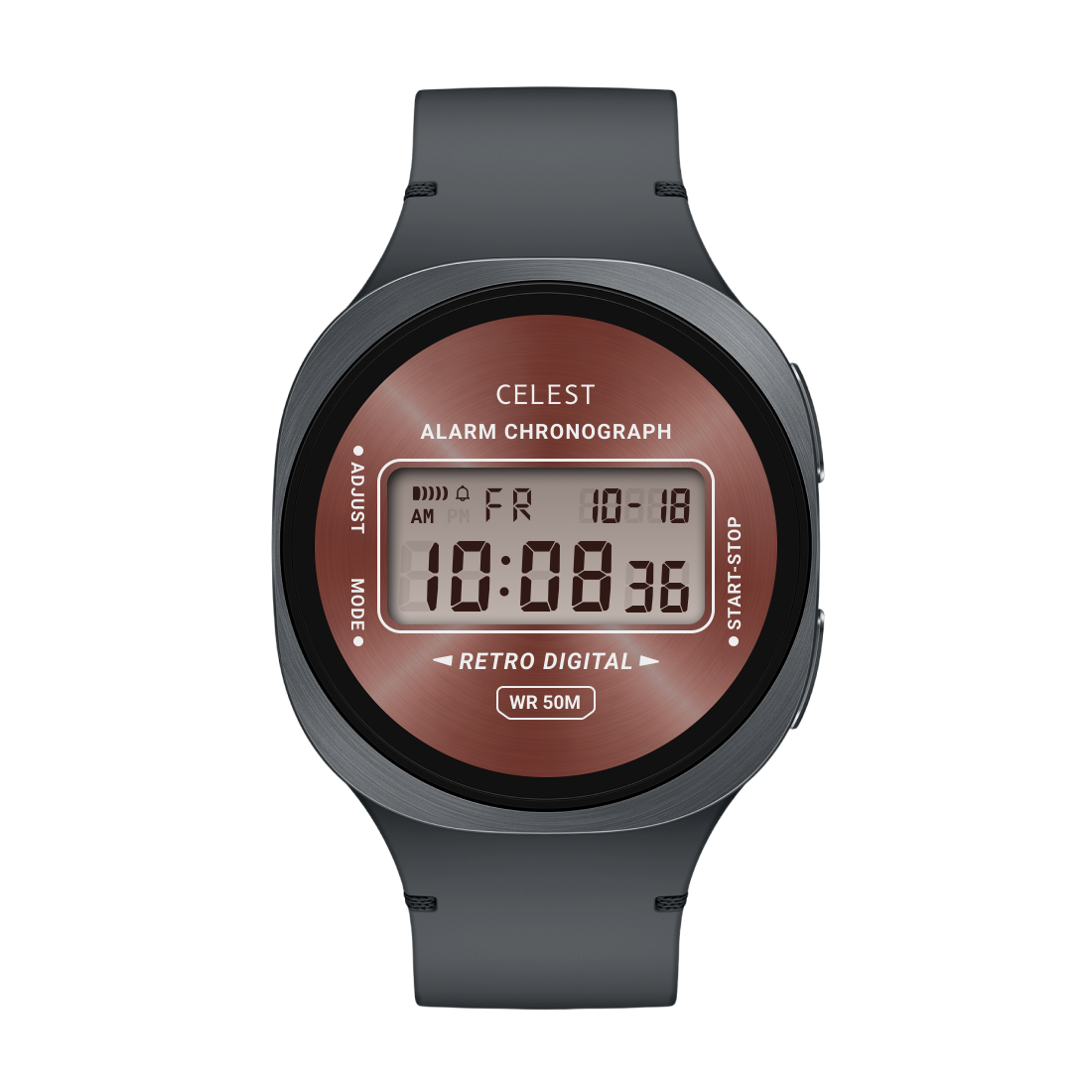
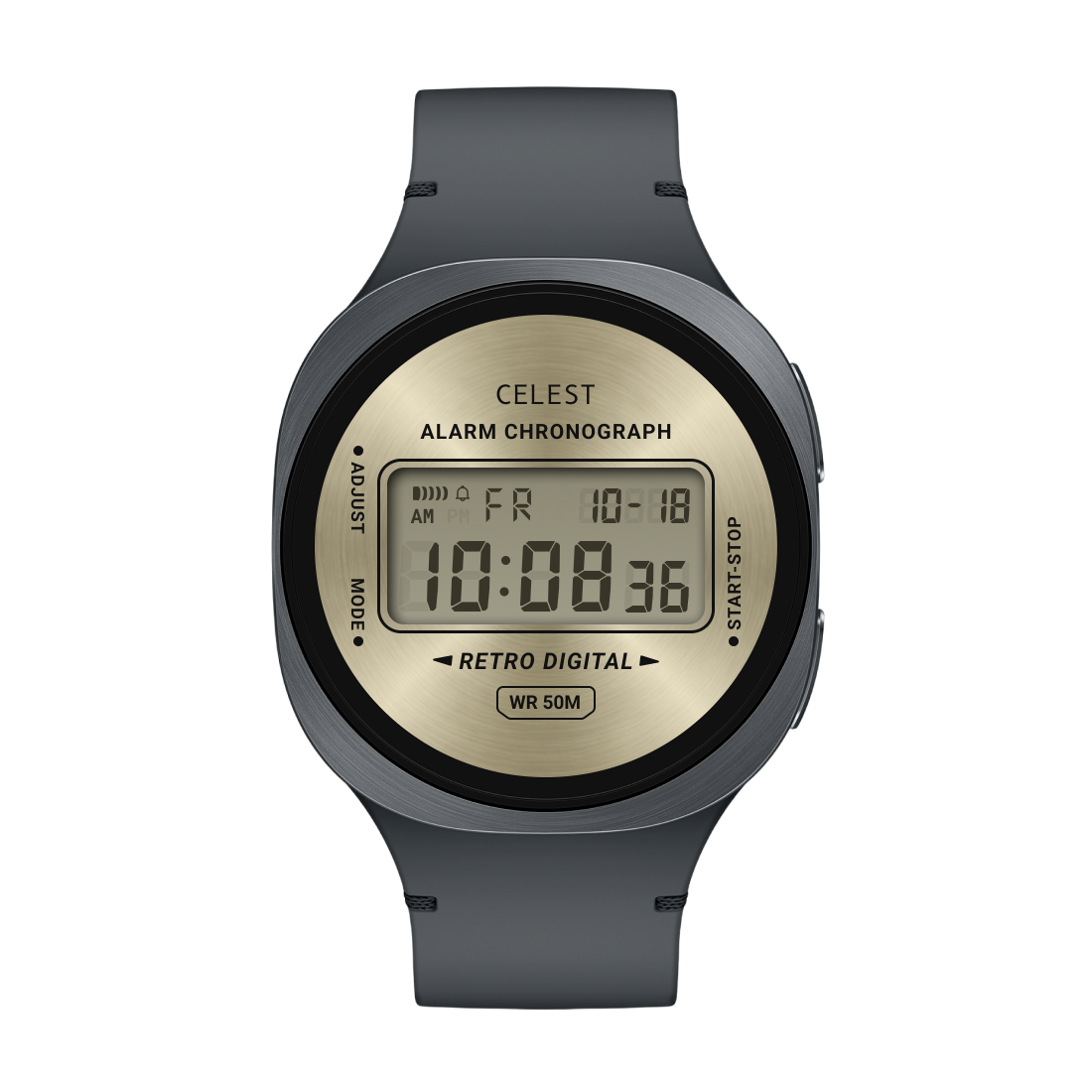
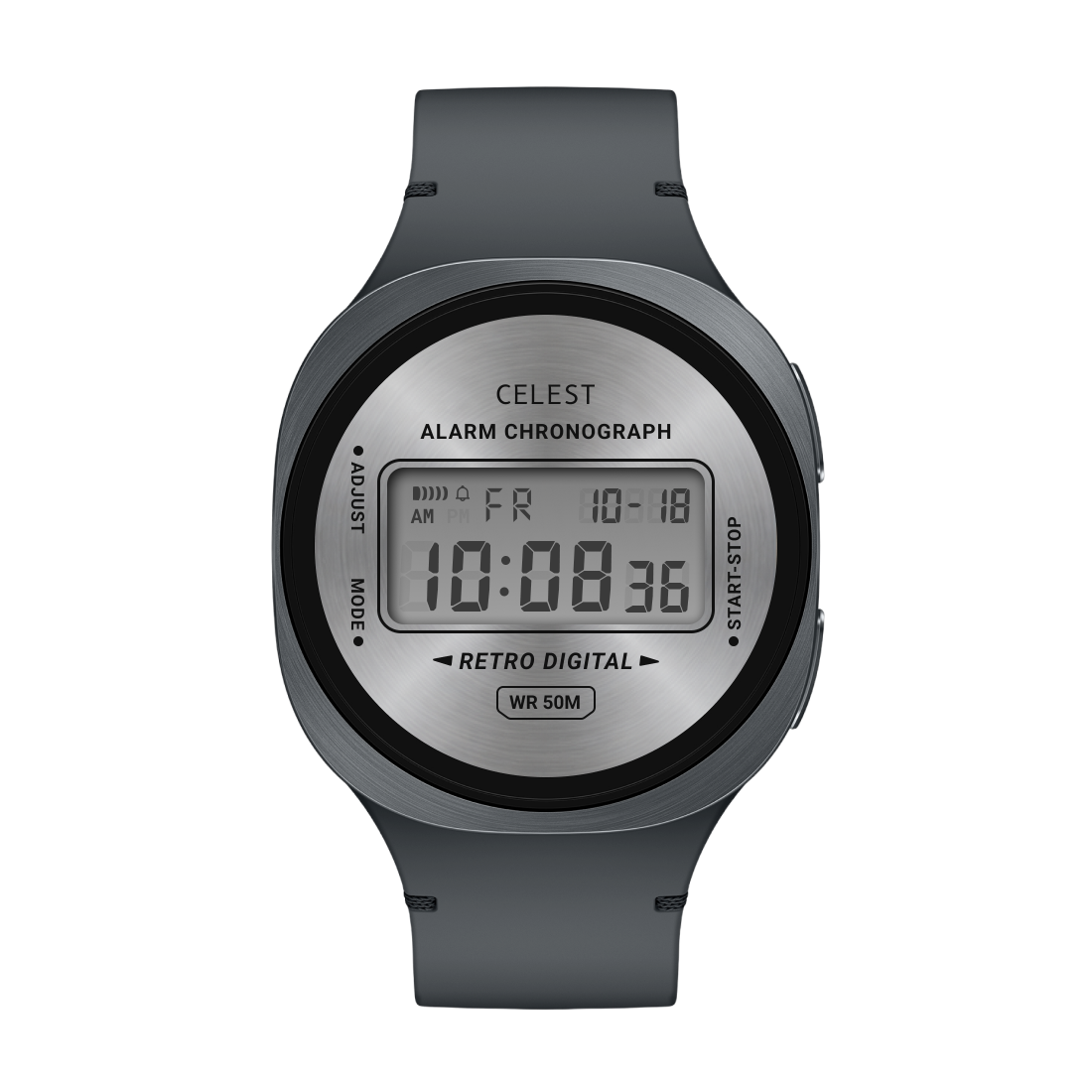
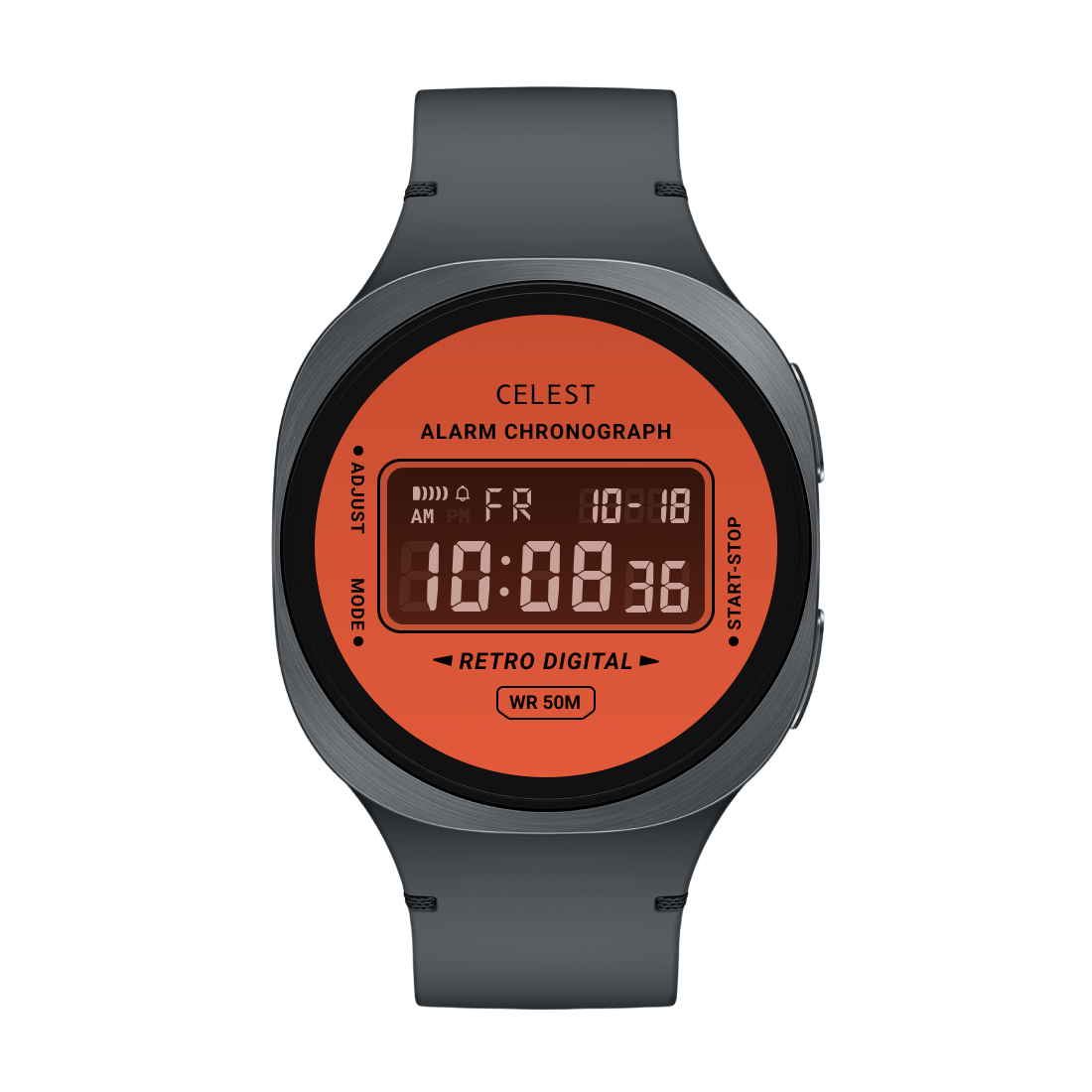
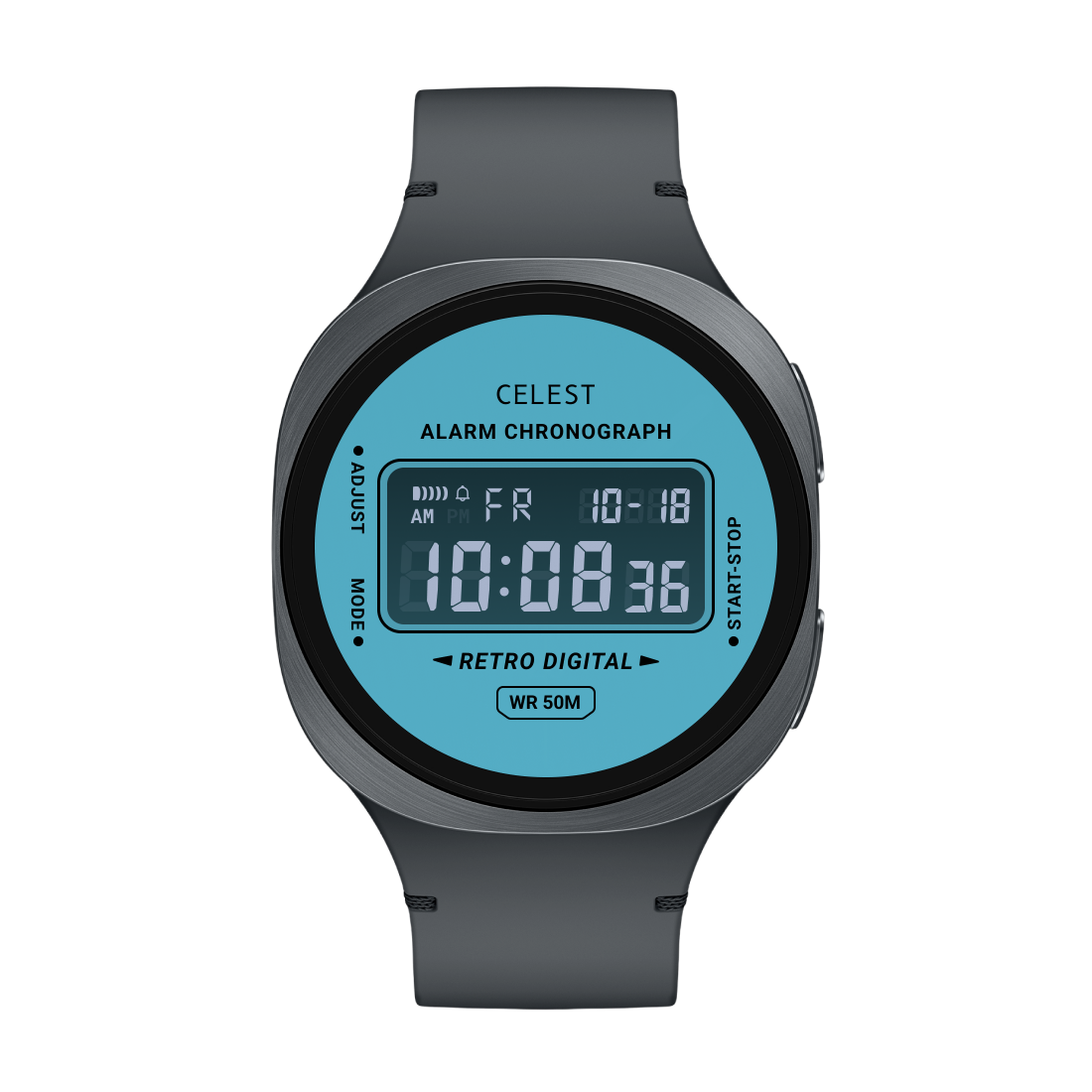
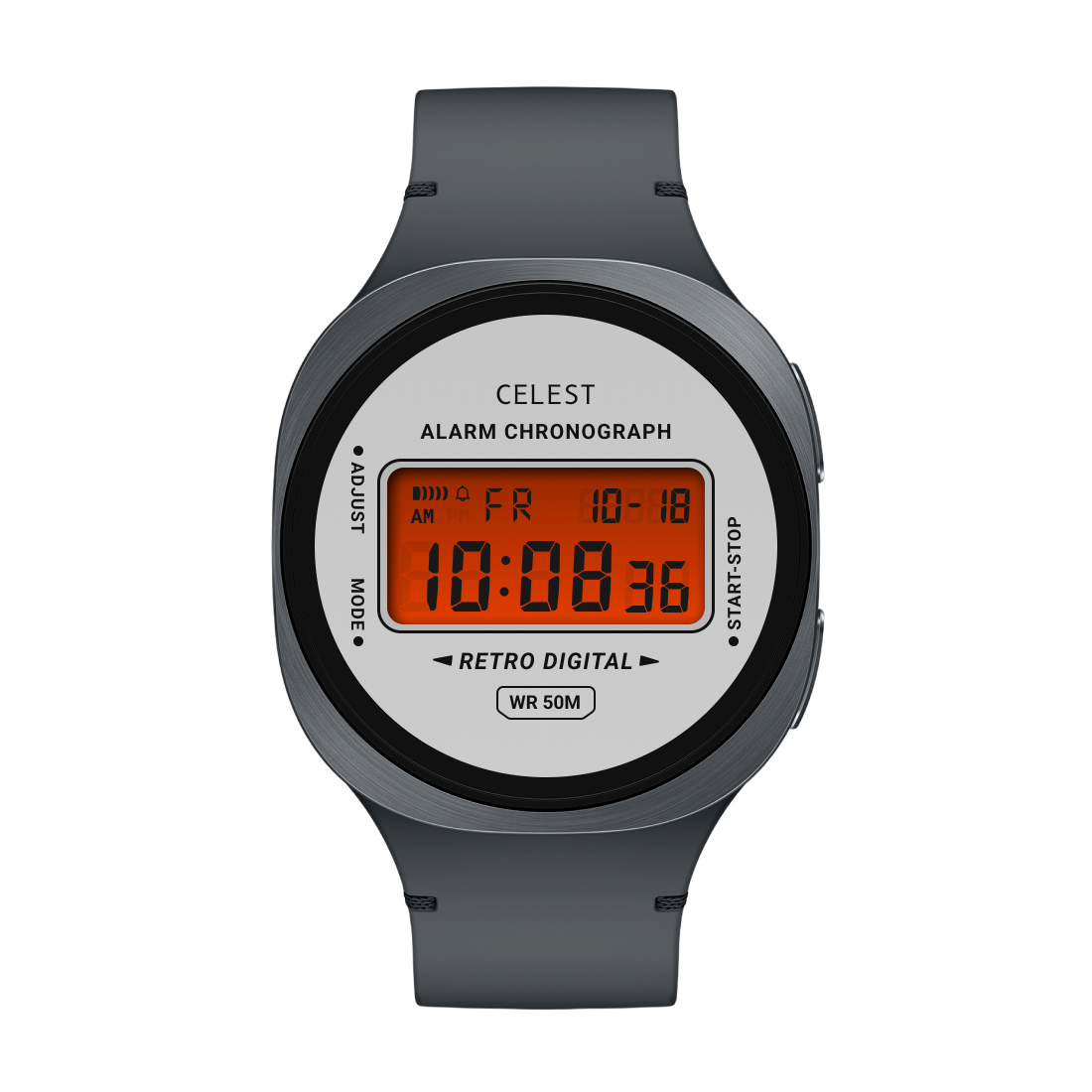
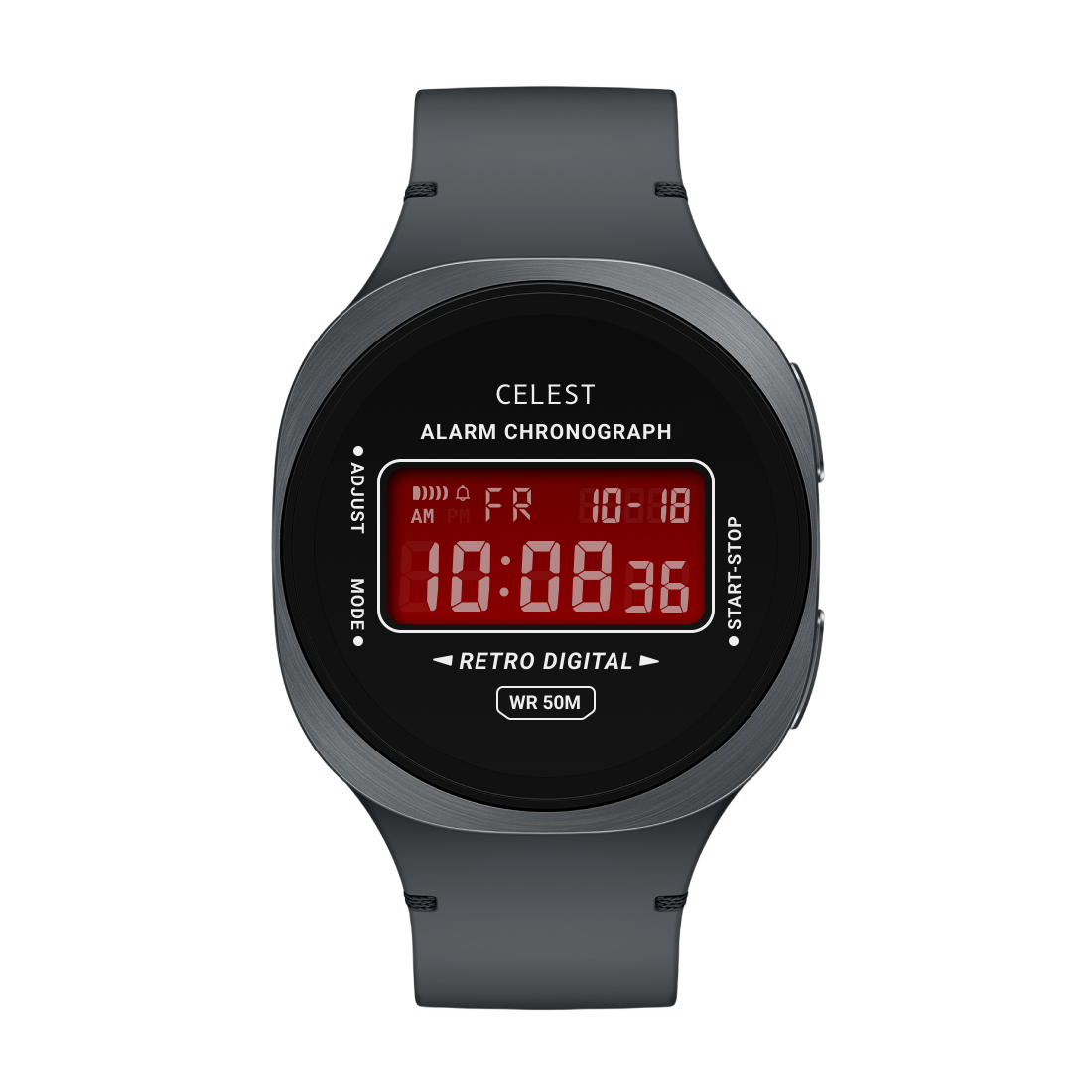
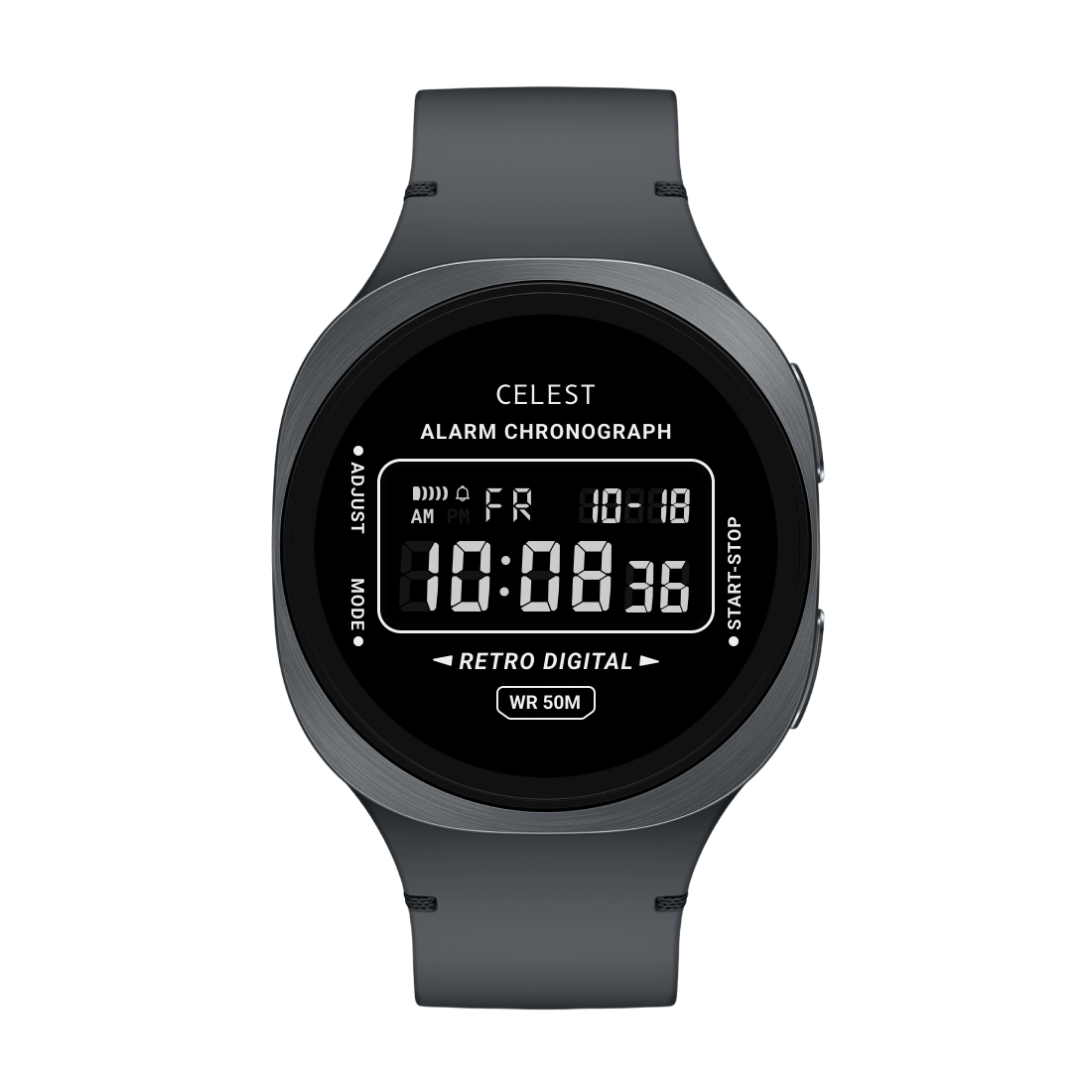
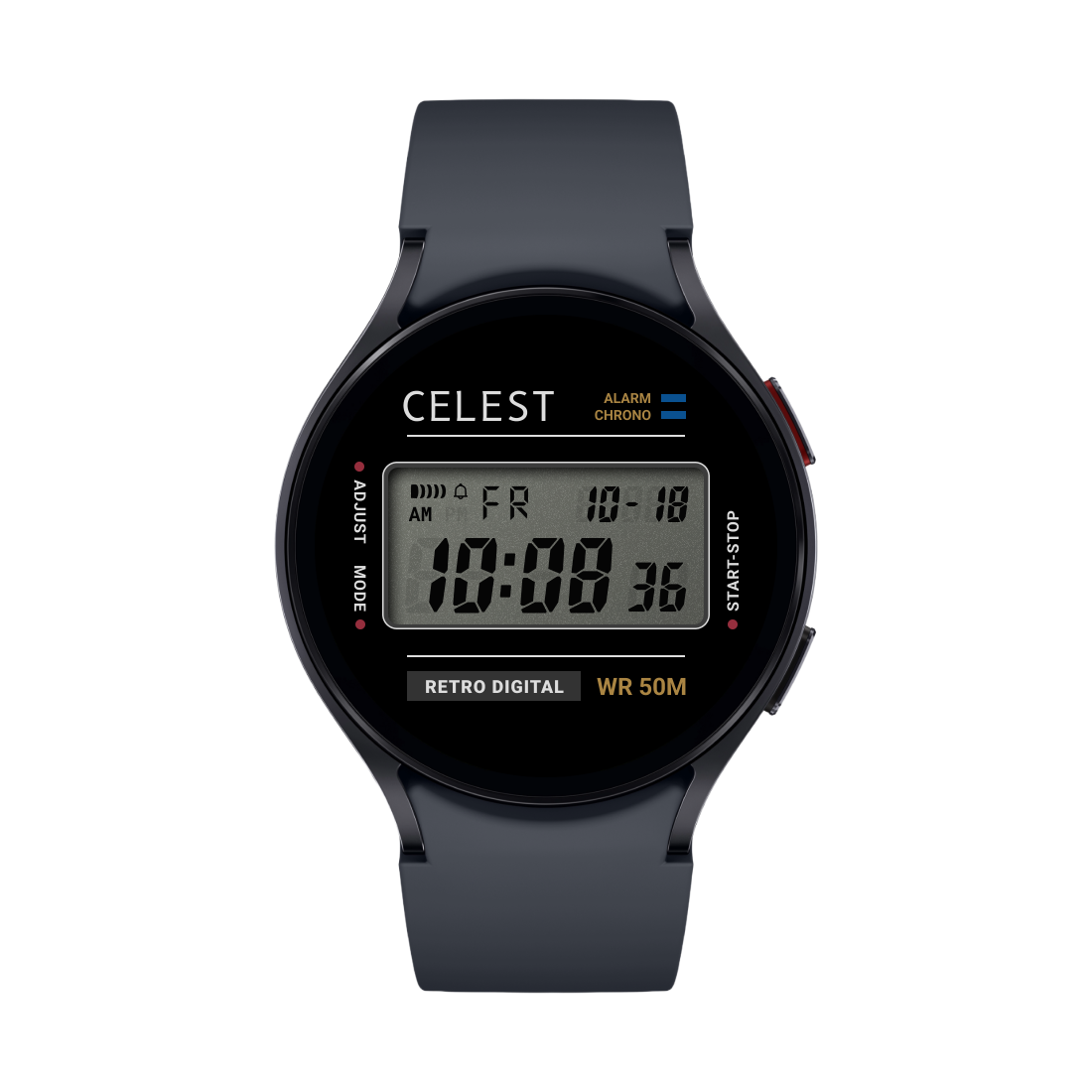
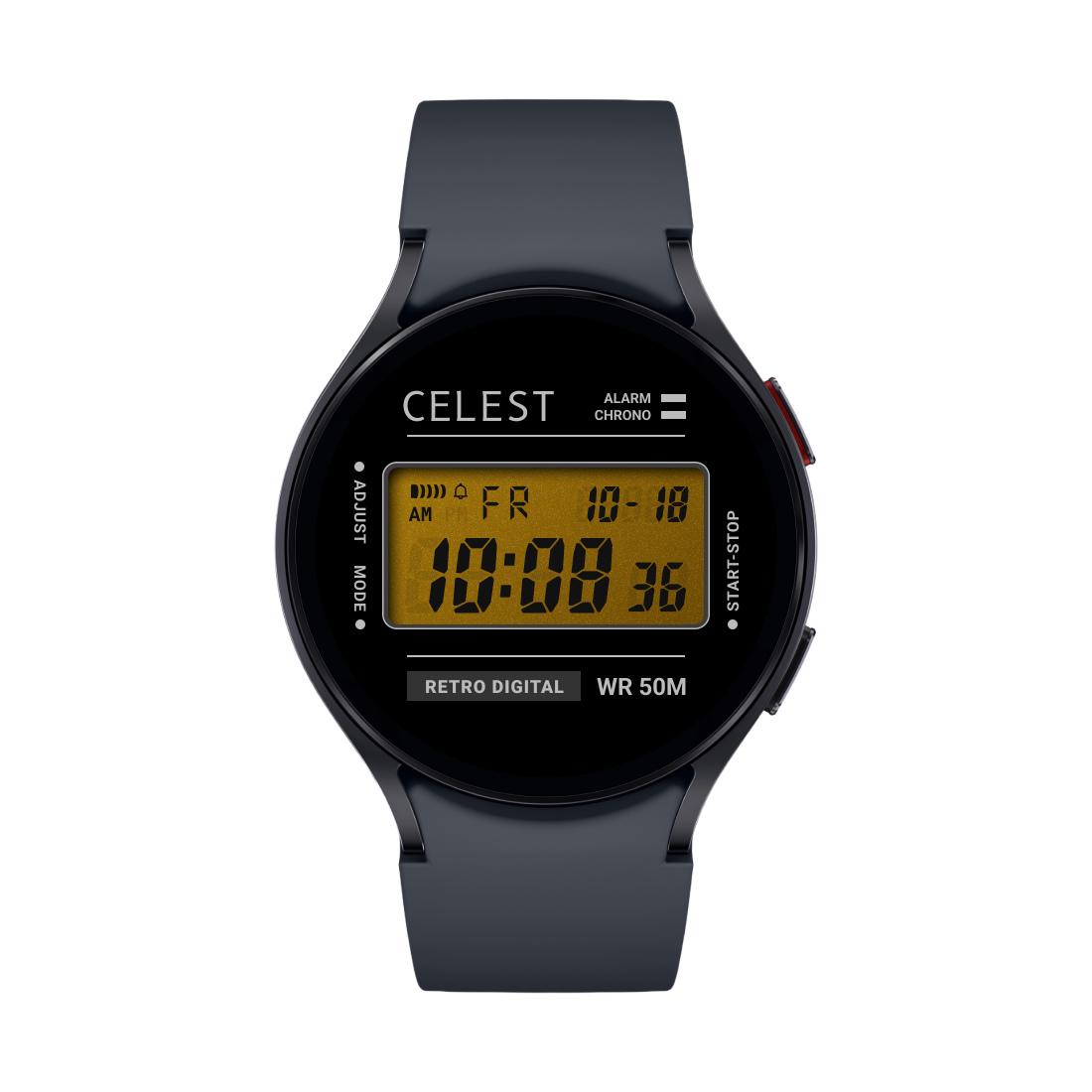
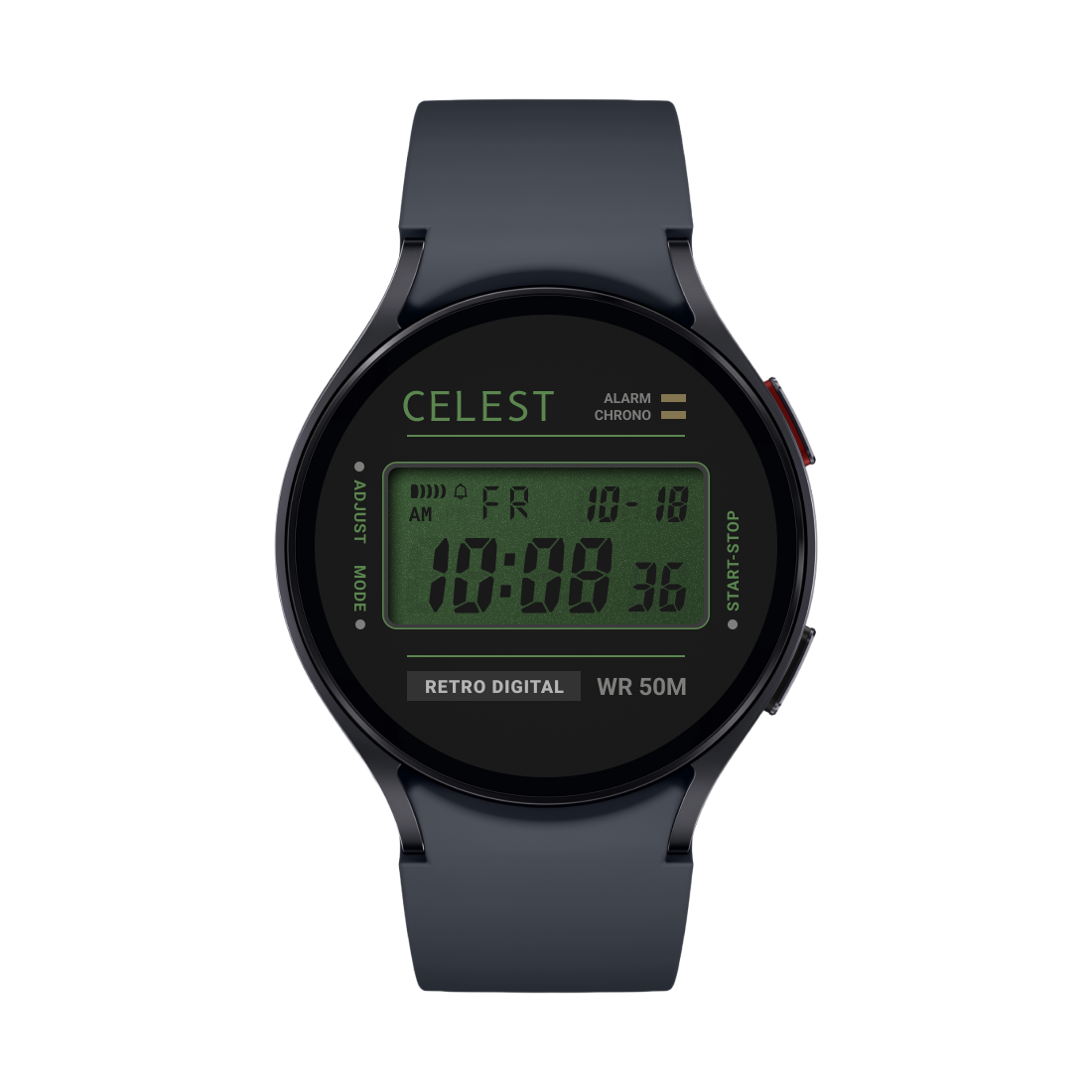
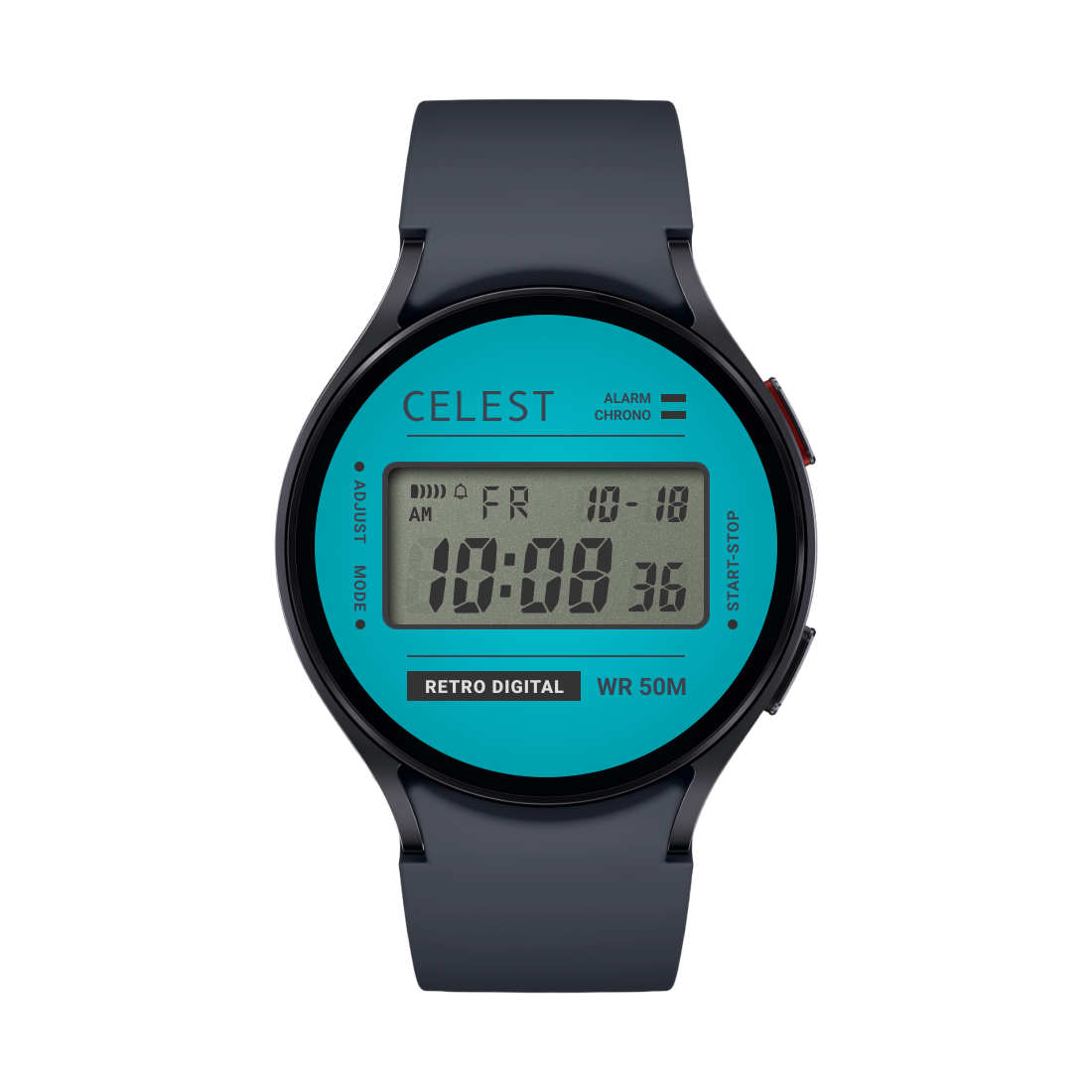
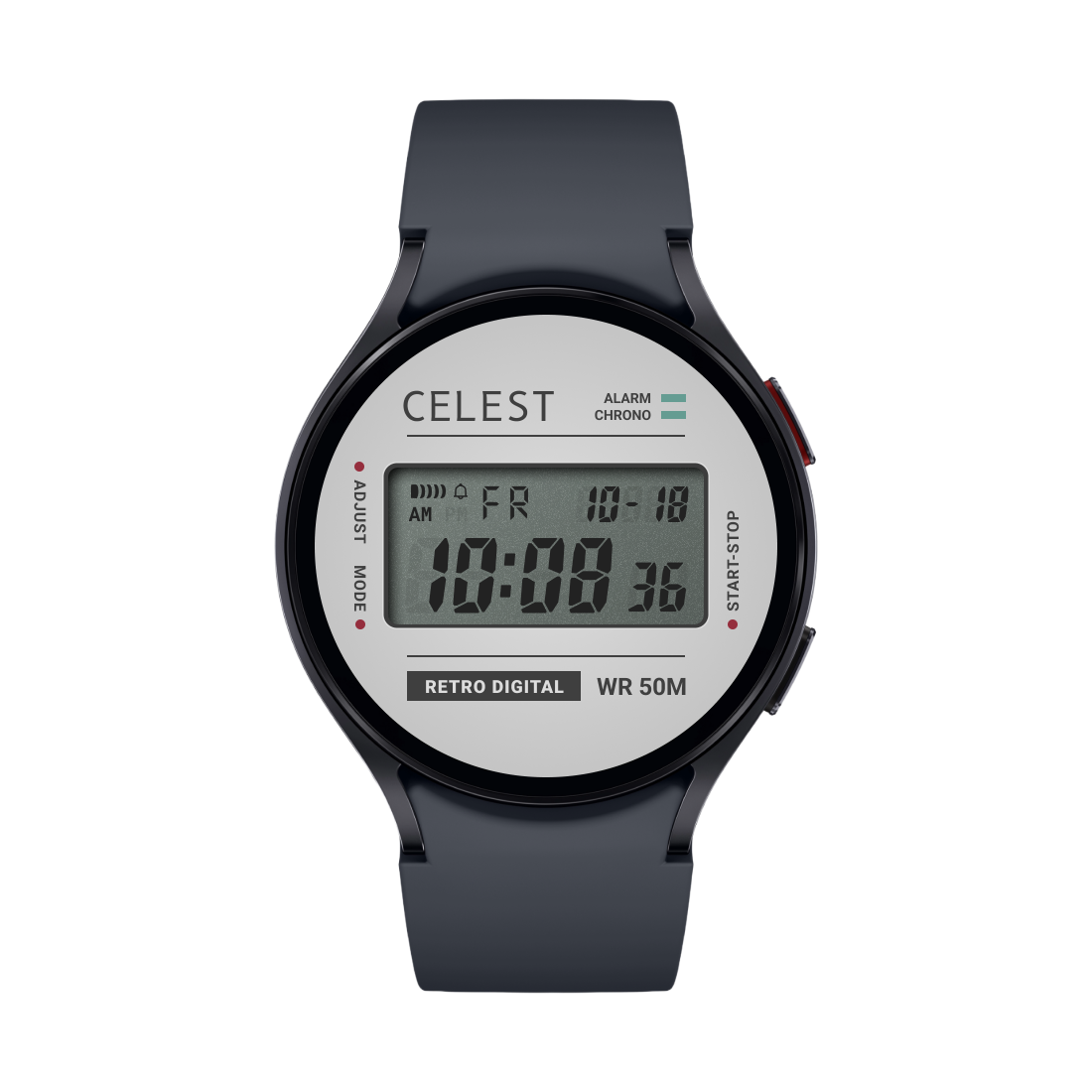
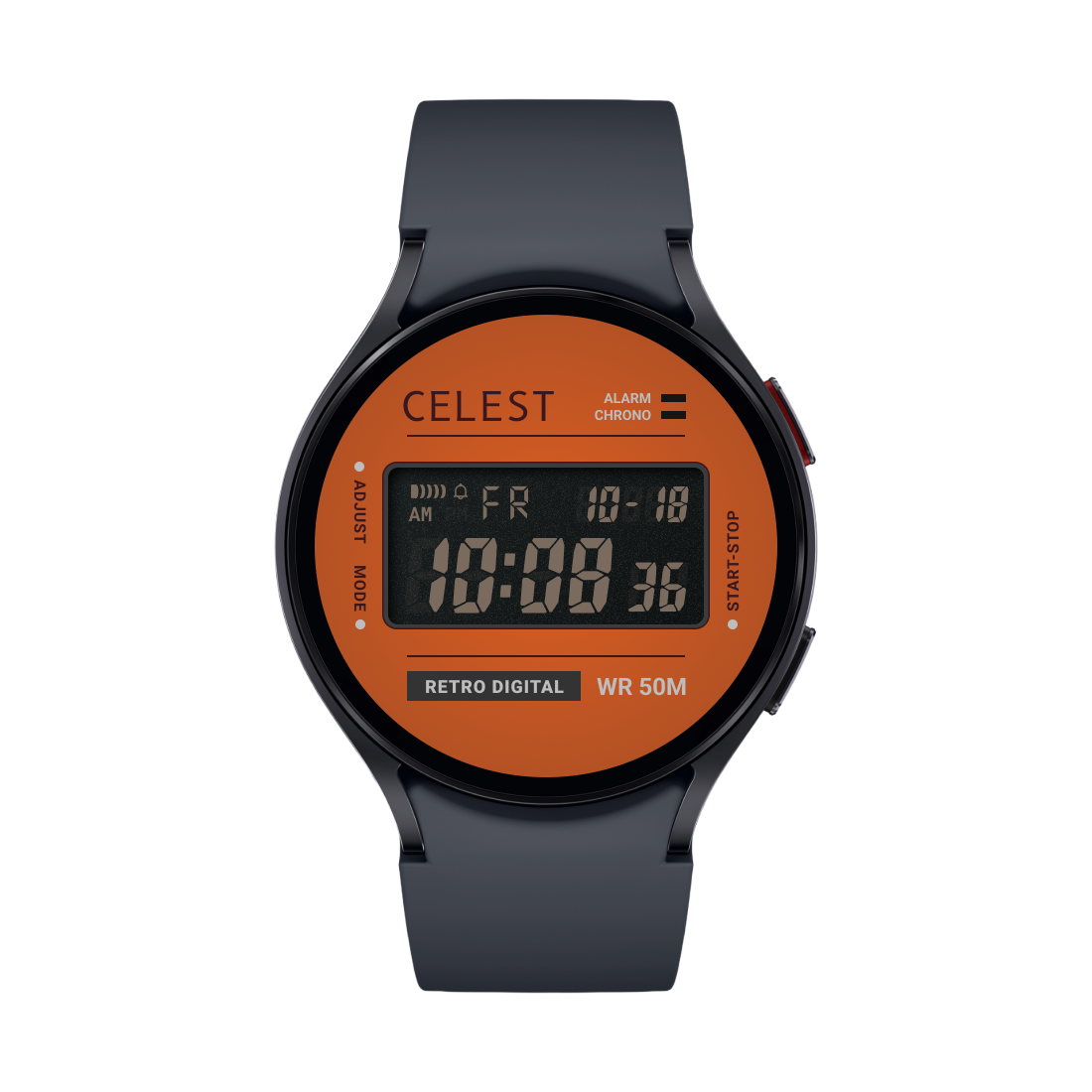
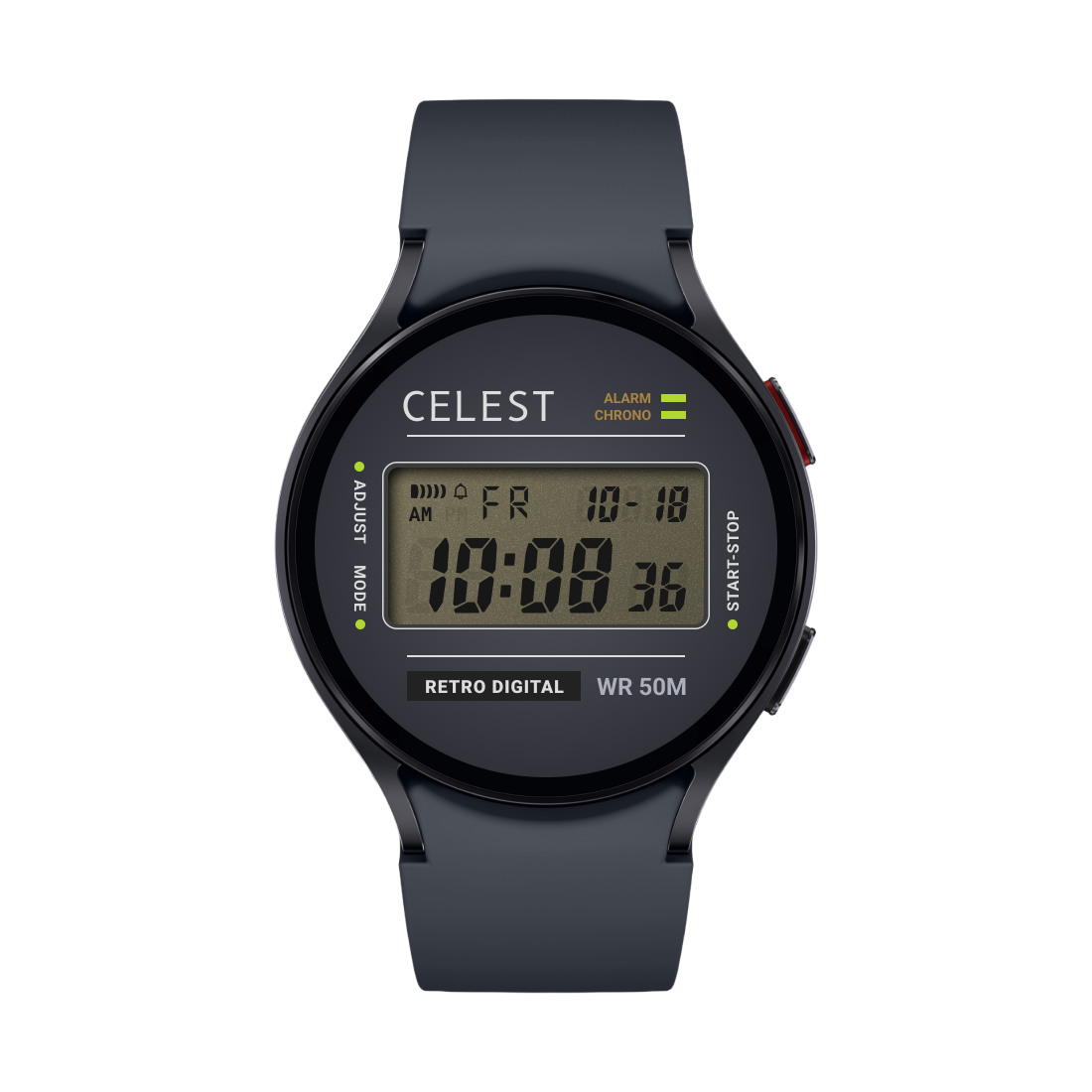
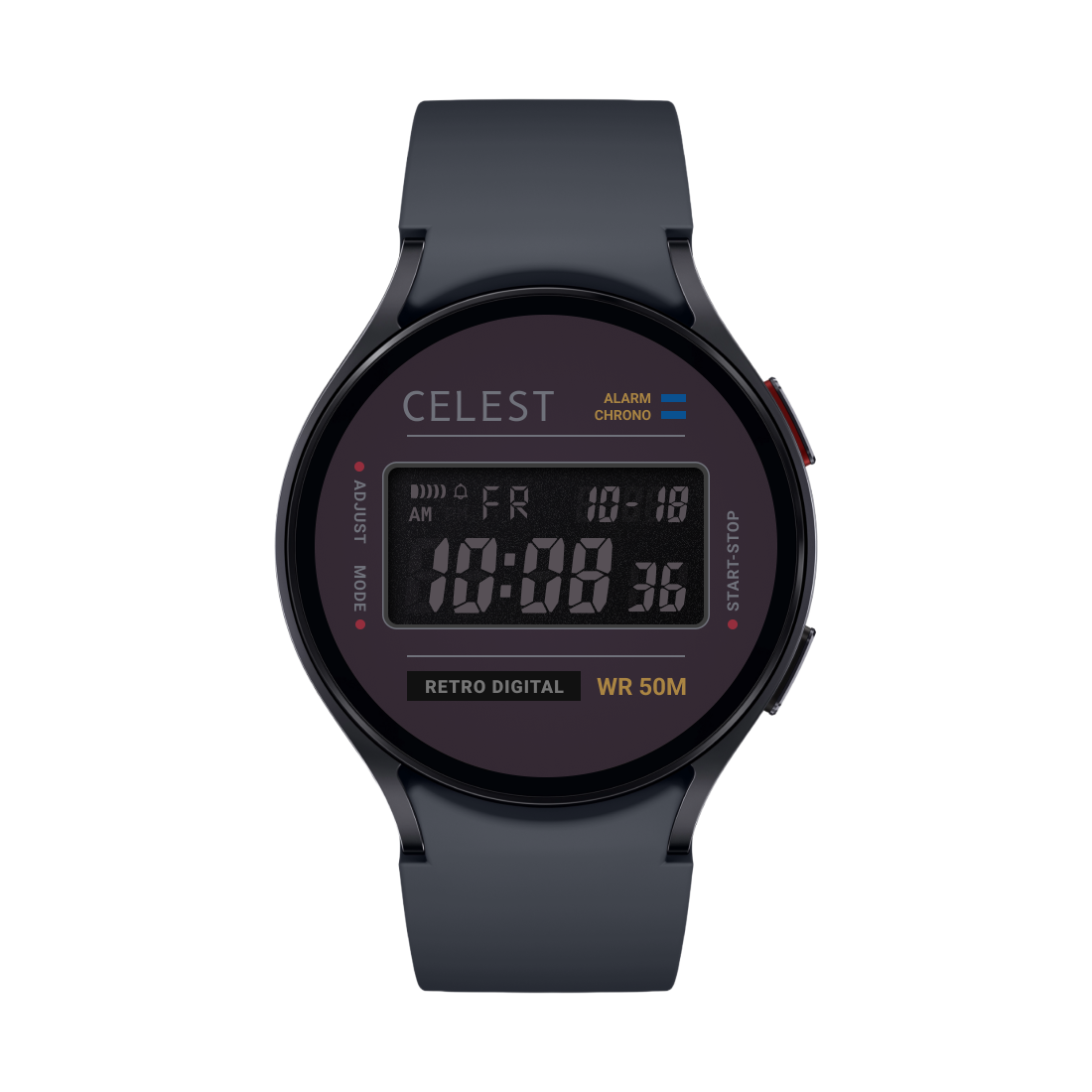
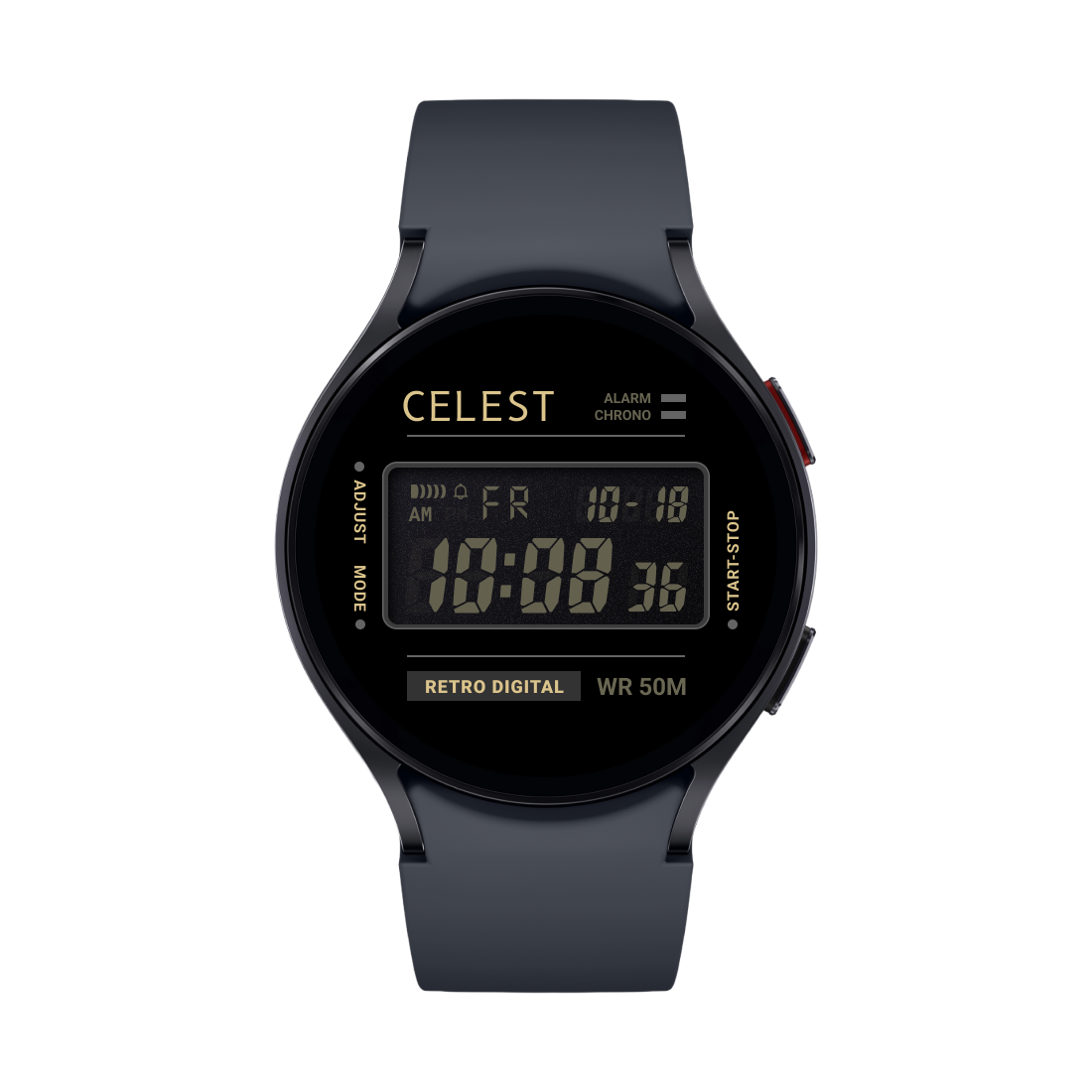
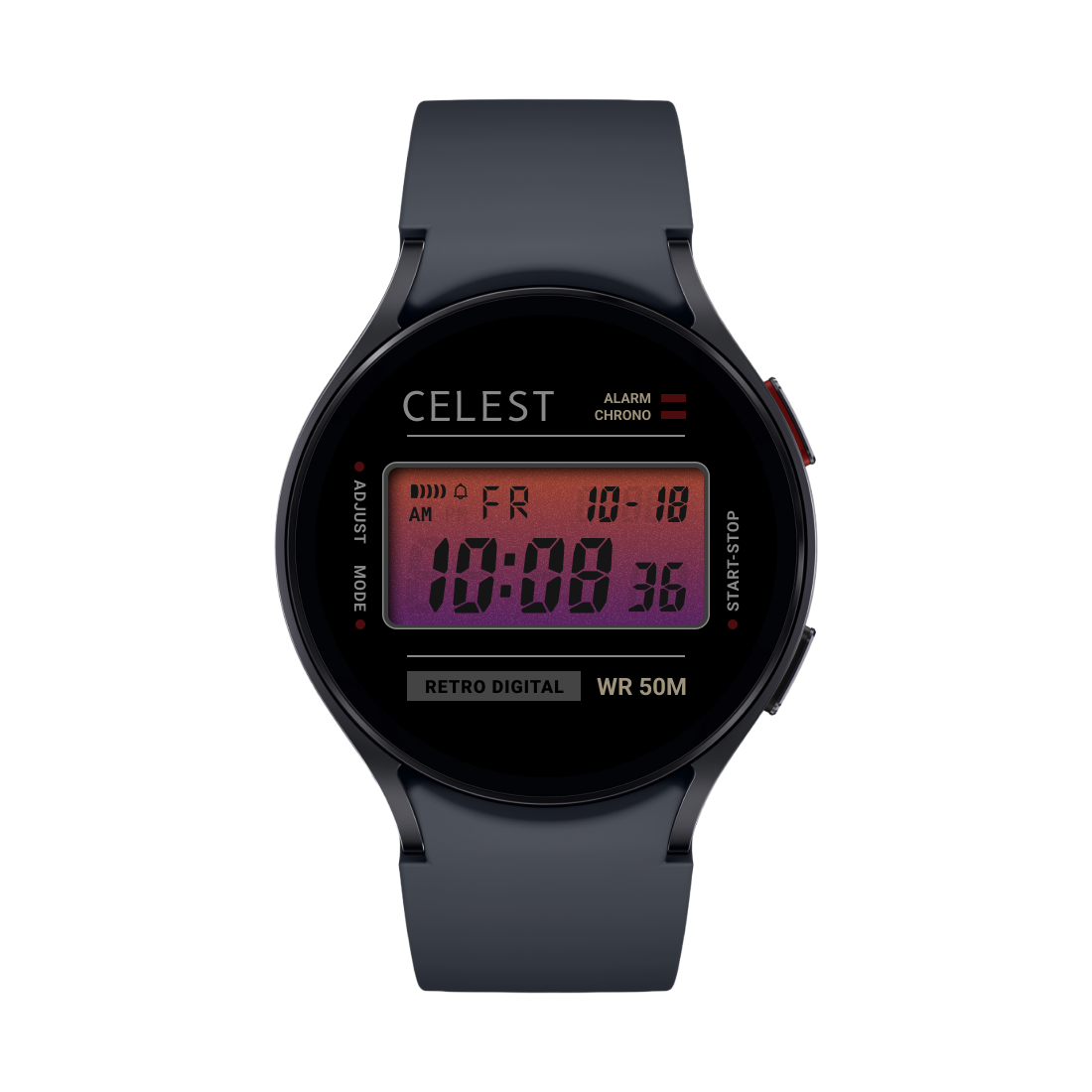
Modeled on the multi-mode digital watches of the 80s and 90s — the kind with a handful of buttons doing context-specific work depending on which mode you were in. All five modes, all the buttons, all running on your wrist.
▶ 01 · TIMEKEEPING
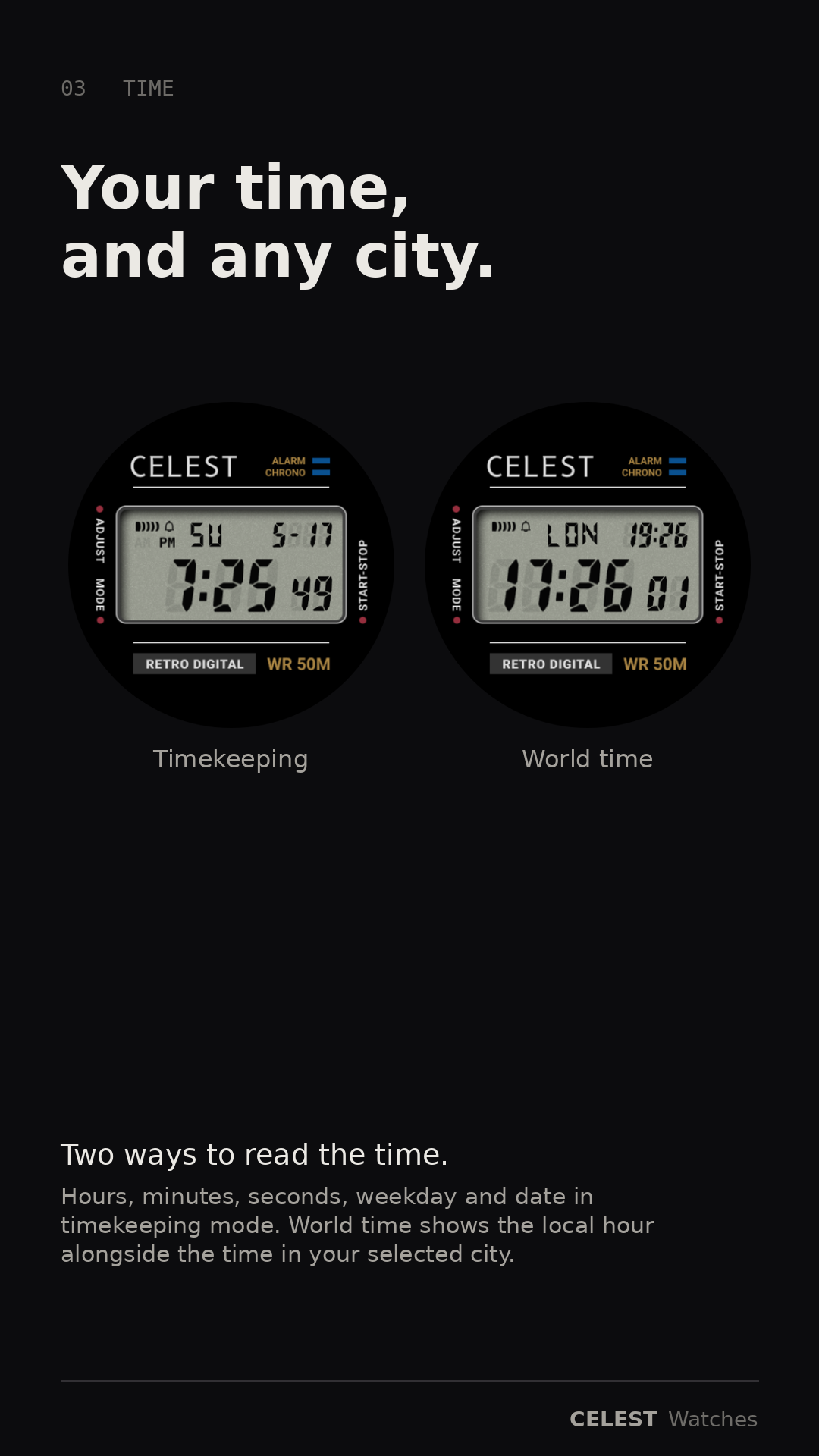
Hours, minutes, seconds
Local time with weekday and date. Press B to flip date order, D to swap 12 / 24-hour.
▶ 02 · WORLD TIME
Any city, on the wrist
Pick a city; the secondary display shows its local time alongside yours. Press D to cycle cities, B to step back. Useful for calls, traveling, knowing if it's too early to text mom.
▶ 03 · FIVE ALARMS
Independent daily slots
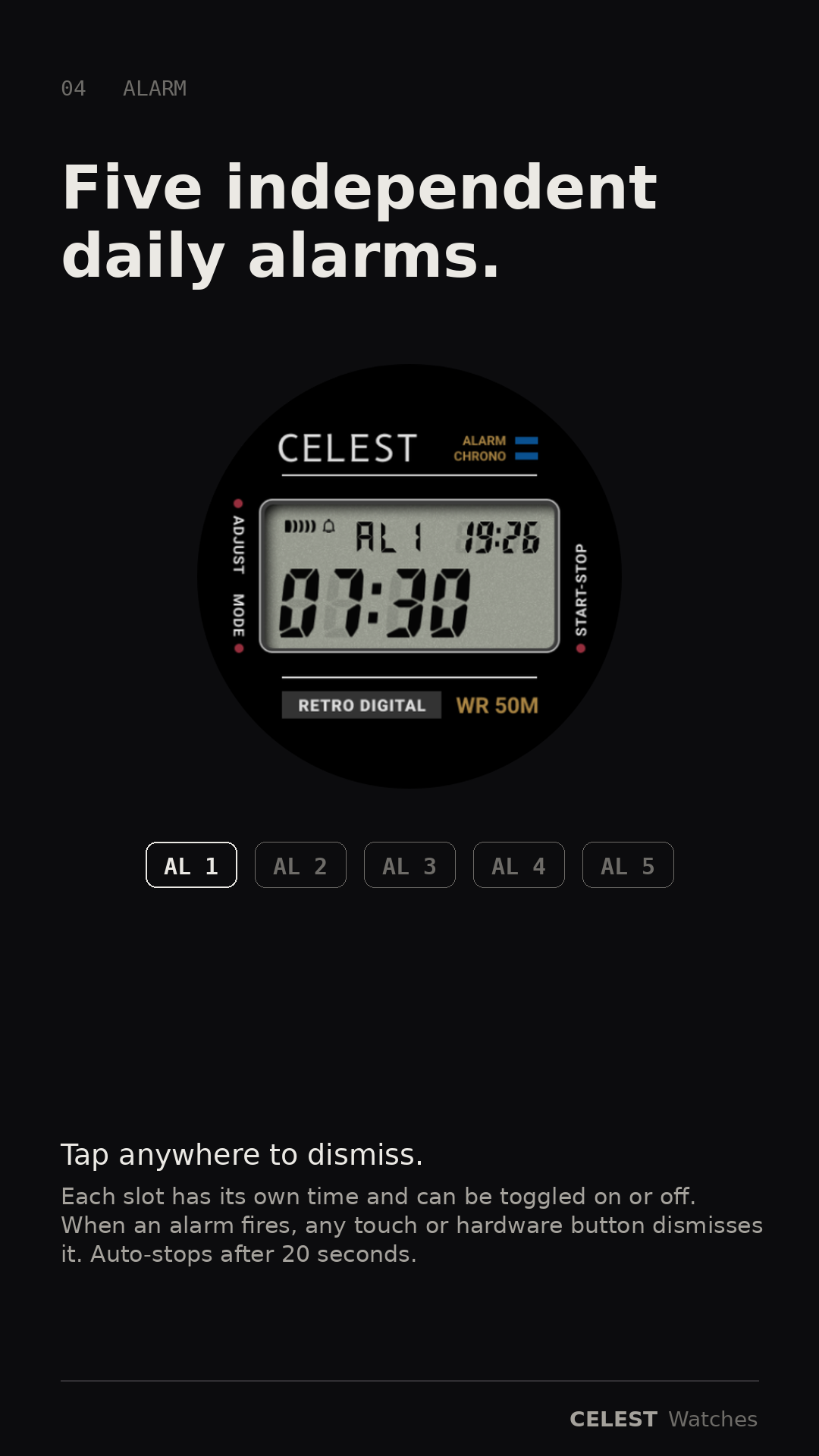
Five separate alarm times, each on or off, each with its own audio + vibration profile. When one fires, tap anywhere on the watch or press any hardware button to dismiss. Auto-stops after 20 seconds.
AL 1
AL 2
AL 3
AL 4
AL 5
▶ 04 · STOPWATCH
Hundredths under the hour
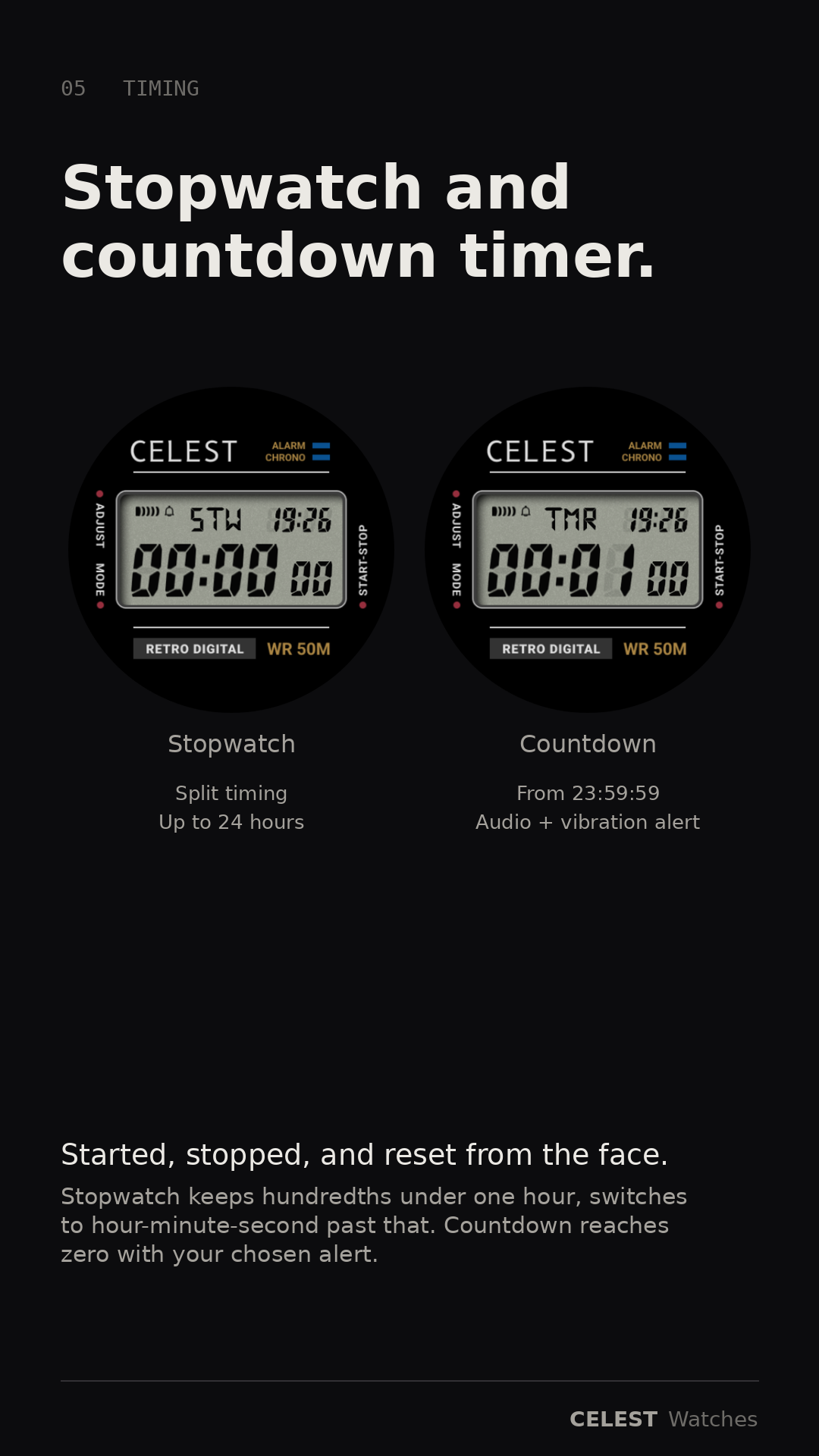
Press D to start. A to split — display freezes while the count continues underneath. A again to release. Sub-hour shows MM:SS with hundredths; past one hour switches to HH:MM:SS. Auto-stops at 24 hours.
▶ 05 · COUNTDOWN
Up to 23:59:59
Press A to set. C cycles between hours, minutes, and seconds; B and D step the active digit group up and down; A again to save. Press D to start. At zero, your chosen alert fires.
▶ 06 · CUSTOMIZE
Set once, then forget
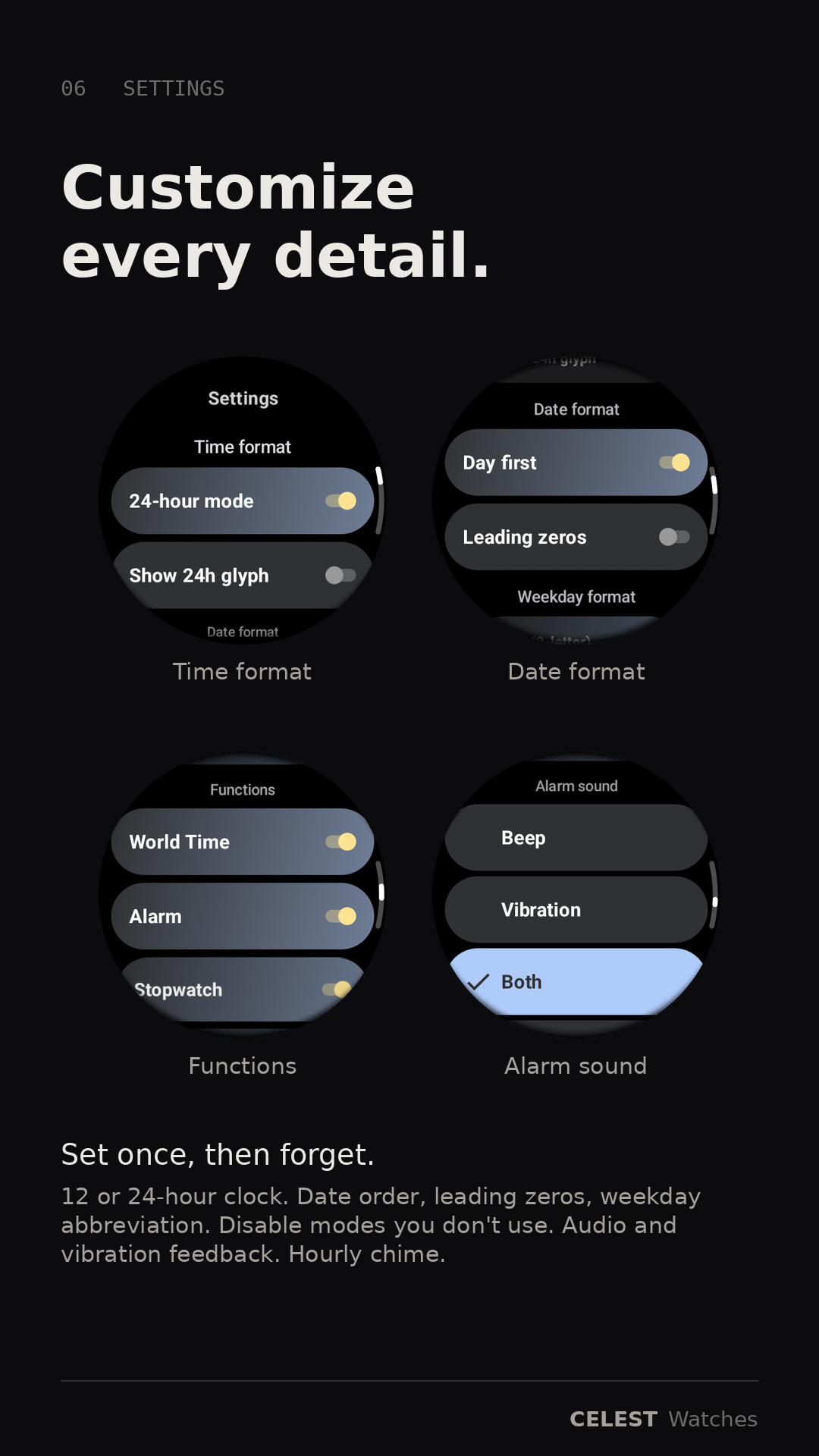
12 or 24-hour display. Date order, leading zeros, weekday format. Disable modes you don't use. Audio and vibration feedback. Hourly chime. Per-button beep on or off. All in the companion app.