01 · Seconds
Stepping or smooth
The big centre hand measures the stopwatch seconds — a one-second tick or a continuous sweep, whichever your face is built for.
A sweeping seconds hand, 1/20-second, minute and hour subdials, and a constant-speed reset flyback — driven entirely from the watch face. A genuine analog stopwatch, not a printed-on decoration.
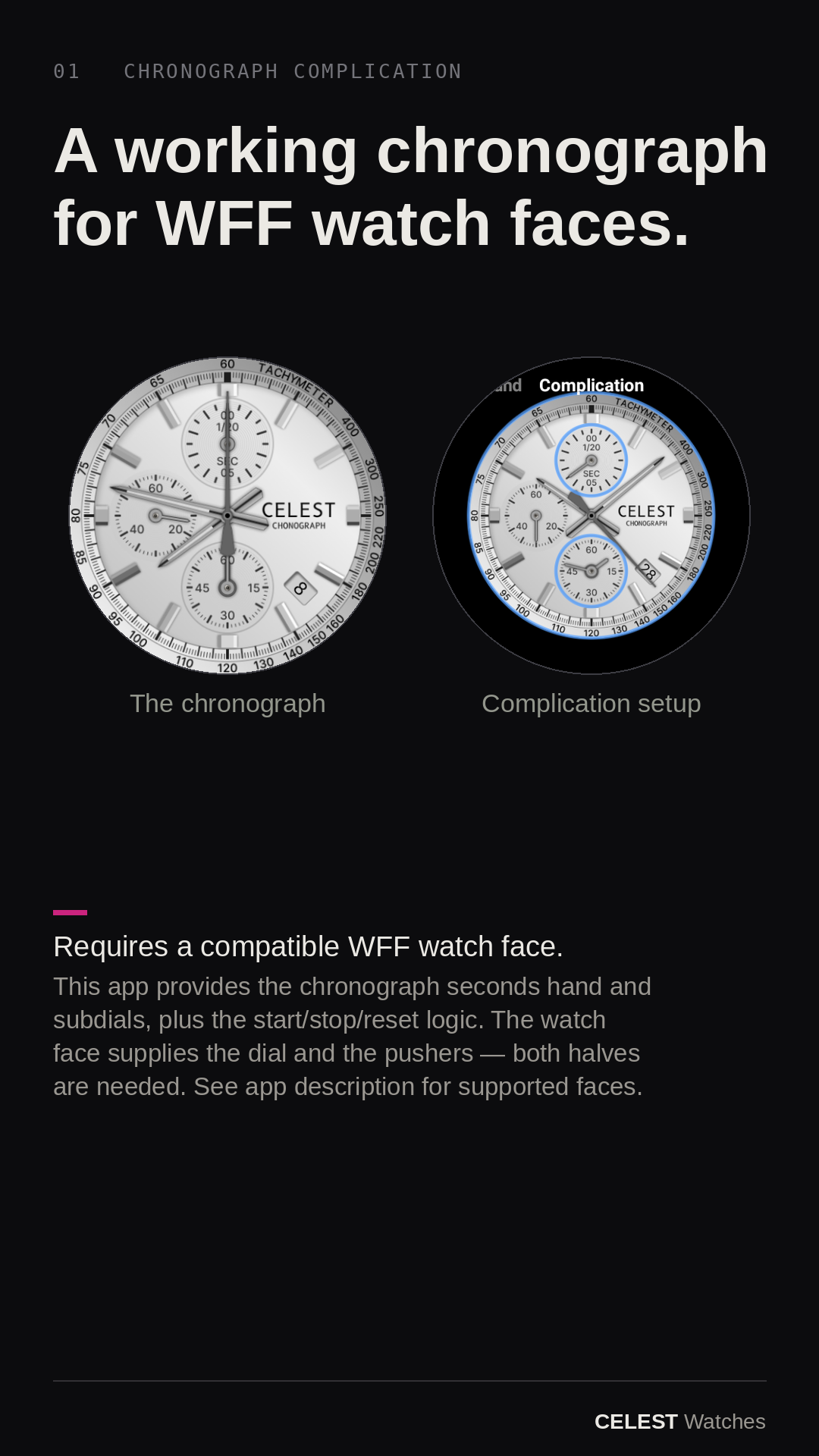
This app does nothing on its own. It supplies the chronograph hands and the start / stop / reset logic. The dials and the pushers live on the watch face — both halves have to be in place.
Chronograph Complication only works inside a watch face built to drive it — one with chronograph subdials and pushers wired to send taps to this app.
A generic watch face with an empty complication slot will not work. The compatible face is listed below.
The dials and pushers live on the watch face. The moving hands and the start/stop/reset logic live in this app. They talk through Wear OS complication taps — both halves installed, or nothing runs.
Chronograph Complication goes onto your watch like any Wear OS app. It's free. It does nothing yet.
Pick the compatible watch face below. It has the chronograph dials and the start/stop and reset pushers built in.
On the face, set each subdial to the matching Chronograph Complication entry. Press a pusher — the hands come alive.
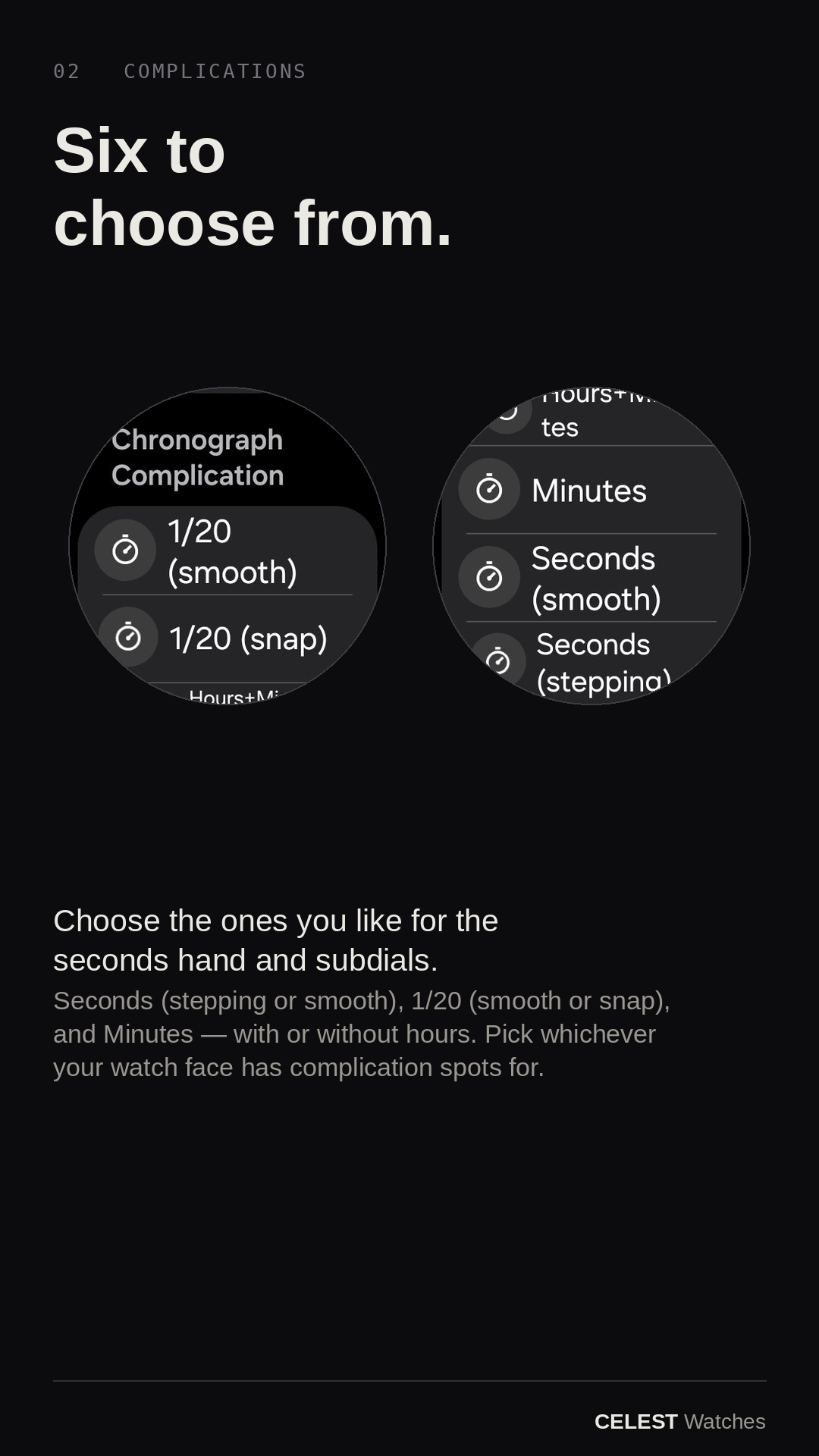
Real chronograph hands, driven as live complications and operated entirely from the watch face. Pick the ones your face has dials for; the measurement stays anchored to real time through screen-off and reboot.
The big centre hand measures the stopwatch seconds — a one-second tick or a continuous sweep, whichever your face is built for.
A 1/20-second subdial for the fine reading. Smooth spins a full turn each second; snap parks, then snaps to the exact fraction and holds it.
A Minutes subdial counts whole elapsed minutes — with or without an inner hour hand. Read the dials together for the full time.
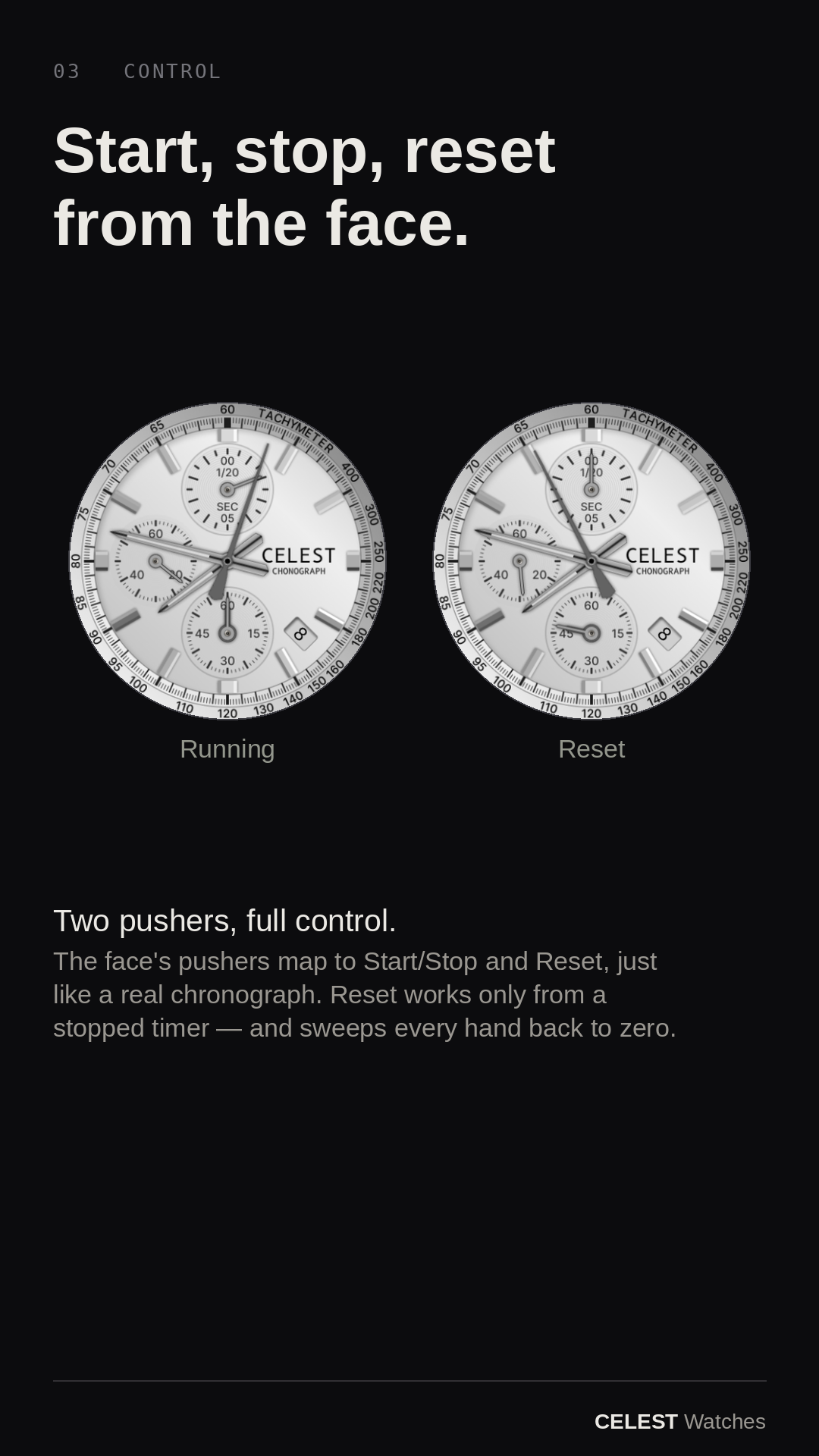
Press start and the hands sweep; press again to stop and read the result. The face's two pushers drive it, like a real chronograph.
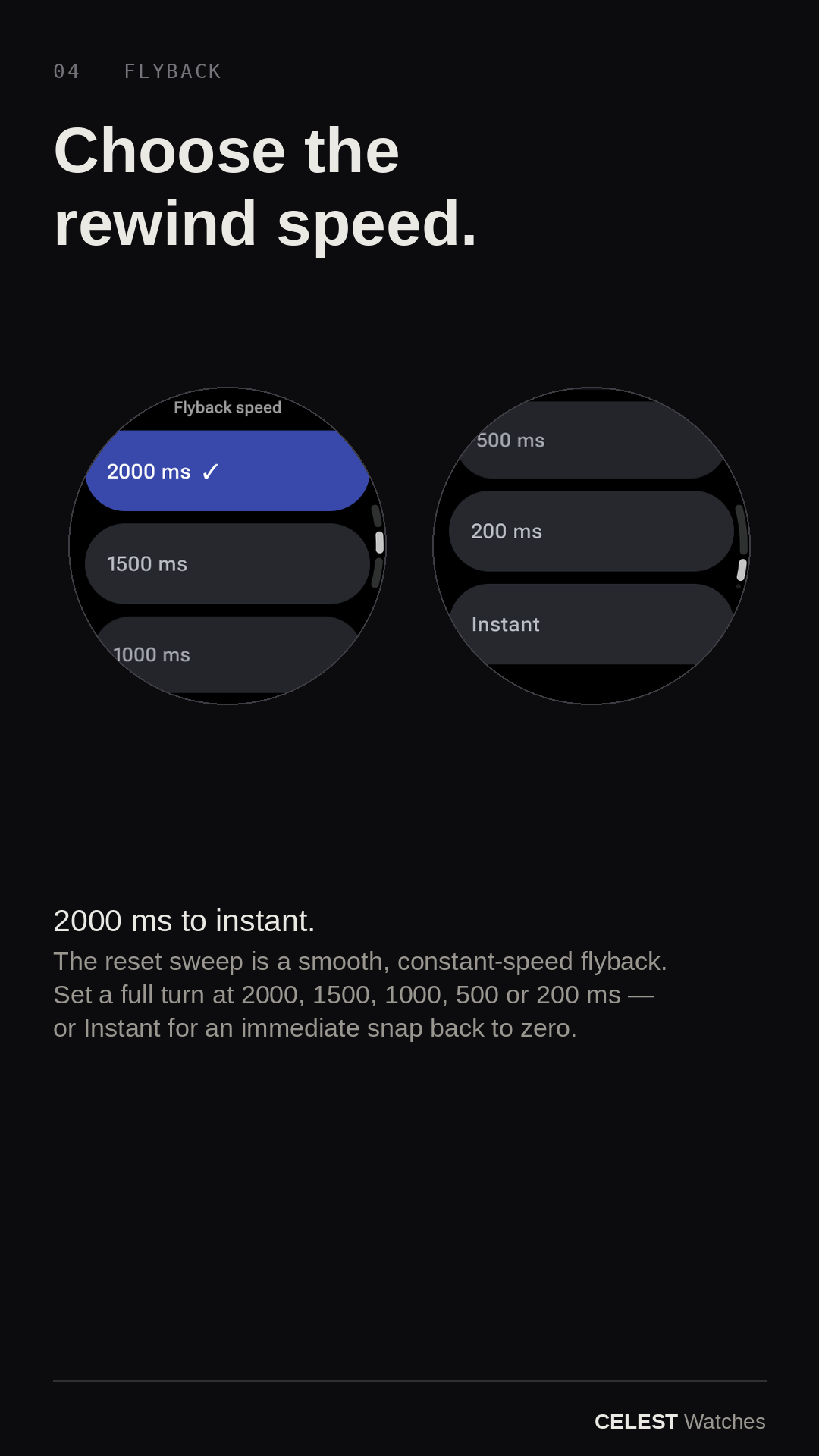
Reset works only from a stopped chrono and sweeps every hand back to zero. Pick the speed: a full turn in 2000 ms (default), 1500, 1000, 500, 200 ms, or Instant.
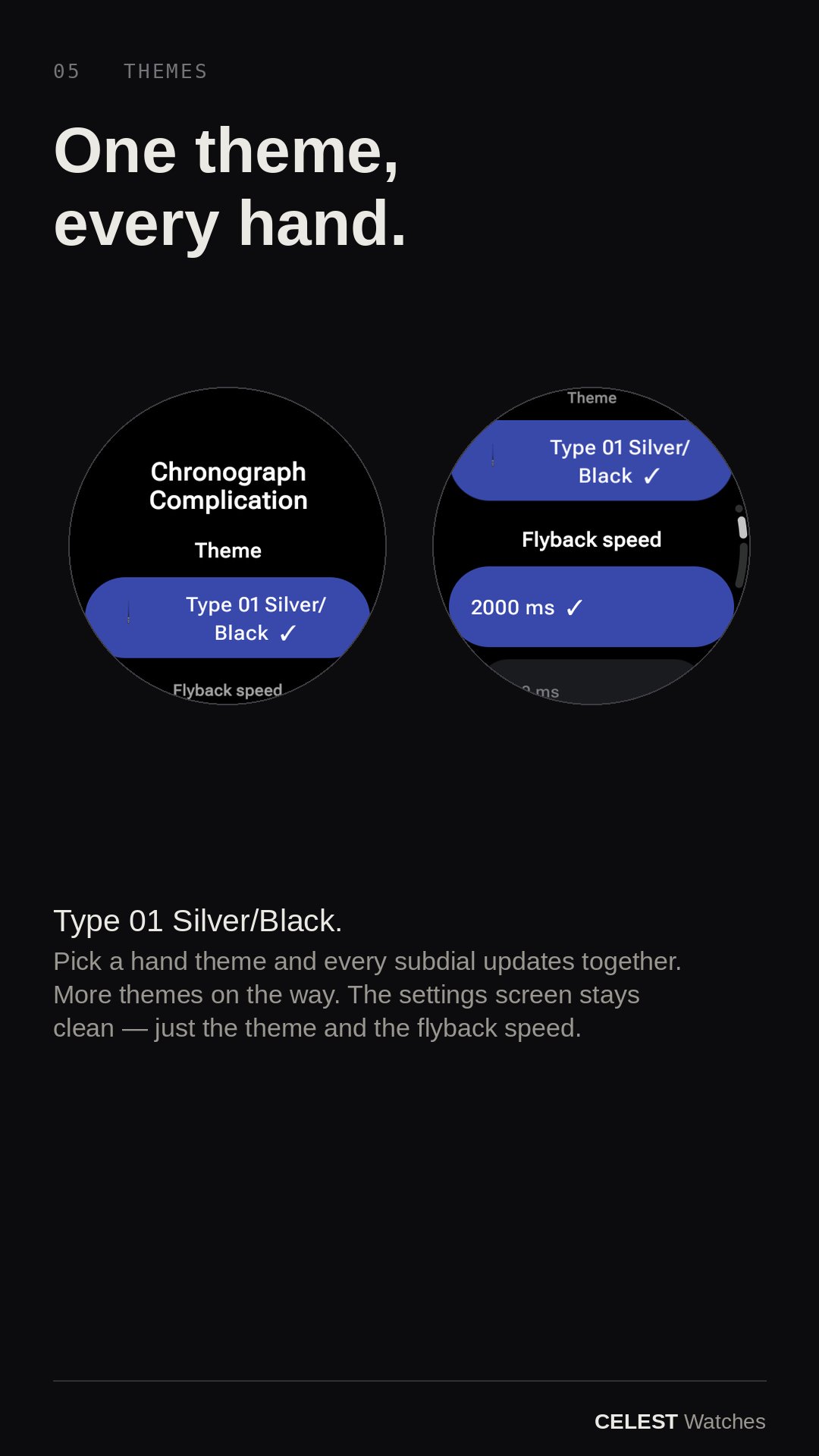
Pick a hand theme and every subdial updates together. The first is Type 01 Silver/Black, with more on the way.
Scroll through the store screens. Tap any one to enlarge.
A feature walkthrough and a step-by-step complication setup. Setup isn't one-tap — these two clips save you the guessing.
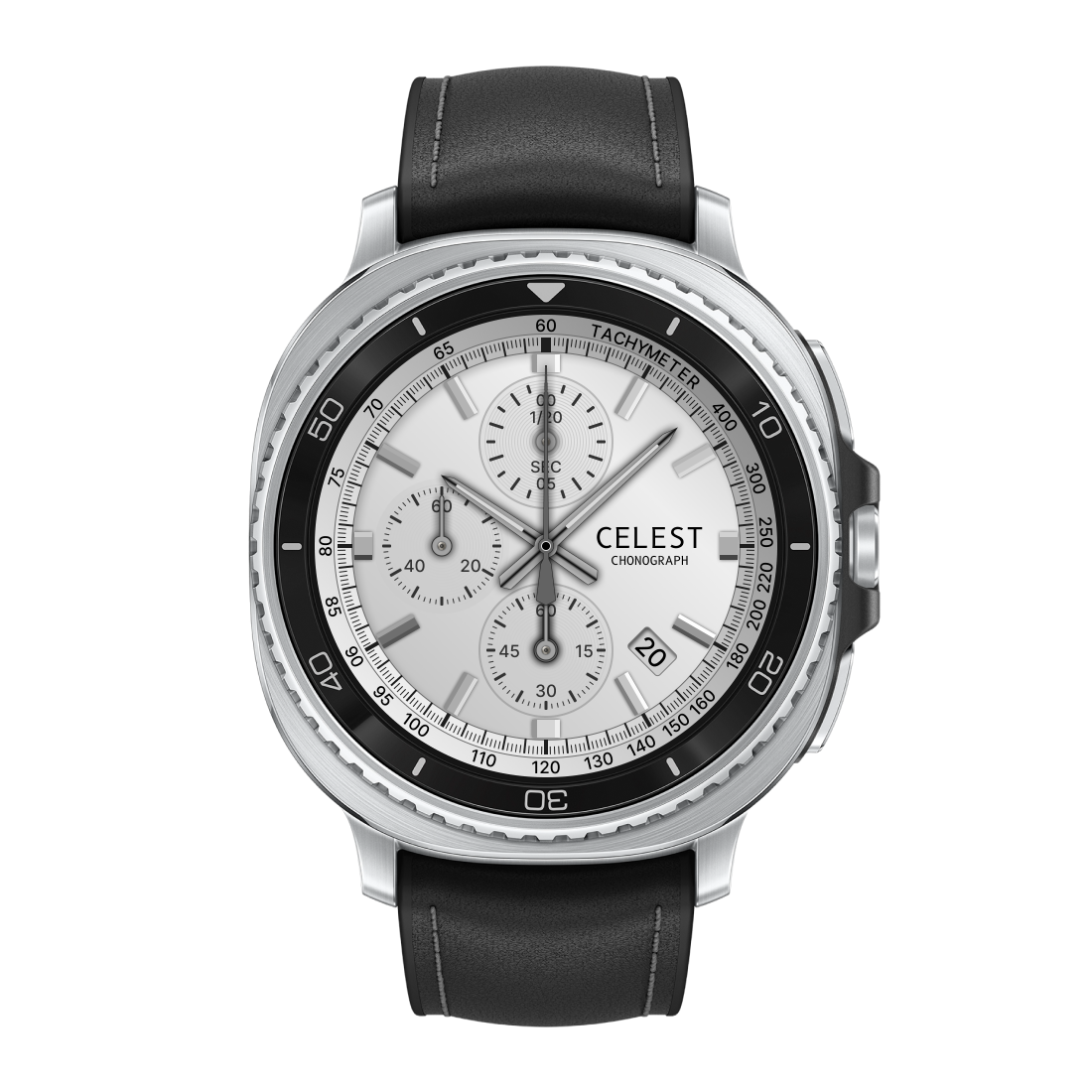
An analog chronograph face with a tachymeter bezel and three subdials, in ten colorways. The dials and pushers are wired to this app — install both and you get a real working stopwatch with start, stop, and a constant-speed reset flyback.
Install the watch face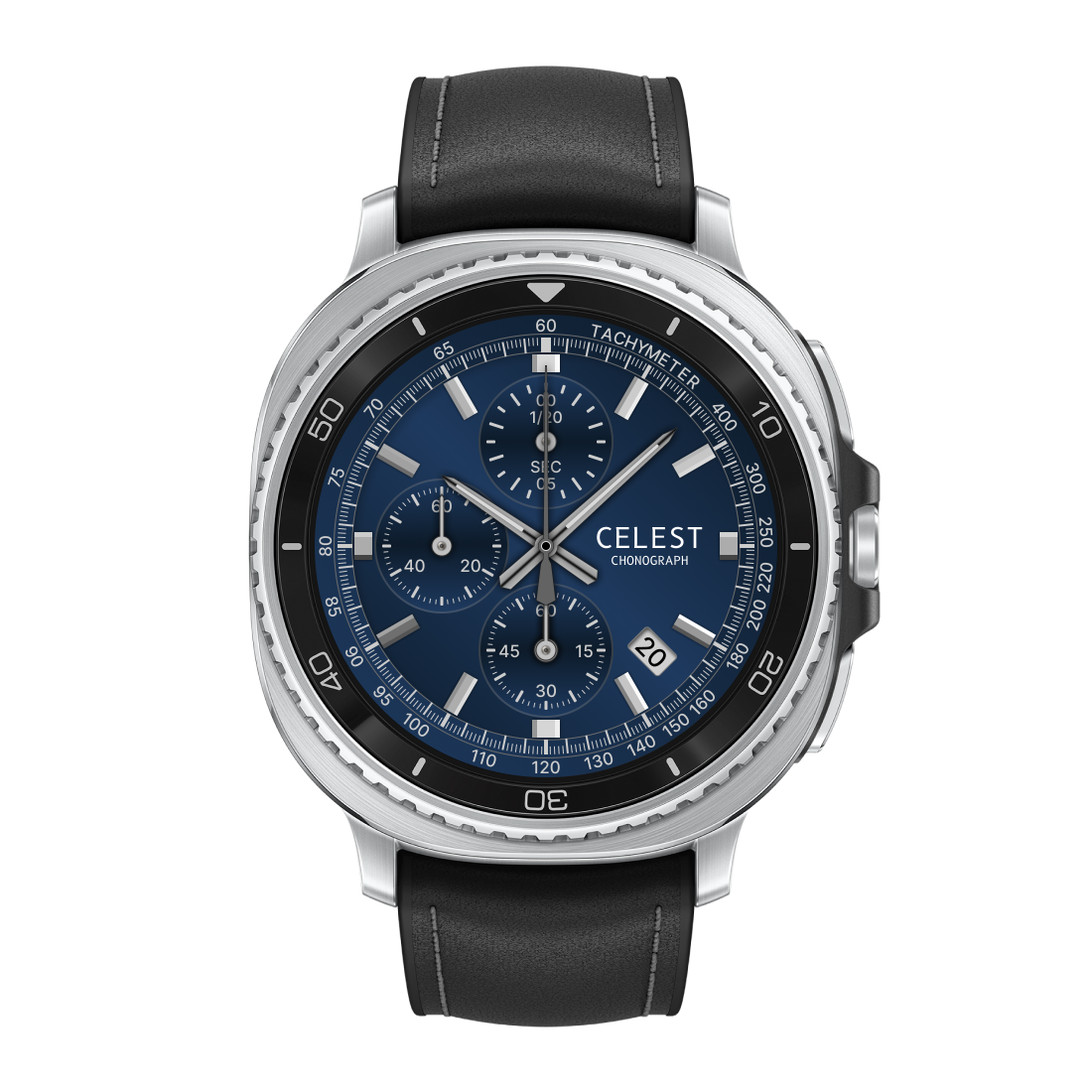
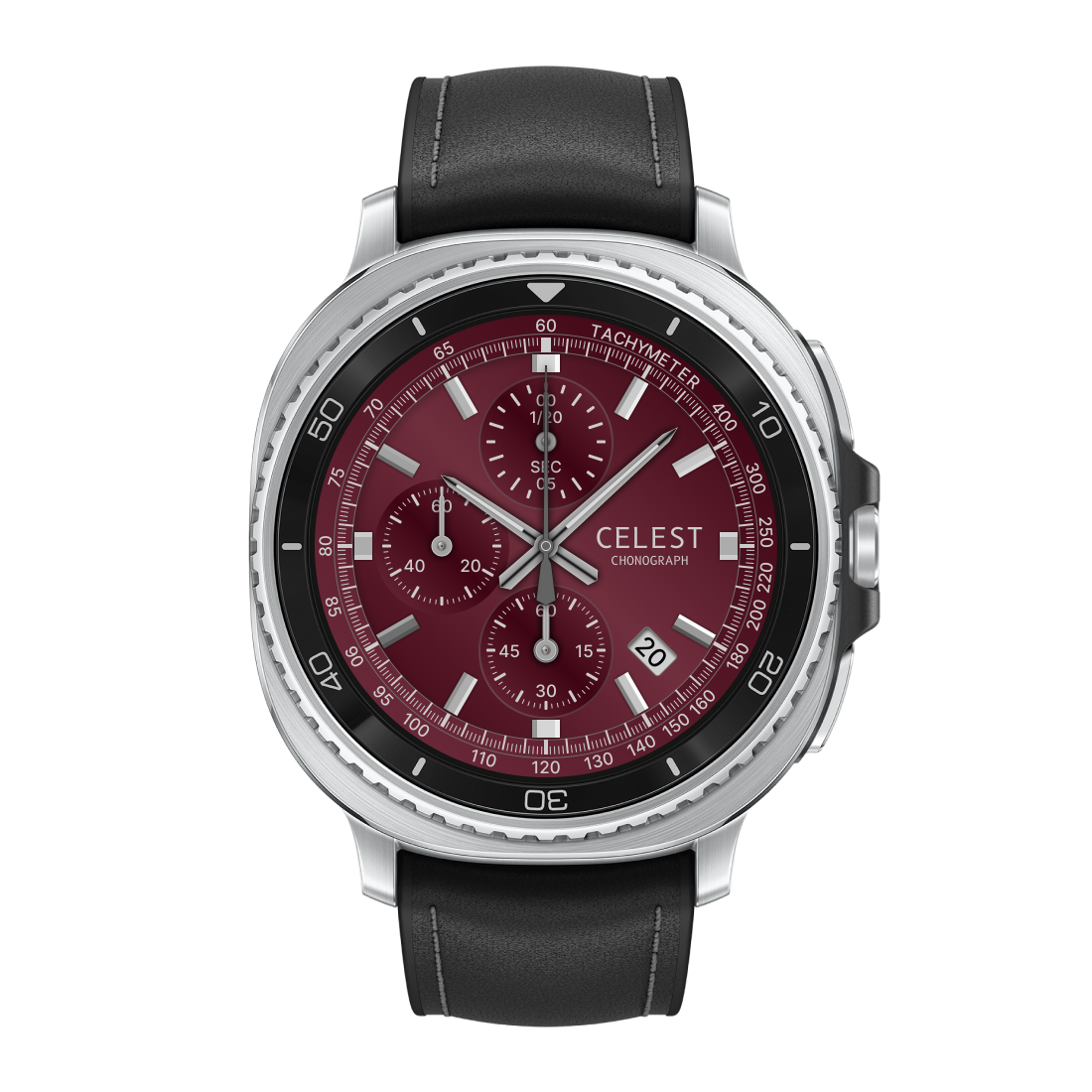
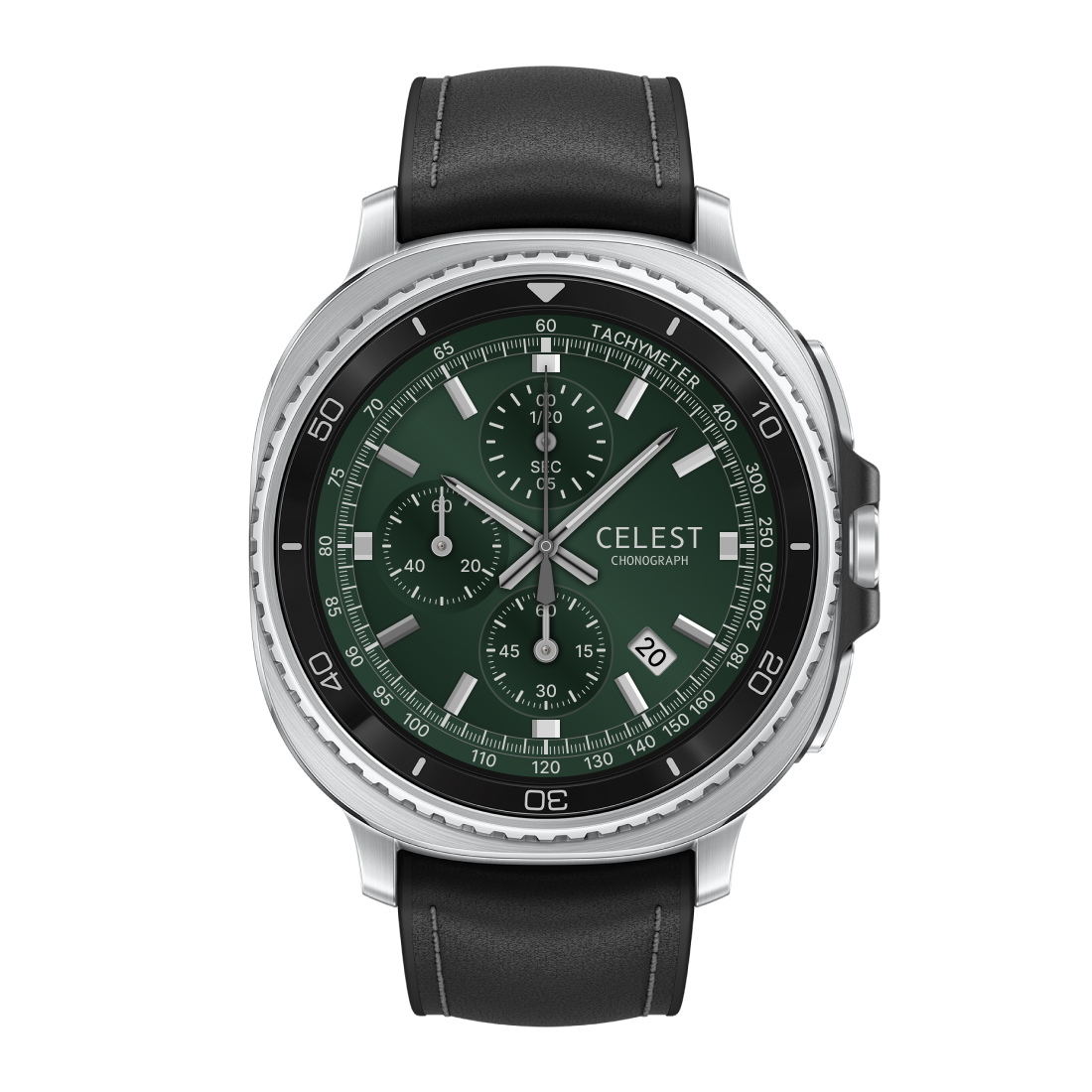
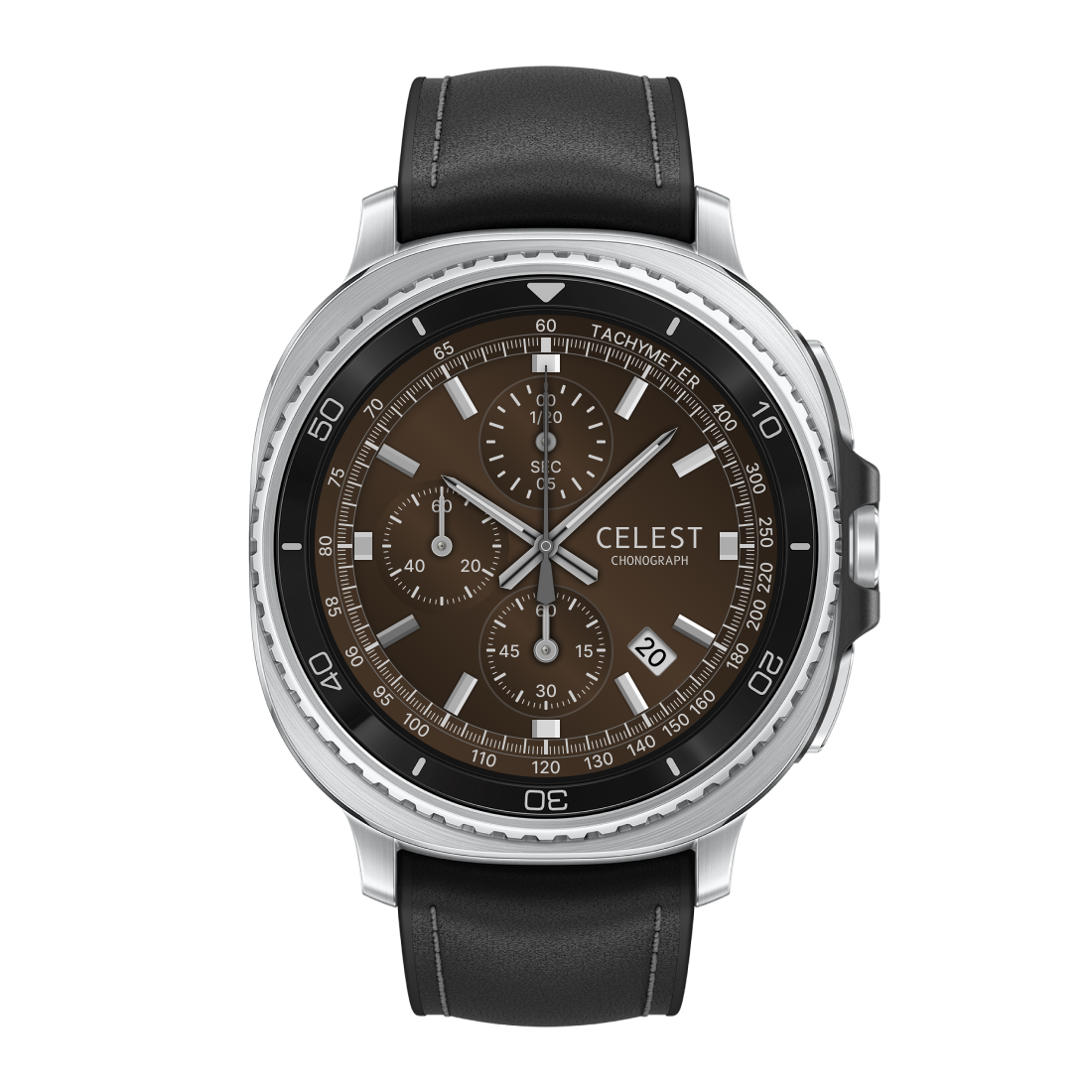
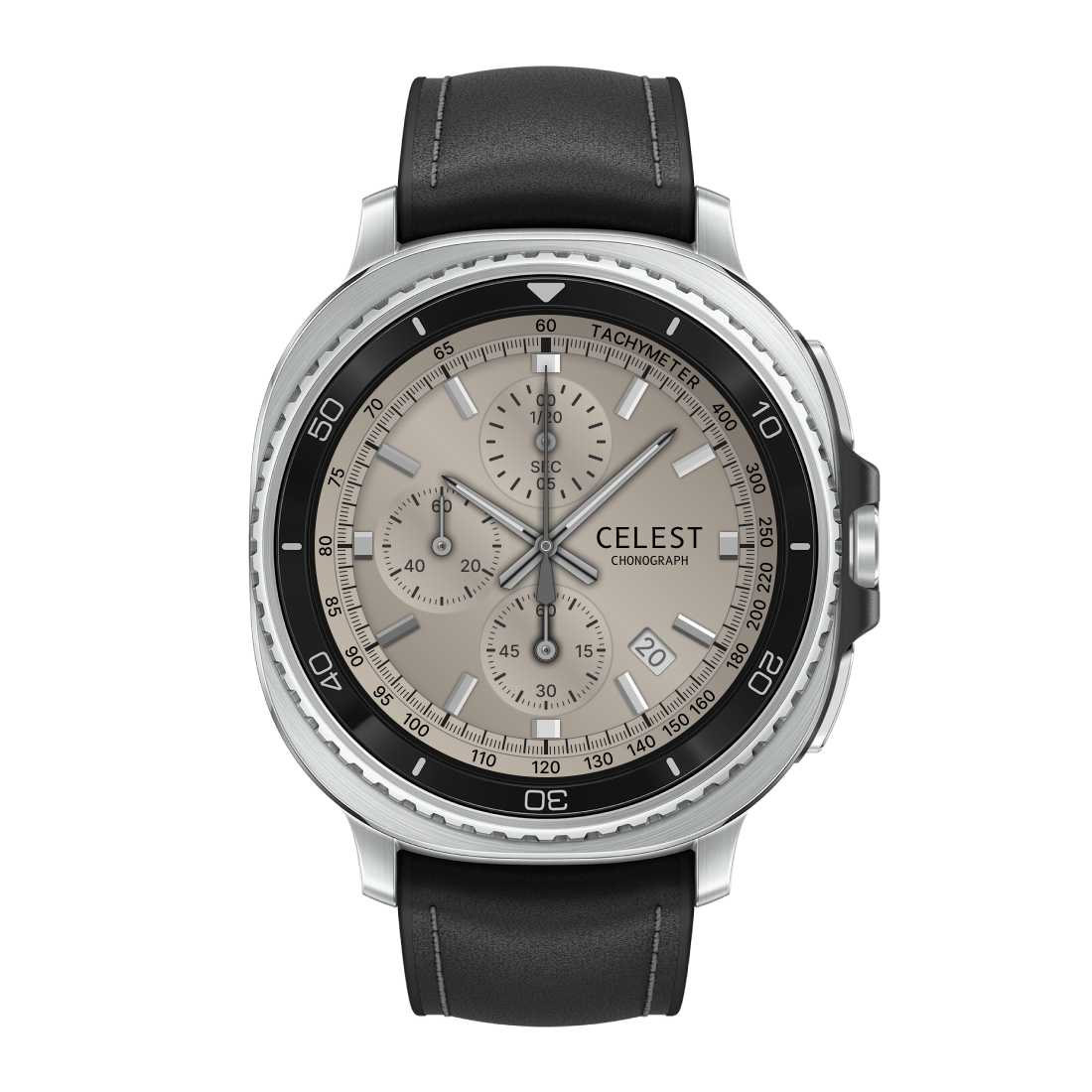
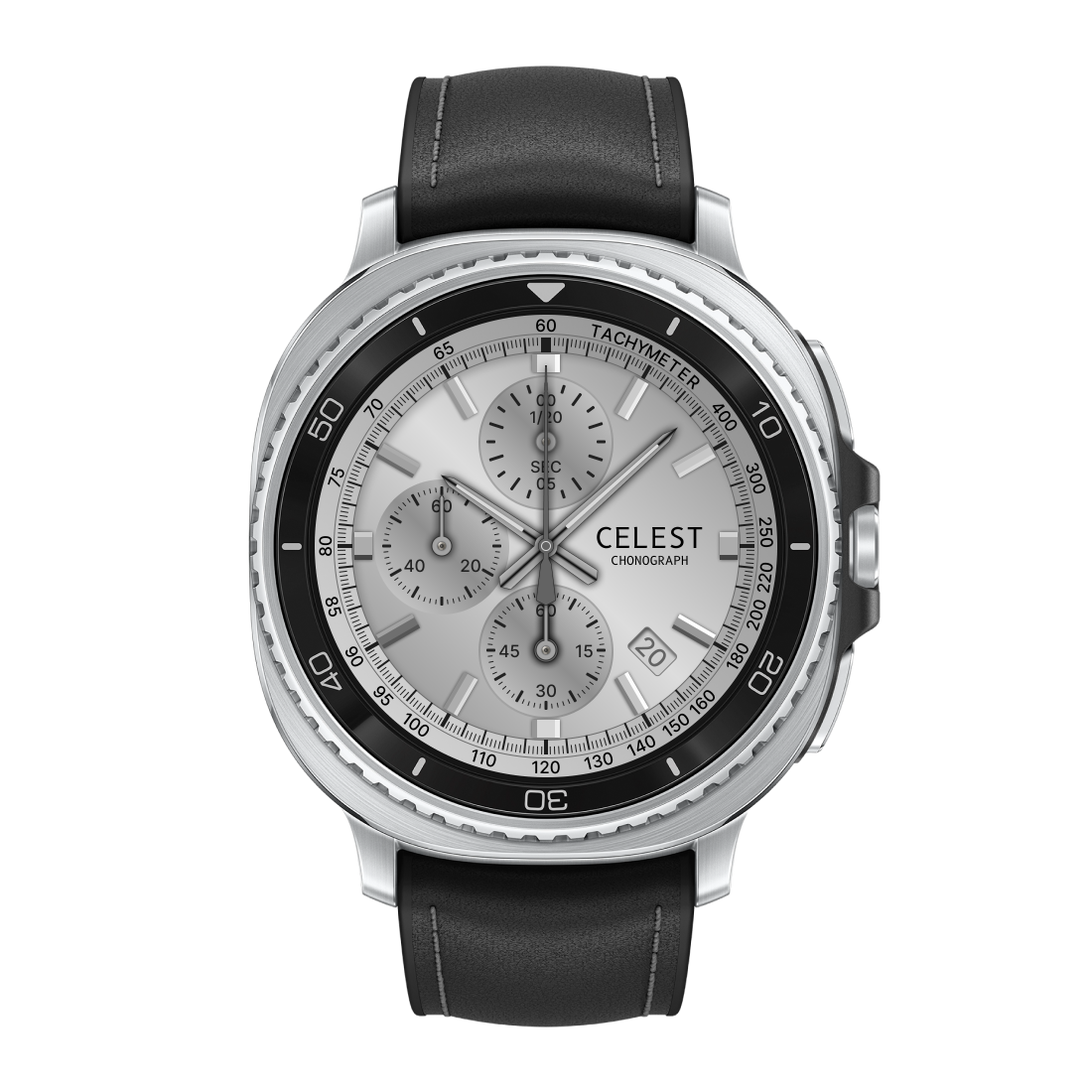
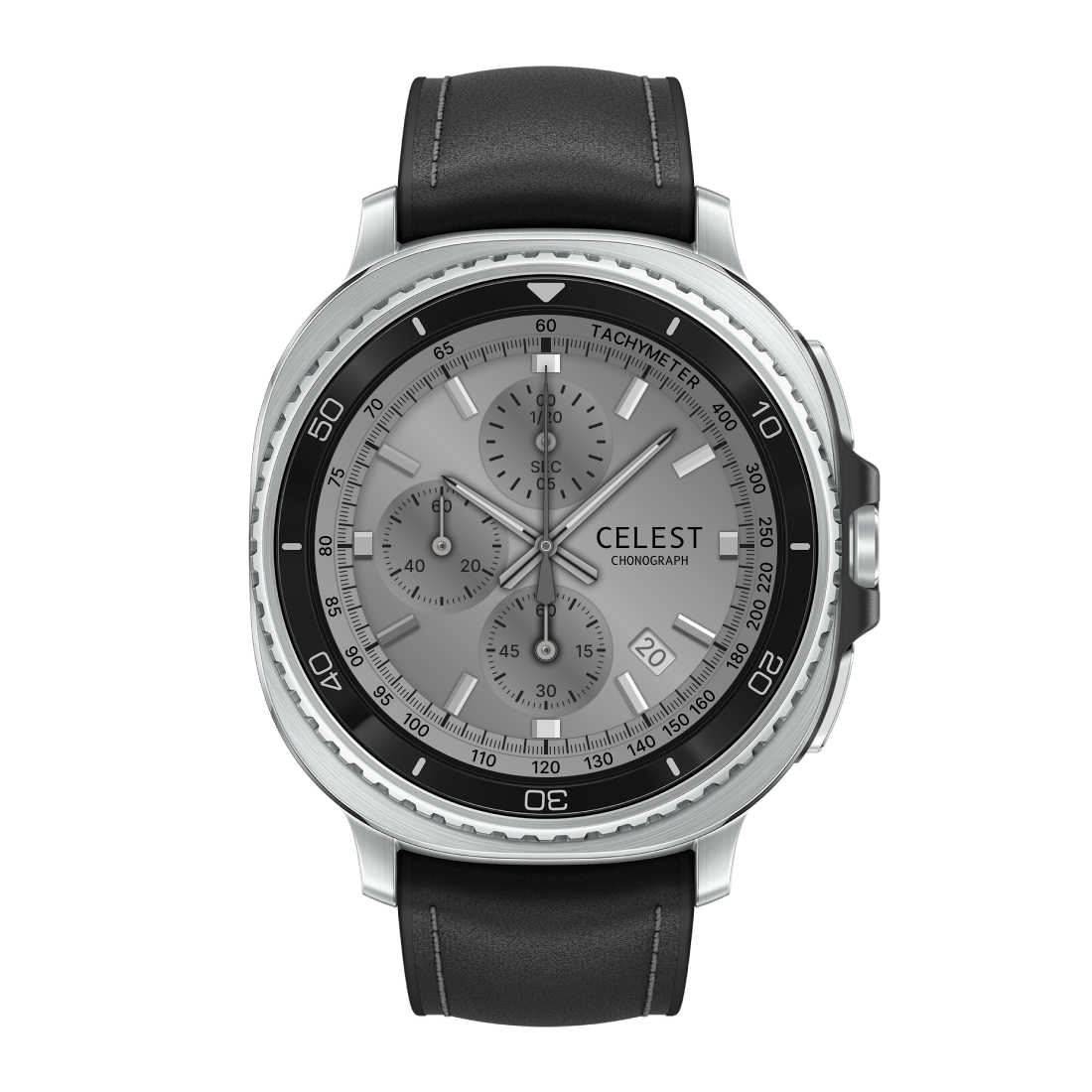
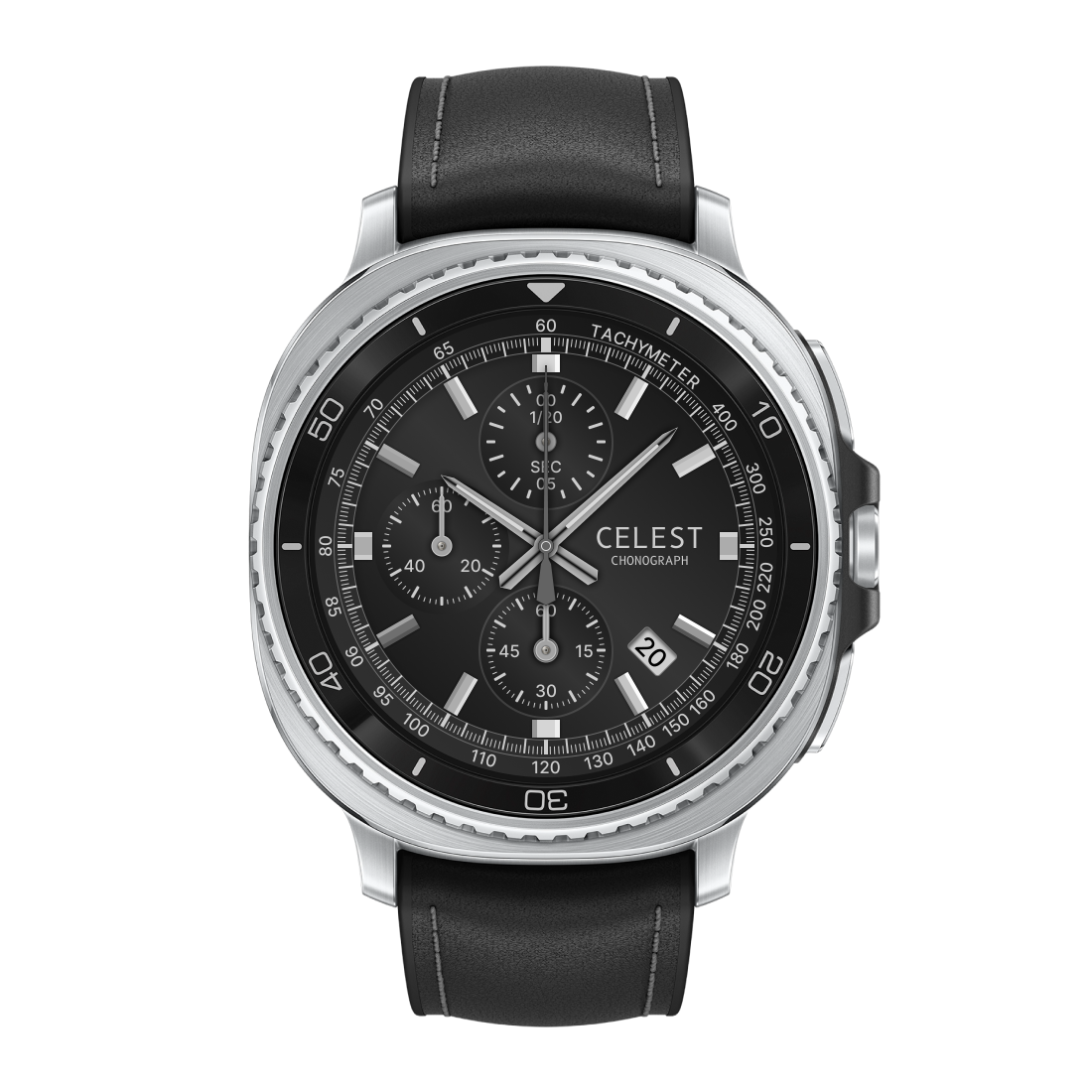
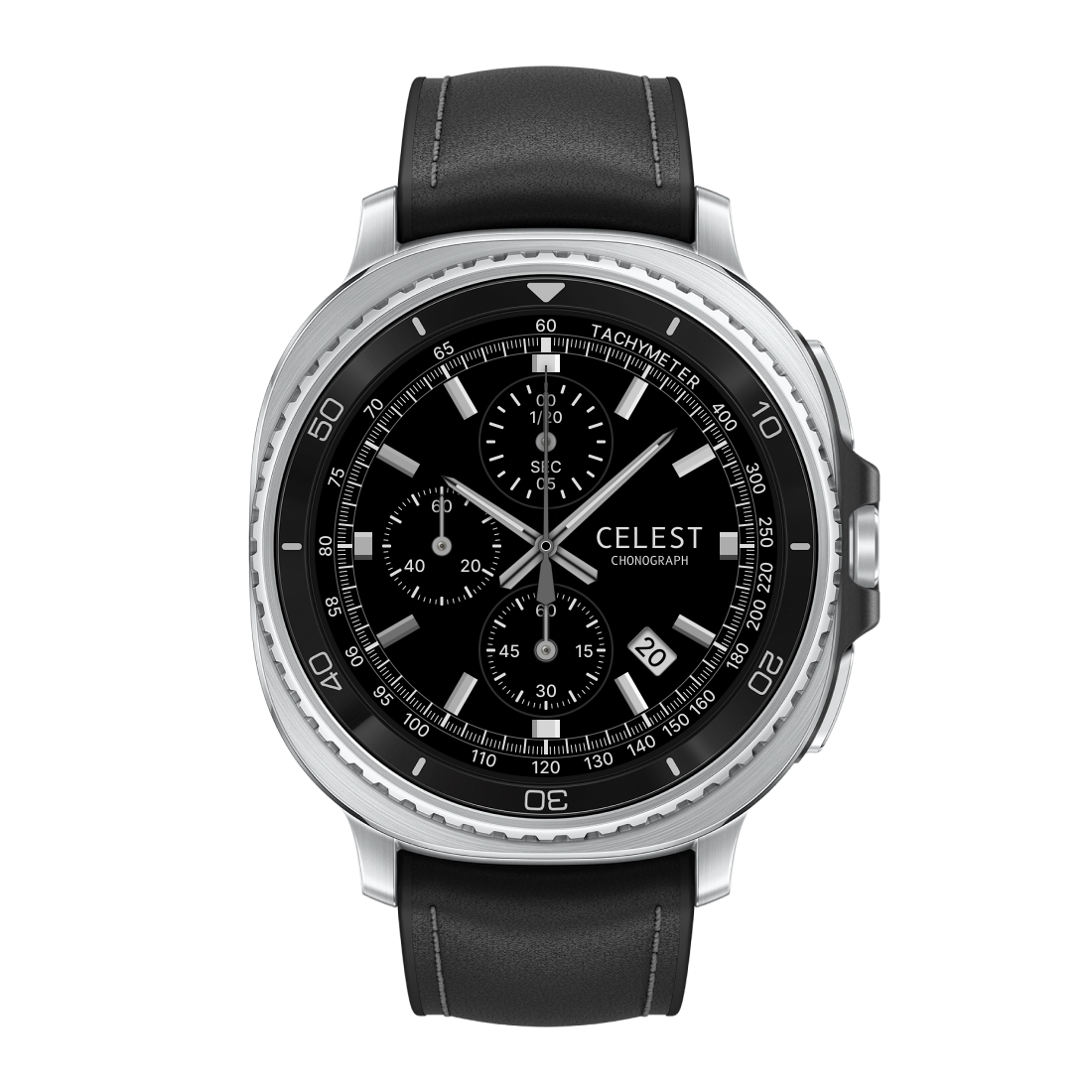
Chronograph Complication is free. The compatible watch face is sold separately. Together, they're a genuine analog racing chronograph on your wrist.