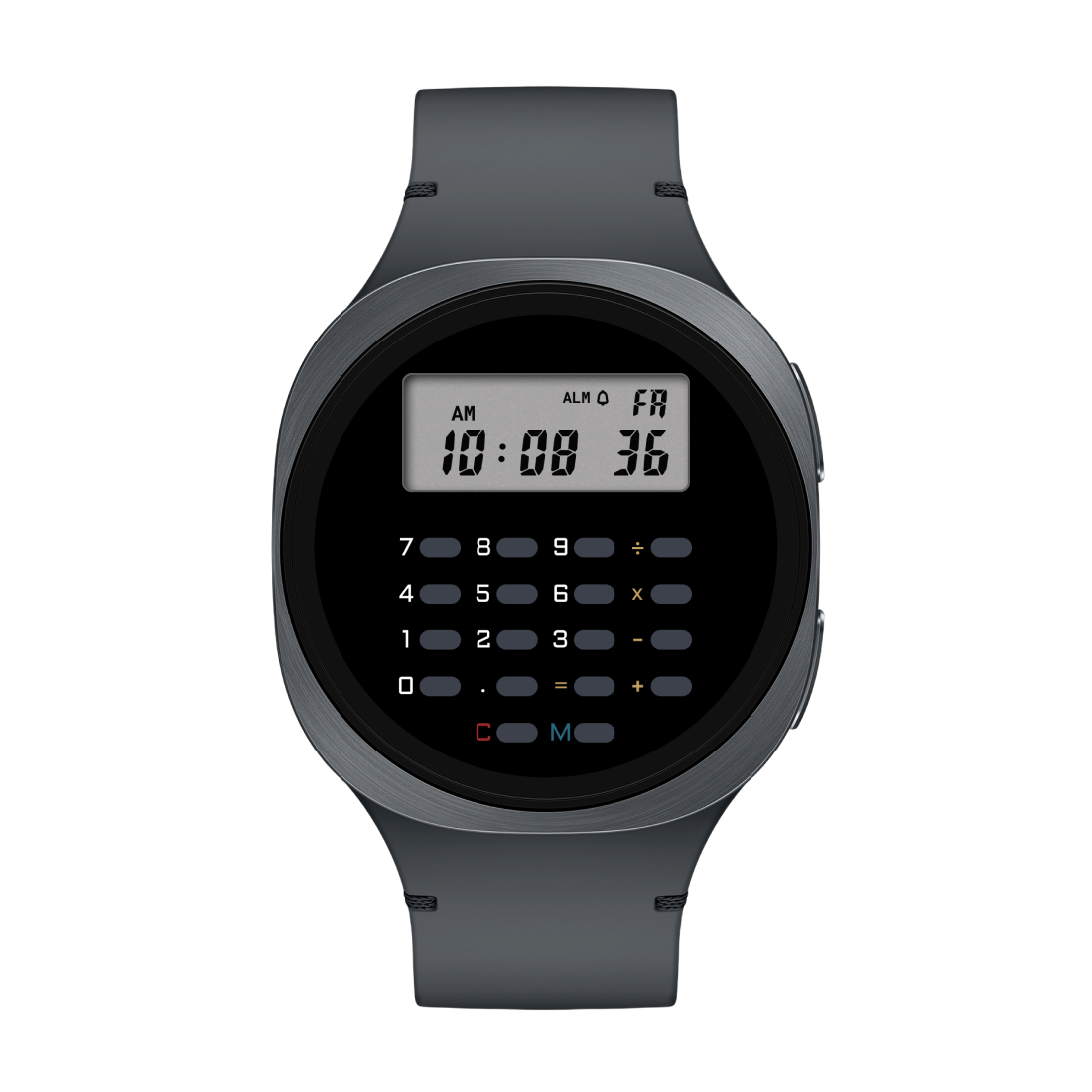
★ A WORKING CALCULATOR FOR YOUR WATCH FACE ★ ★ YES THE BUTTONS ACTUALLY WORK ★ ★ FREE ON THE PLAY STORE ★ ★ MADE BY CELEST WATCHES ★ ★ A WORKING CALCULATOR FOR YOUR WATCH FACE ★ ★ YES THE BUTTONS ACTUALLY WORK ★ ★ FREE ON THE PLAY STORE ★ ★ MADE BY CELEST WATCHES ★
▶ Welcome to 1984

Your wrist
has math
now.

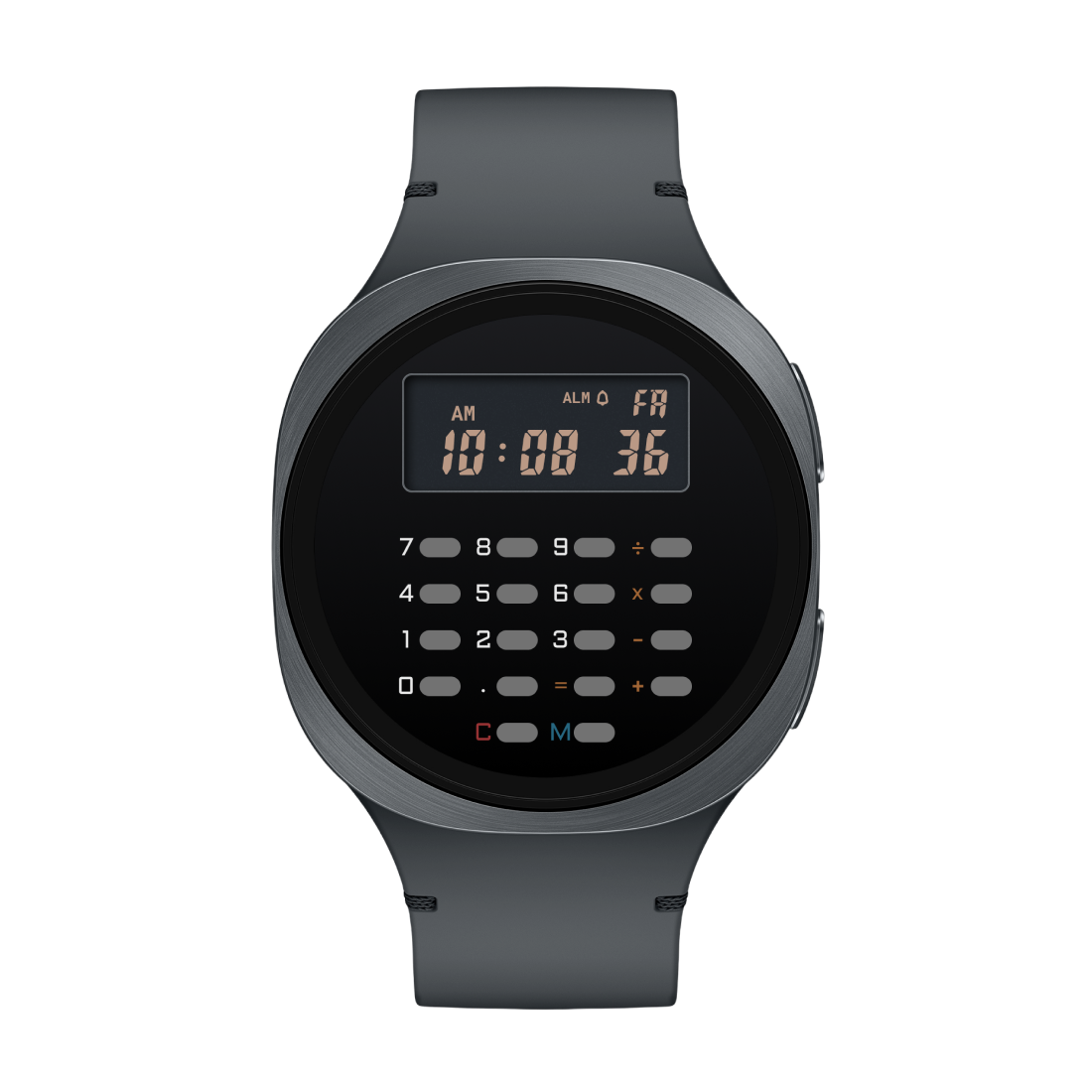
A four-function calculator that lives inside your watch face. Real arithmetic. Real precision. Real buttons that actually do things when you tap them. The future you remember from elementary school.

CELEST5659 Calculator Watch Face
▶ Important transmission

A word of caution

This app is half of a system. It does not, and cannot, do anything on its own. If you don't have a compatible watch face installed, you'll have a complication that shows you the time and nothing else.

Compatible faces only

Calculator Complication only works as part of a watch face that has calculator buttons drawn on it and wired to send taps to this app.

Generic watch faces with a complication slot will not work. The list of compatible watch faces is below. If yours isn't there, this app won't help you. Don't @ us.

▶ How it computes

Two halves. One calculator.

The buttons live on the watch face. The math lives in this app. They communicate through standard Wear OS complication taps. Both halves have to be in place for anything to compute.

01
Install the app
Calculator Complication goes onto your watch like any other Wear OS app. It's free. It does nothing yet.
02
Get a compatible face
Pick a watch face from the list below. The face has calculator buttons drawn around its complication slot.
03
Wire them up
On the watch face, set the long-text complication slot to "Calculator Complication". Tap a button. The math happens.
▶ What it computes

Real four-function math

Modeled on the vintage 8-digit pocket calculators of the 80s. The kind that did one thing and did it correctly.

▶ 01
Add Subtract Multiply Divide
The four operations every calculator should have. Decimal entry up to 8 character cells, including the dot.
▶ 02
Repeat with =
After 4 + 3 = 7, press = again to add 3 again. The constant pair stays armed until you do something else. Just like the originals.
▶ 03
Power calculations
Press × twice with no number between them to arm a left constant. 3 × × = gives 9. Again gives 27. Again gives 81. Free your wrist from logarithms.
▶ 04
Honest error handling
Divide by zero? E. Overflow past 8 digits? E. Underflow toward zero? E. Press C to clear the error and carry on.
▶ 05
12 or 24-hour time
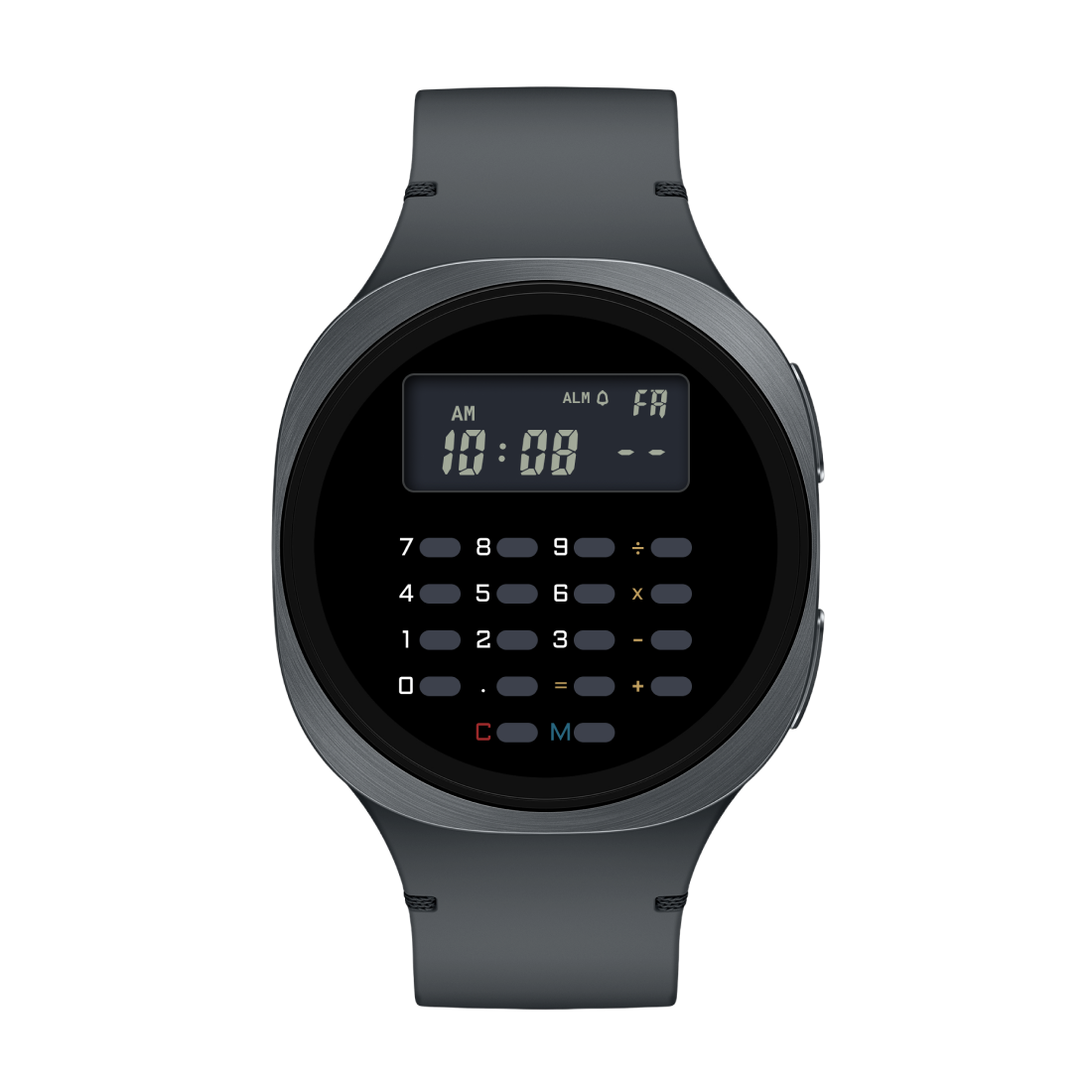
When idle, the complication shows the time of day. Follows your watch's own format setting. Tap any digit to switch into calculator mode.
▶ 06
Survives everything
Screen off, watch reboot, app killed by the system — your calculation is still there when you come back. Pick up where you left off.
▶ Pair with

Compatible watch faces

Watch faces designed to drive Calculator Complication. Without one of these, the app shows the time and that's it.

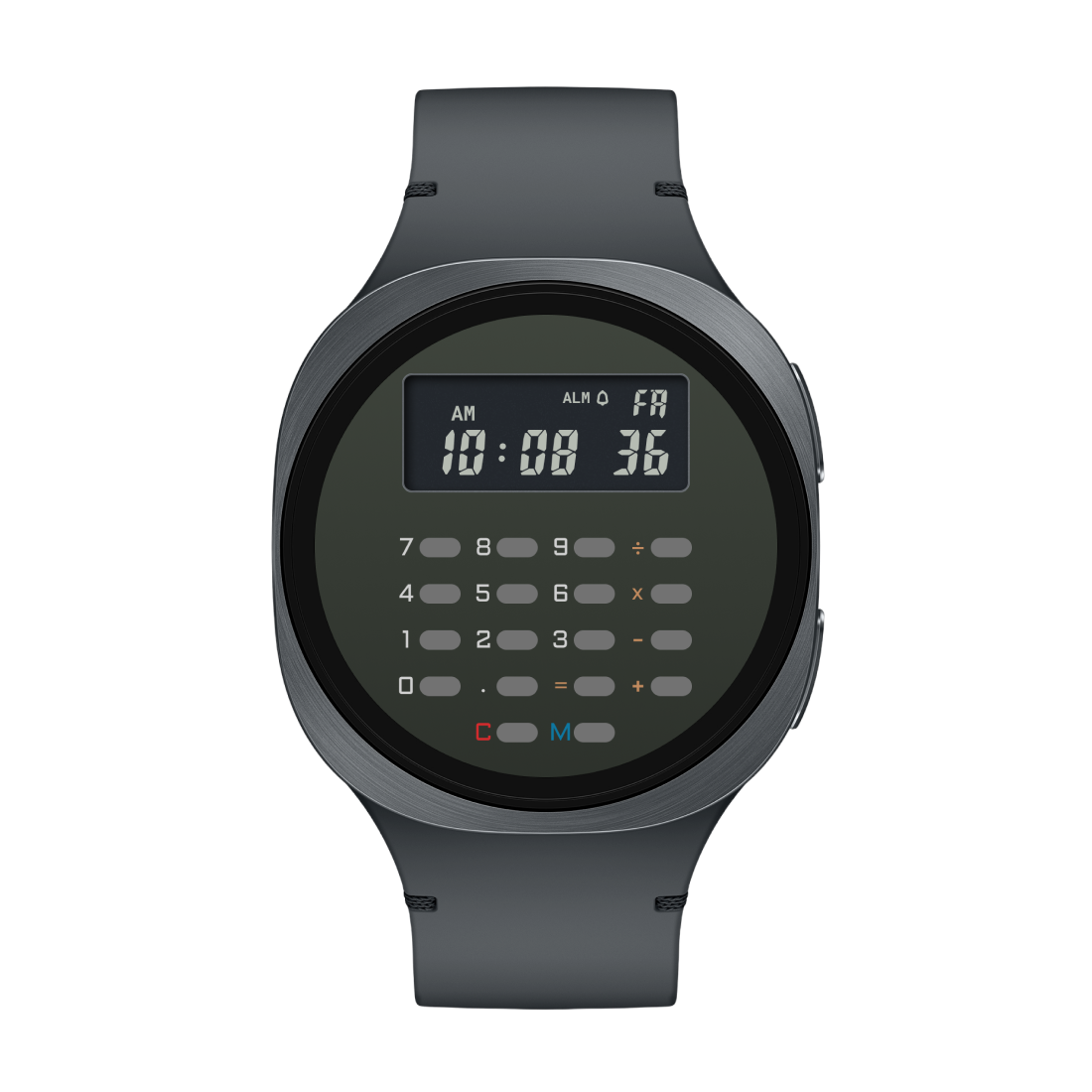
CELEST5659 Retro Digital Watch
CELEST
CELEST5659 Retro Digital Watch
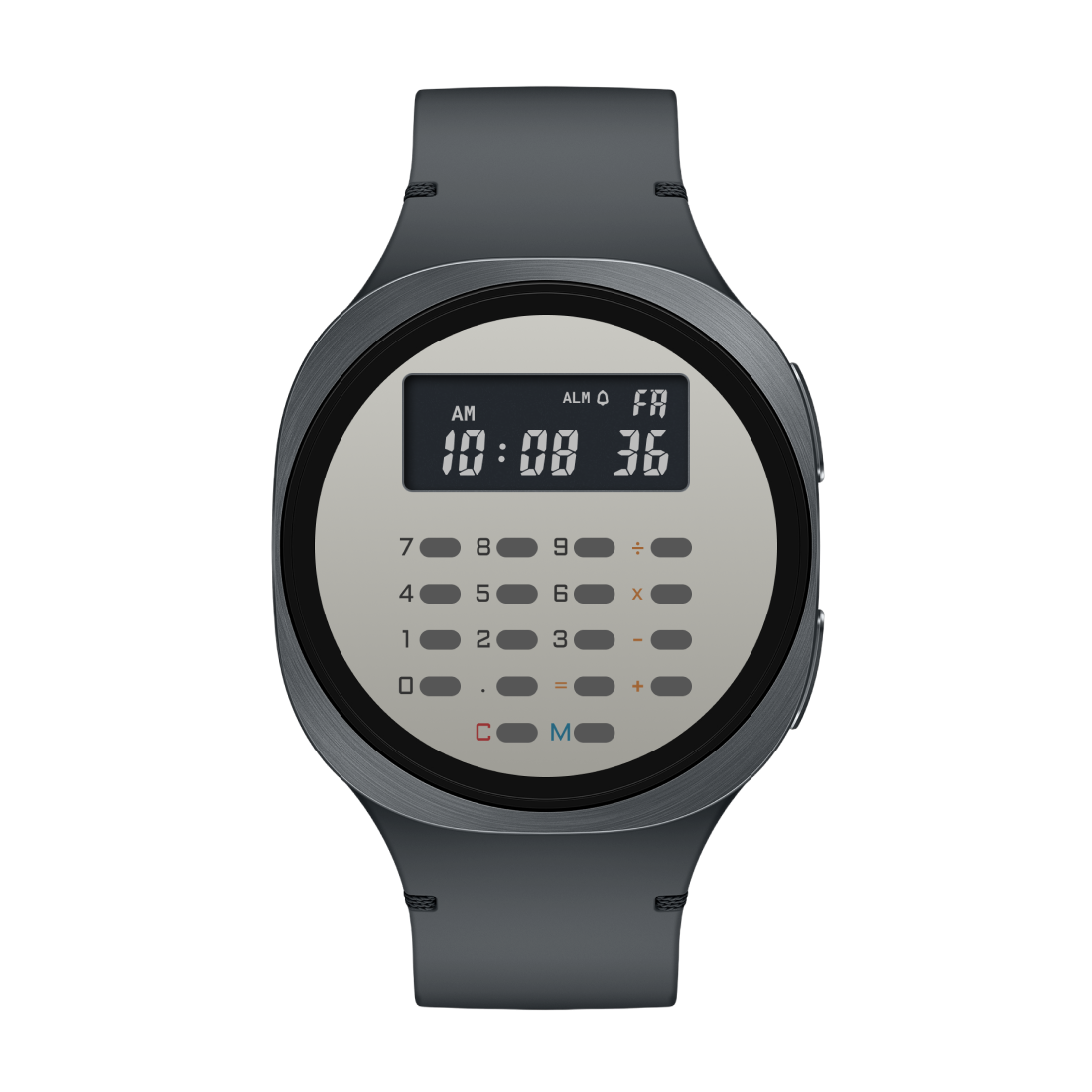
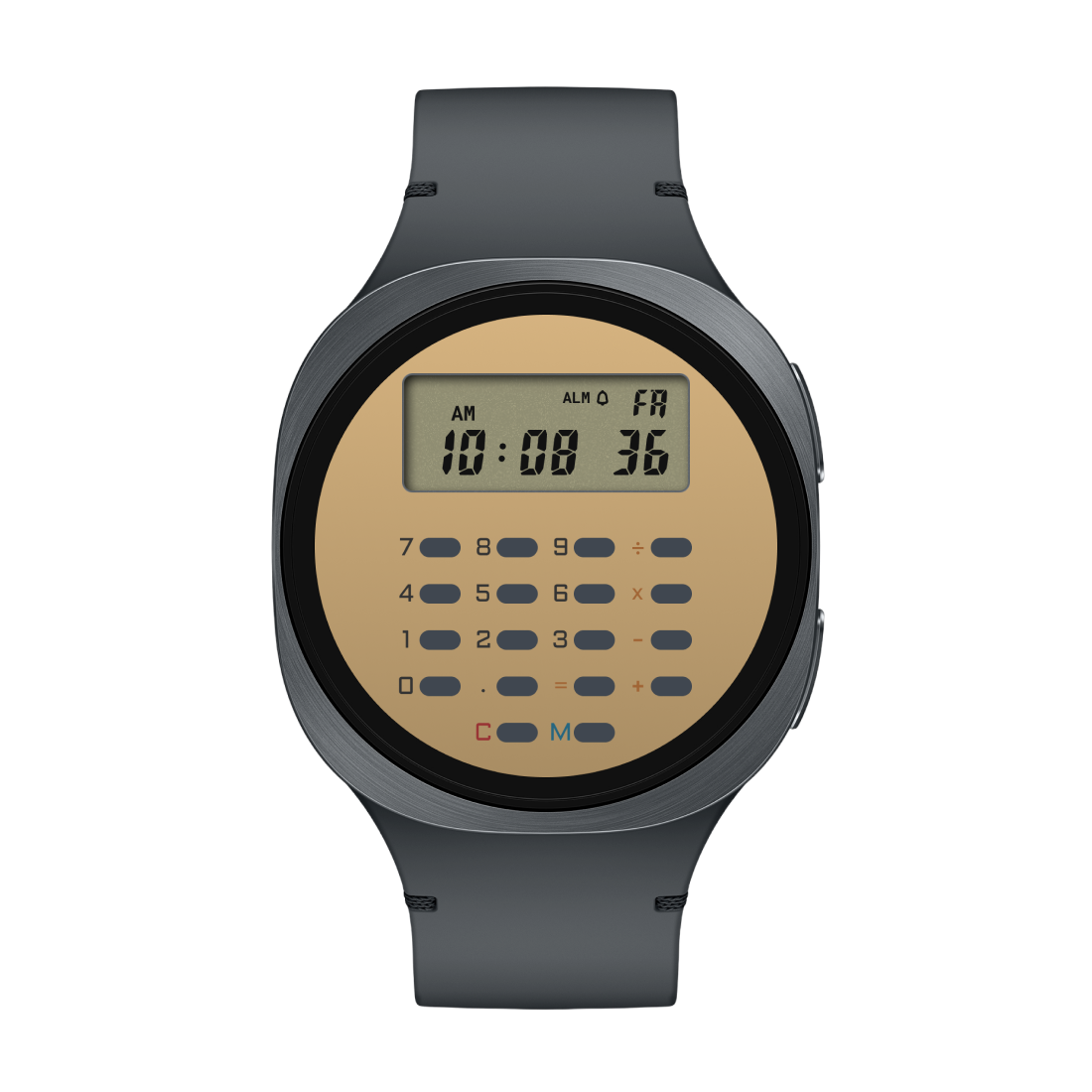
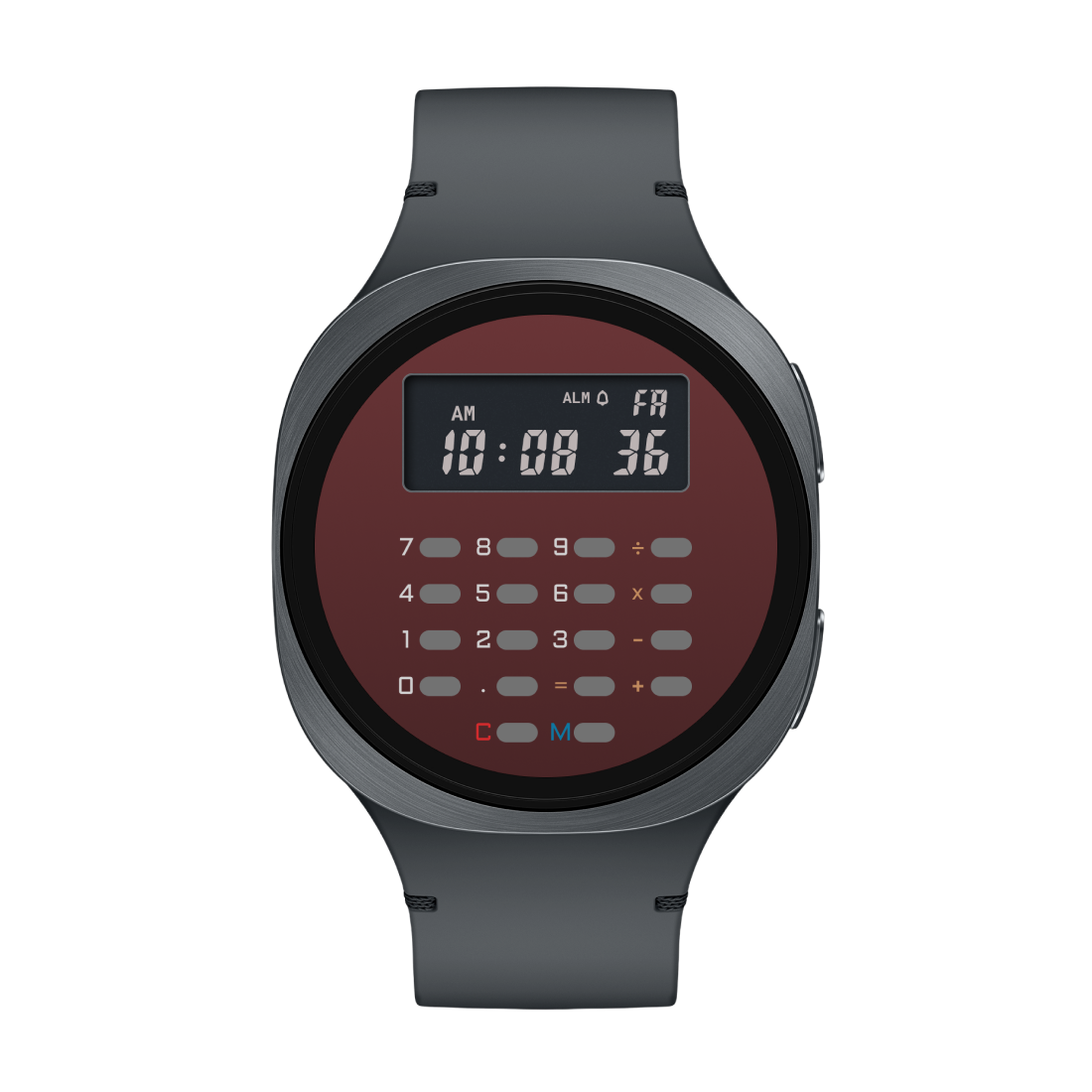
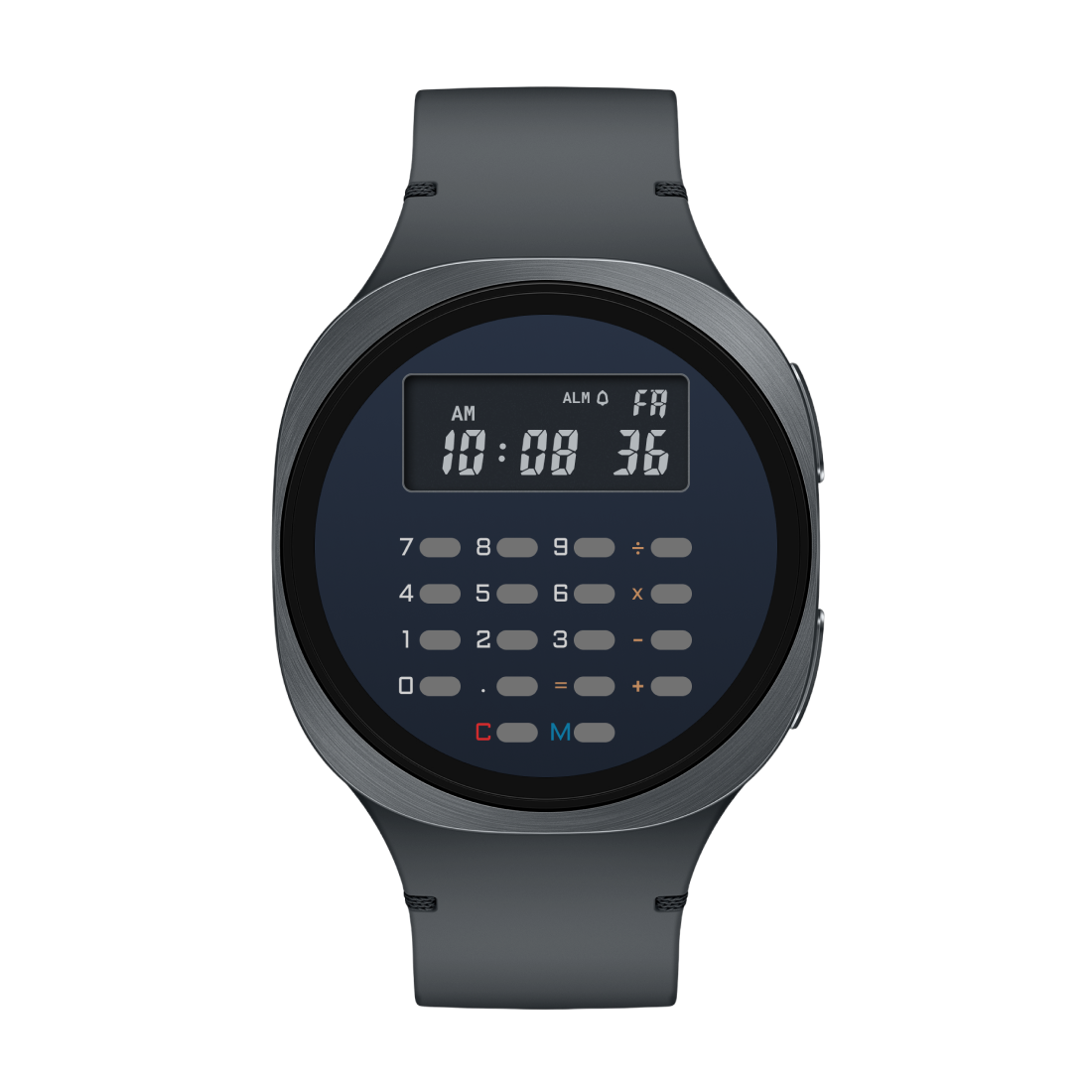
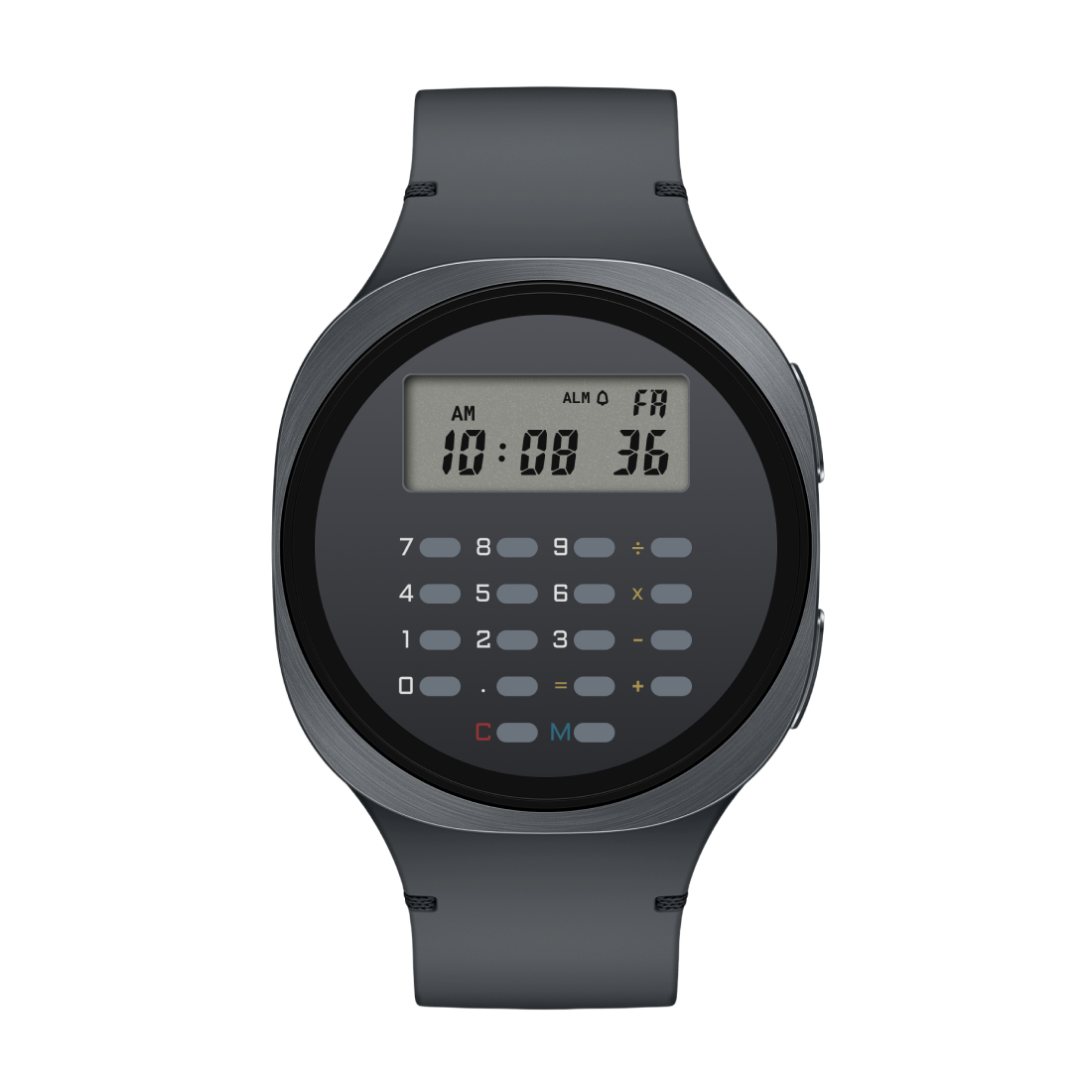
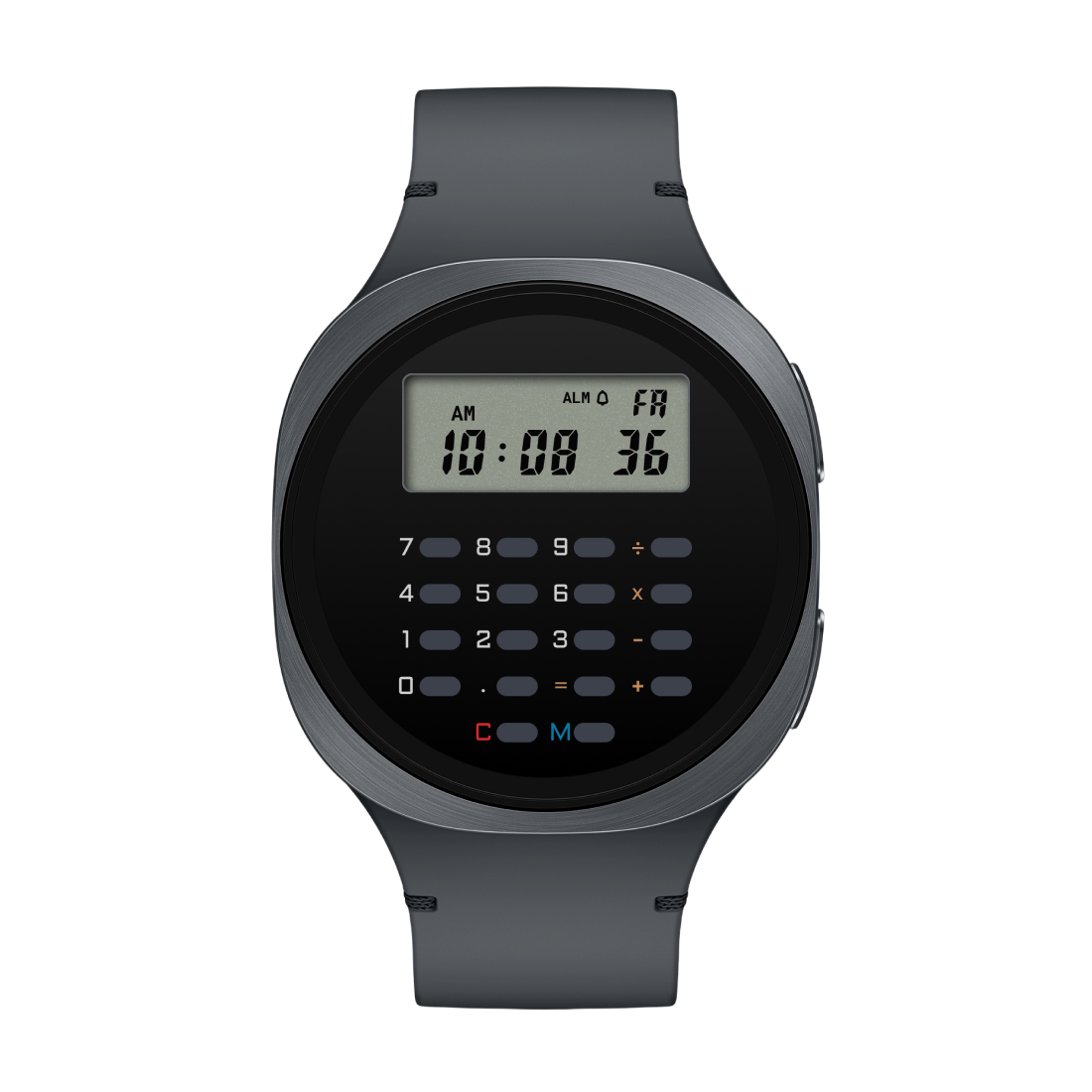
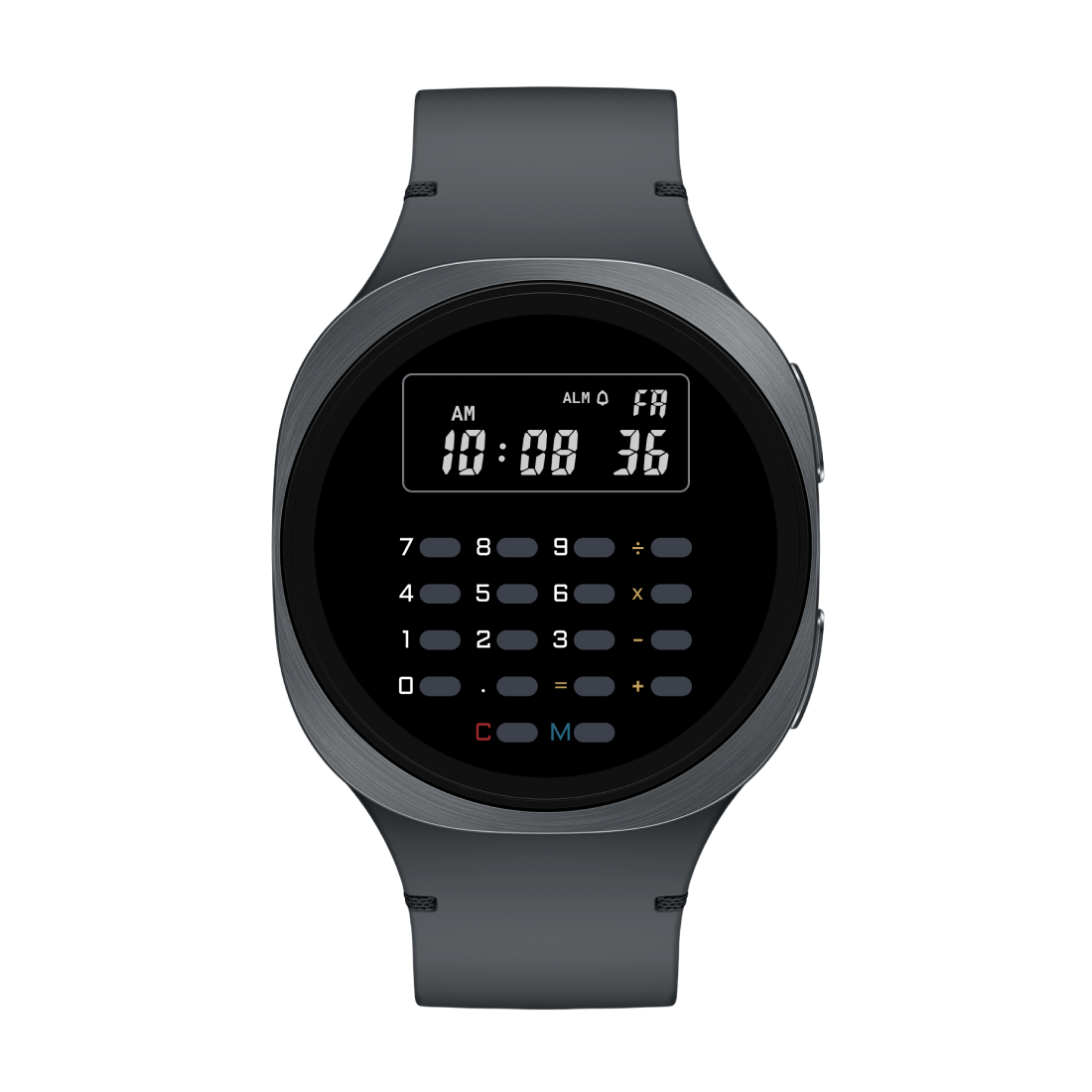
A digital watch face styled after the calculator watches of the 80s. 10 background colors × 10 display ink colors. Alarm-bell shortcut to your watch's alarm app, weekday shortcut to calendar.
Install on Play Store →
▶ CELEST5659 — colorways
Variation 0 Variation 1 Variation 2 Variation 3 Variation 4 Variation 5 Variation 6 Variation 7 Variation 8 Variation 9 Variation 10
▶ Receipts

vs. the rest of the store

Most "calculator watch faces" are decoration. They have buttons drawn on them. They have numbers on the display. None of it does anything.

This app
Decorative faces
Buttons that respond to taps
● Yes
○ No
Real arithmetic
● Yes
○ No
Switches between time and calculator
● Yes
○ No
Looks like a real 80s calculator watch
● Yes
○ Sometimes
Survives screen-off / reboot
● Yes
○ N/A

Install both halves.
Do some math.

Calculator Complication is free. Compatible watch faces are sold separately by their creators. Together they're the calculator your watch wishes it had.